







Question: Lab 5.4 Change Counting Direction Expand the design to toggle the direction of counting based on the position of SW[8]. Is SW[8] is in
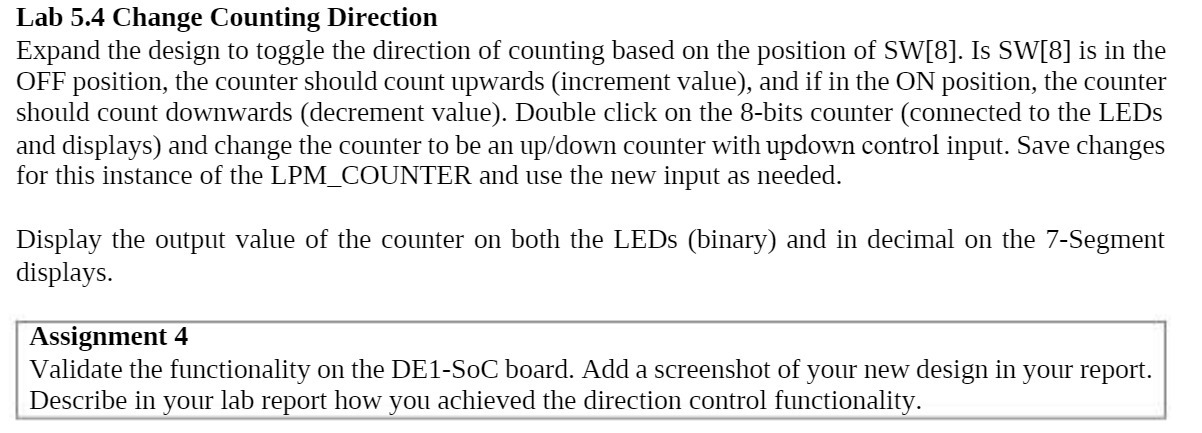
Lab 5.4 Change Counting Direction Expand the design to toggle the direction of counting based on the position of SW[8]. Is SW[8] is in the OFF position, the counter should count upwards (increment value), and if in the ON position, the counter should count downwards (decrement value). Double click on the 8-bits counter (connected to the LEDs and displays) and change the counter to be an up/down counter with updown control input. Save changes for this instance of the LPM_COUNTER and use the new input as needed. Display the output value of the counter on both the LEDs (binary) and in decimal on the 7-Segment displays. Assignment 4 Validate the functionality on the DE1-SoC board. Add a screenshot of your new design in your report. Describe in your lab report how you achieved the direction control functionality.
Step by Step Solution
There are 3 Steps involved in it

Get step-by-step solutions from verified subject matter experts
 Study Help