







Question: Lab 7 Assignment for CS 111 Lavw Lab Date: Tuesday, October 23, 2018 Lab 7 of Fall 2018 semester Due: 11:59 pm Thursday Learning Objective
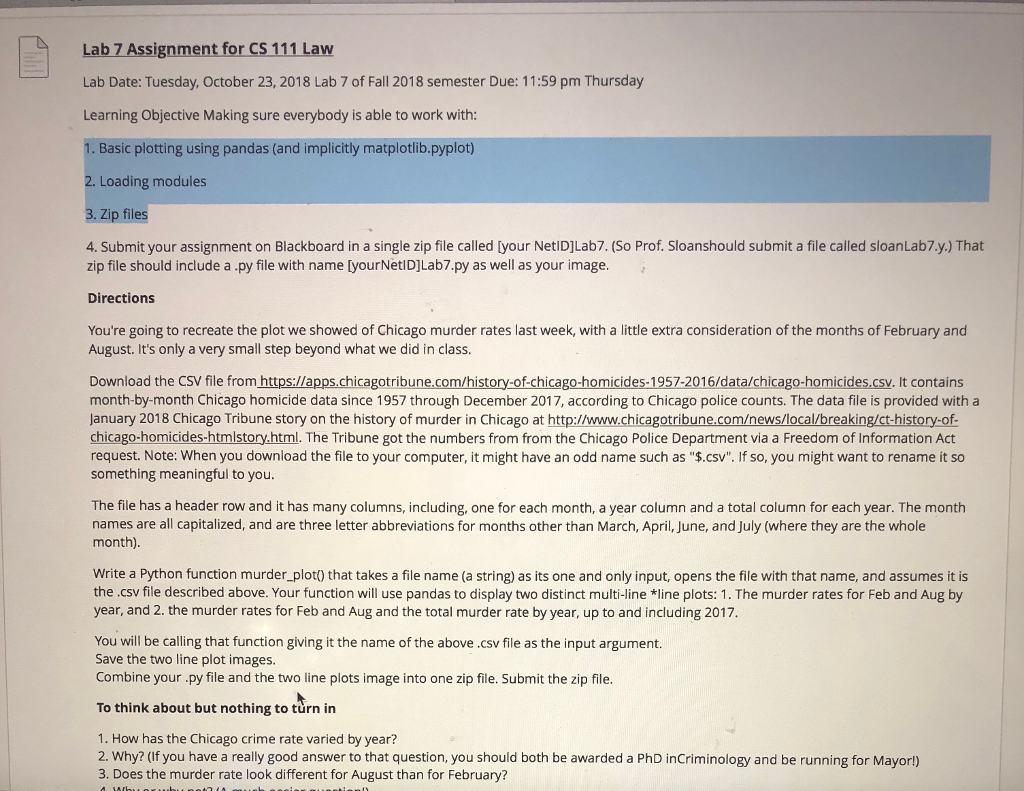
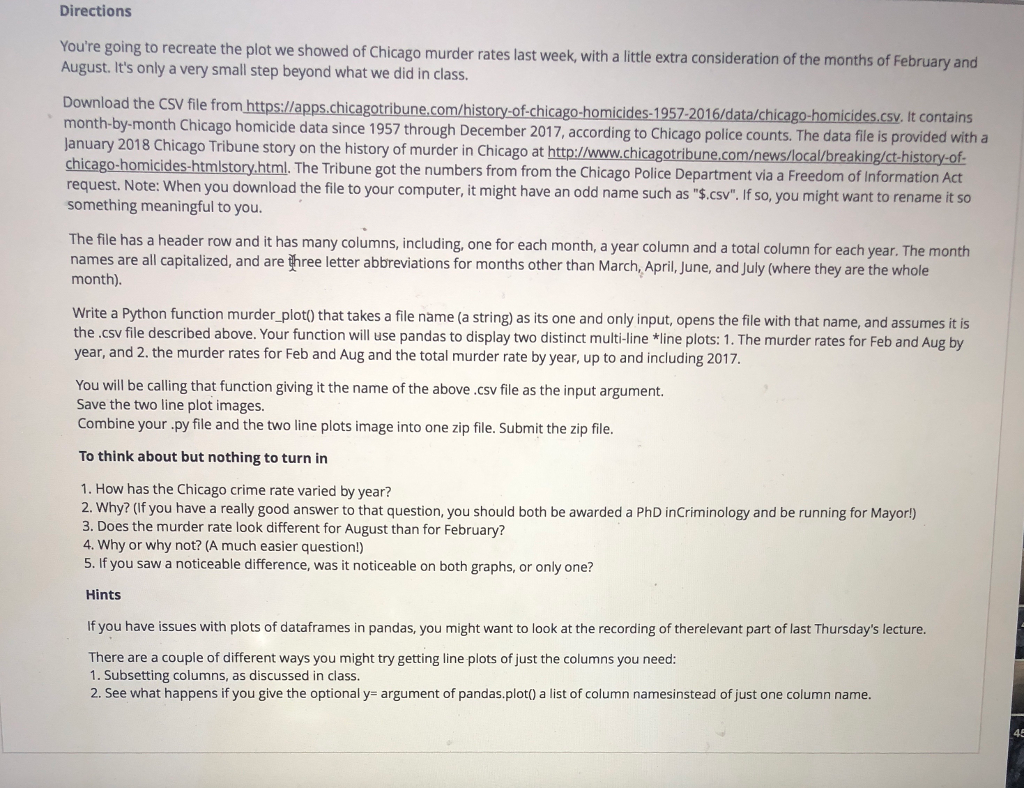
Lab 7 Assignment for CS 111 Lavw Lab Date: Tuesday, October 23, 2018 Lab 7 of Fall 2018 semester Due: 11:59 pm Thursday Learning Objective Making sure everybody is able to work with: Basic plotting using pandas (and implicitly matplotlib.pyplot) 2. Loading modules 3. Zip files 4. Submit your assignment on Blackboard in a single zip file called [your NetiDjLab7. (So Prof. Sloanshould submit a file called sloanLab7.y.) That zip file should include a.py file with name [yourNetlD]Lab7.py as well as your image Directions You're going to recreate the plot we showed of Chicago murder rates last week, with a little extra consideration of the months of February and August. It's only a very small step beyond what we did in class. Download the CSV file from https:/lapps.chicagotribune.com/history-of-chicago-homicides-1957-2016/data/chicago-homicides.csv. It contains month-by-month Chicago homicide data since 1957 through December 2017, according to Chicago police counts. The data file is provided with a January 2018 Chicago Tribune story on the history of murder in Chicago at http://www.chicagotribune.comews/local/breaking/ct-history-of icides-htmlstory.html. The Tribune got the numbers from from the Chicago Police Department via a Freedom of Information Act request. Note: When you download the file to your computer, it might have an odd name such as "$.csv". If so, you might want to rename it so something meaningful to you The file has a header row and it has many columns, including, one for each month, a year column and a total column for each year. The month names are all capitalized, and are three letter abbreviations for months other than March, April, June, and July (where they are the whole month) Write a Python function murder_plot) that takes a file name (a string) as its one and only input, opens the file with that name, and assumes it is the .csv file described above. Your function will use pandas to display two distinct multi-line *line plots: 1. The murder rates for Feb and Aug by year, and 2. the murder rates for Feb and Aug and the total murder rate by year, up to and including 2017 You will be calling that function giving it the name of the above .csv file as the input argument. Save the two line plot images Combine your py file and the two line plots image into one zip file. Submit the zip file To think about but nothing to turn in 1. How has the Chicago crime rate varied by year? 2. Why? (If you have a really good answer to that question, you should both be awarded a PhD inCriminology and be running for Mayorl) 3. Does the murder rate look different for August than for February
Step by Step Solution
There are 3 Steps involved in it

Get step-by-step solutions from verified subject matter experts
 Study Help