







Question: Lab Exercise for Part B Command Line Tools: (80 mks) Use the command line to answer the questions in this section: Use the WIN +
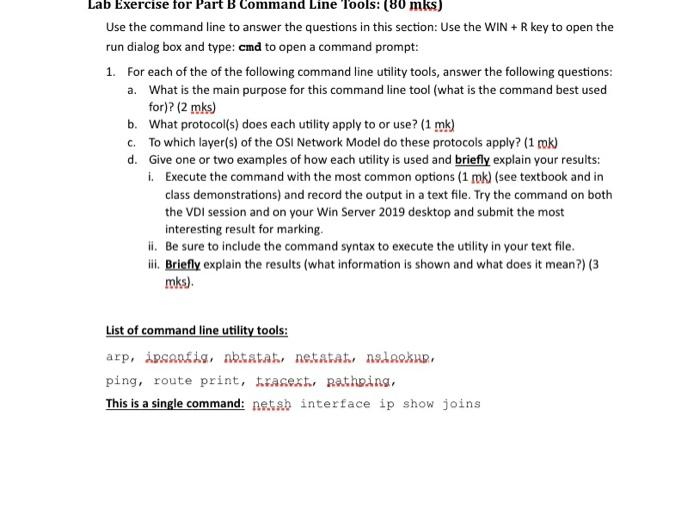
Lab Exercise for Part B Command Line Tools: (80 mks) Use the command line to answer the questions in this section: Use the WIN + R key to open the run dialog box and type: cmd to open a command prompt: 1. For each of the of the following command line utility tools, answer the following questions: a. What is the main purpose for this command line tool (what is the command best used for)? (2 mks) b. What protocol(s) does each utility apply to or use? (1 mk) c. To which layer(s) of the OSI Network Model do these protocols apply? (1 rok) d. Give one or two examples of how each utility is used and briefly explain your results: I. Execute the command with the most common options (1 rok) (see textbook and in class demonstrations) and record the output in a text file. Try the command on both the VDI session and on your Win Server 2019 desktop and submit the most interesting result for marking. I. Be sure to include the command syntax to execute the utility in your text file. Ill. Briefly explain the results (what information is shown and what does it mean?) (3 mks). List of command line utility tools: arp, ipsanie, nbtstab netatat nslaokup, ping, route print, frasextu Rathing This is a single command: netsb interface ip show joins
Step by Step Solution
There are 3 Steps involved in it

Get step-by-step solutions from verified subject matter experts
 Study Help