Question: Lab Homework #1: The Student Records In this homework assignment, we are going to study the structure and vector data structure. You are given a
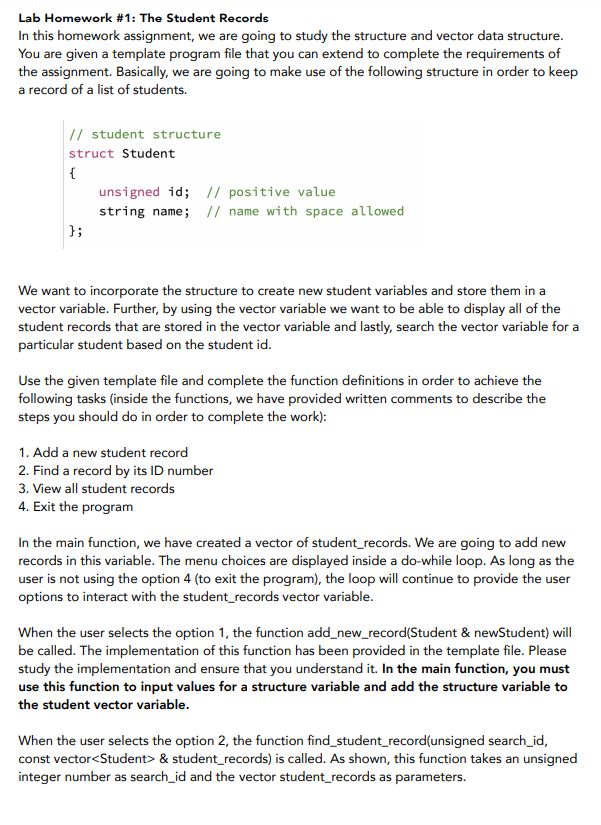
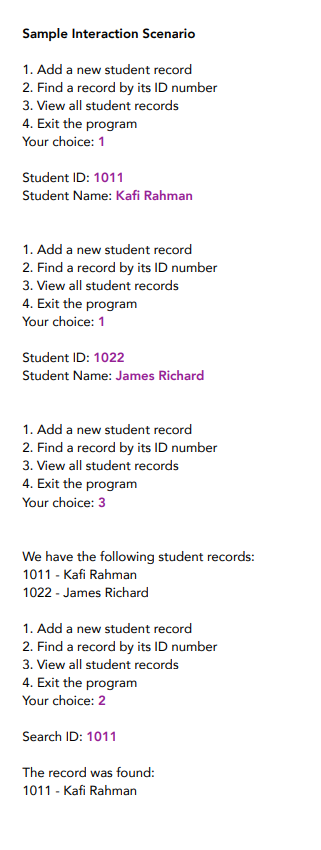
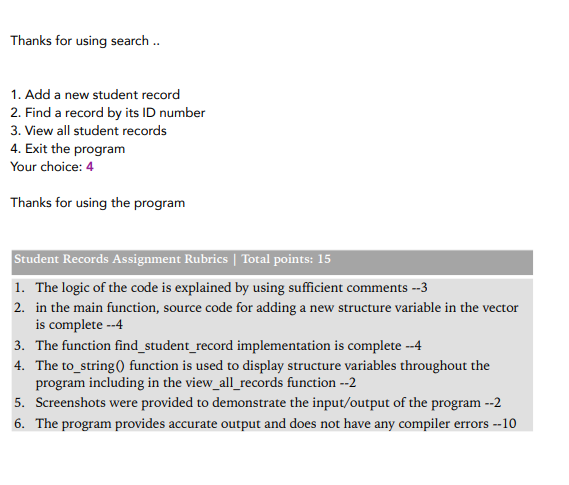
Lab Homework #1: The Student Records In this homework assignment, we are going to study the structure and vector data structure. You are given a template program file that you can extend to complete the requirements of the assignment. Basically, we are going to make use of the following structure in order to keep a record of a list of students. // student structure struct Student { unsigned id; // positive value string name; // name with space allowed }; We want to incorporate the structure to create new student variables and store them in a vector variable. Further, by using the vector variable we want to be able to display all of the student records that are stored in the vector variable and lastly, search the vector variable for a particular student based on the student id. Use the given template file and complete the function definitions in order to achieve the following tasks (inside the functions, we have provided written comments to describe the steps you should do in order to complete the work): 1. Add a new student record 2. Find a record by its ID number 3. View all student records 4. Exit the program In the main function, we have created a vector of student_records. We are going to add new records in this variable. The menu choices are displayed inside a do-while loop. As long as the user is not using the option 4 (to exit the program), the loop will continue to provide the user options to interact with the student_records vector variable. When the user selects the option 1, the function add_new_record(Student & newStudent) will be called. The implementation of this function has been provided in the template file. Please study the implementation and ensure that you understand it. In the main function, you must use this function to input values for a structure variable and add the structure variable to the student vector variable. When the user selects the option 2, the function find_student_record(unsigned search_id, const vector & student_records) is called. As shown, this function takes an unsigned integer number as search_id and the vector student_records as parameters. Inside the function, in a loop it will look for the student record that matches with the provided search_id. If the matching record is found then the function will display that record. Otherwise, the function will output that the record has not been found. Complete the implementation of this function according to the requirement. When the user selects option 3, the program calls view_all_records(const vector & student_records) function to display all of the records that are in the vector variable. The partial implementation of this function has been provided. Please study the function and complete the missing statement. In order to display a student record, the to_string function has been provided in the template file for your reference. This function will combine all of the fields of a student structure and create a single string value and return it to the calling function. In addition, general algorithm to complete the program for the functions are also provided. Please study the overall architecture of the program and the menu based interaction system. You can incorporate this system in your future assignments. Include a screenshot of the program run (display sample input and output) with your submission. When you are satisfied with your program, by the due date of 1 pm Tuesday, 12 January, submit it on the Blackboard. Thank you. NB: If your implementation is complete then it should conform to the sample interaction scenario shown in the following. Please note that the purple, bold texts in the following are input to the program. Sample Interaction Scenario 1. Add a new student record 2. Find a record by its ID number 3. View all student records 4. Exit the program Your choice: 1 Student ID: 1011 Student Name: Kafi Rahman 1. Add a new student record 2. Find a record by its ID number 3. View all student records 4. Exit the program Your choice: 1 Student ID: 1022 Student Name: James Richard 1. Add a new student record 2. Find a record by its ID number 3. View all student records 4. Exit the program Your choice: 3 We have the following student records: 1011 - Kafi Rahman 1022 - James Richard 1. Add a new student record 2. Find a record by its ID number 3. View all student records 4. Exit the program Your choice: 2 Search ID: 1011 The record was found: 1011 - Kafi Rahman Thanks for using search .. 1. Add a new student record 2. Find a record by its ID number 3. View all student records 4. Exit the program Your choice: 4 Thanks for using the program Student Records Assignment Rubrics Total points: 15 1. The logic of the code is explained by using sufficient comments --3 2. in the main function, source code for adding a new structure variable in the vector is complete --4 3. The function find_student_record implementation is complete --4 4. The to_string() function is used to display structure variables throughout the program including in the view_all_records function --2 5. Screenshots were provided to demonstrate the input/output of the program --2 6. The program provides accurate output and does not have any compiler errors --10




