







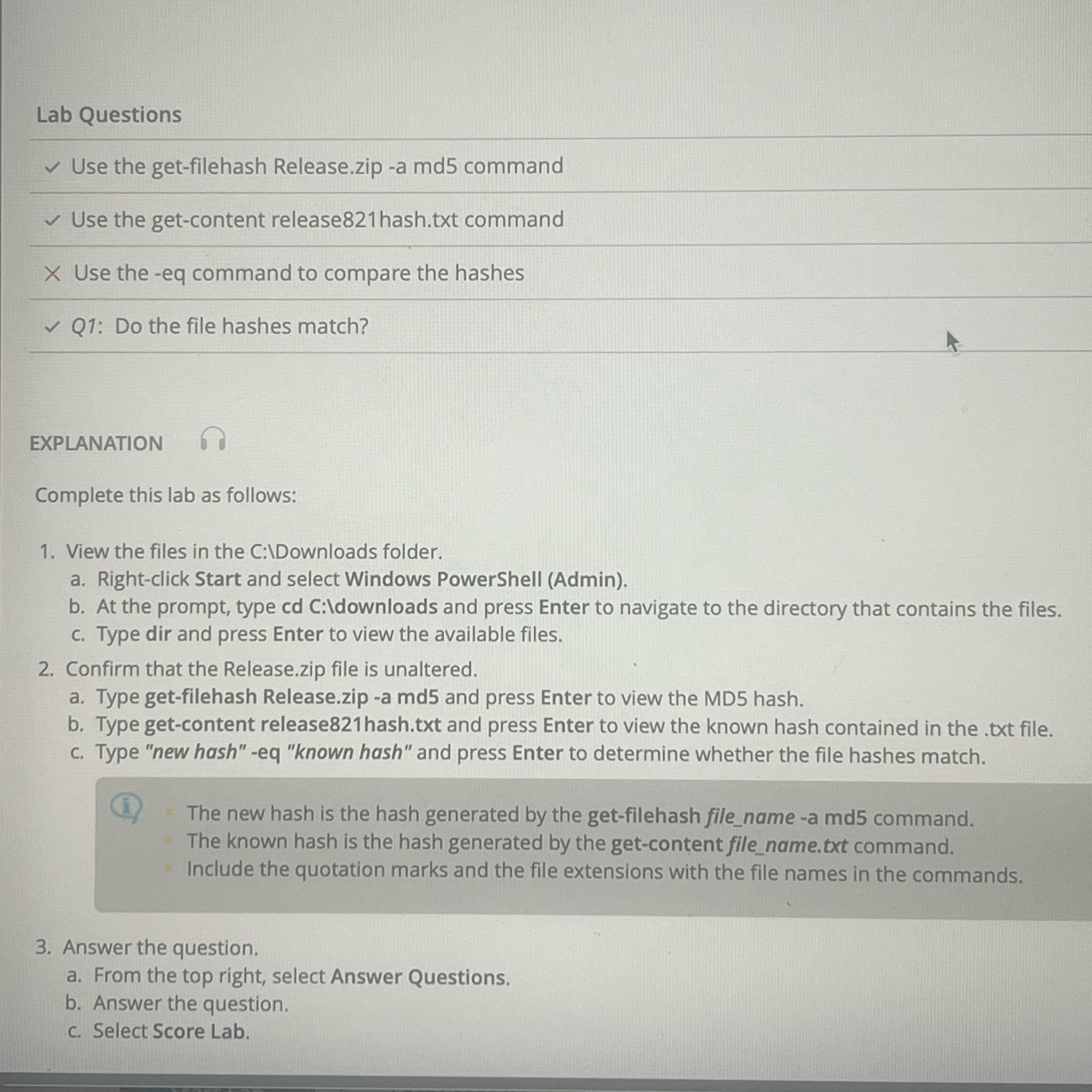
Question: Lab Questions Use the get - filehash Release.zip - a md 5 command Use the get - content release 8 2 1 hash.txt command Use
Lab Questions
Use the getfilehash Release.zip a md command
Use the getcontent release hash.txt command
Use the eq command to compare the hashes
Q: Do the file hashes match?
EXPLANATION
Complete this lab as follows:
View the files in the C:IDownloads folder.
a Rightclick Start and select Windows PowerShell Admin
b At the prompt, type cd C:Idownloads and press Enter to navigate to the directory that contains the files.
c Type dir and press Enter to view the available files.
Confirm that the Release.zip file is unaltered.
a Type getfilehash Release.zip a md and press Enter to view the MD hash.
b Type getcontent release hash.txt and press Enter to view the known hash contained in the txt file.
c Type "new hash" eq "known hash" and press Enter to determine whether the file hashes match.
i The new hash is the hash generated by the getfilehash filename a md command.
The known hash is the hash generated by the getcontent filename.txt command.
Include the quotation marks and the file extensions with the file names in the commands.
Answer the question.
a From the top right, select Answer Questions.
b Answer the question.
c Select Score Lab.
Step by Step Solution
There are 3 Steps involved in it
1 Expert Approved Answer
Step: 1 Unlock

Question Has Been Solved by an Expert!
Get step-by-step solutions from verified subject matter experts
Step: 2 Unlock
Step: 3 Unlock
 Study Help