







Question: Lab: Structured Query Language (SQL) Queries with Data Manipulation Language (DML) Assignment Instructions LAB: STRUCTURED QUERY LANGUAGE (SQL) QUERIES WITH DATA MANIPULATION LANGUAGE (DML) ASSIGNMENT
Lab: Structured Query Language (SQL) Queries with Data Manipulation Language (DML) Assignment Instructions
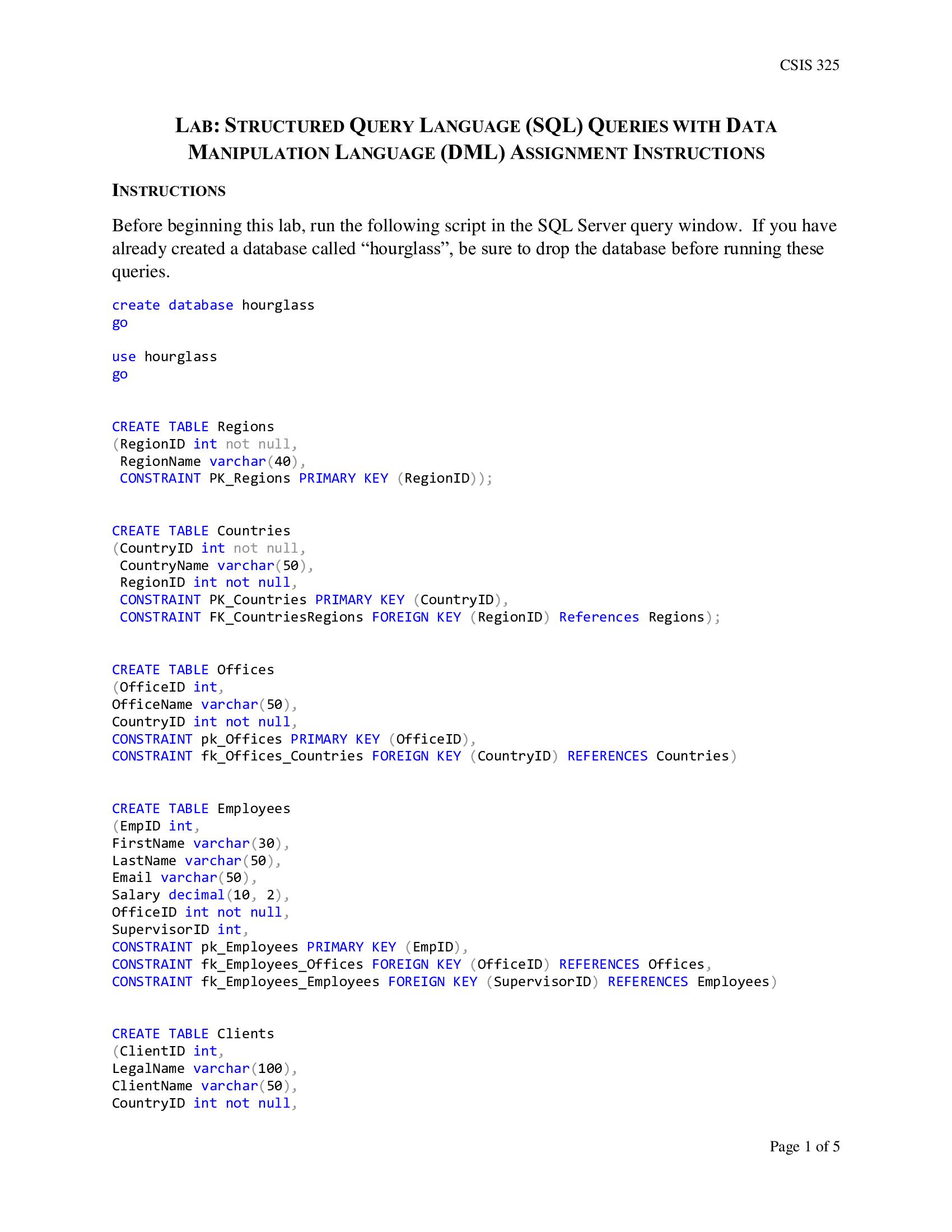
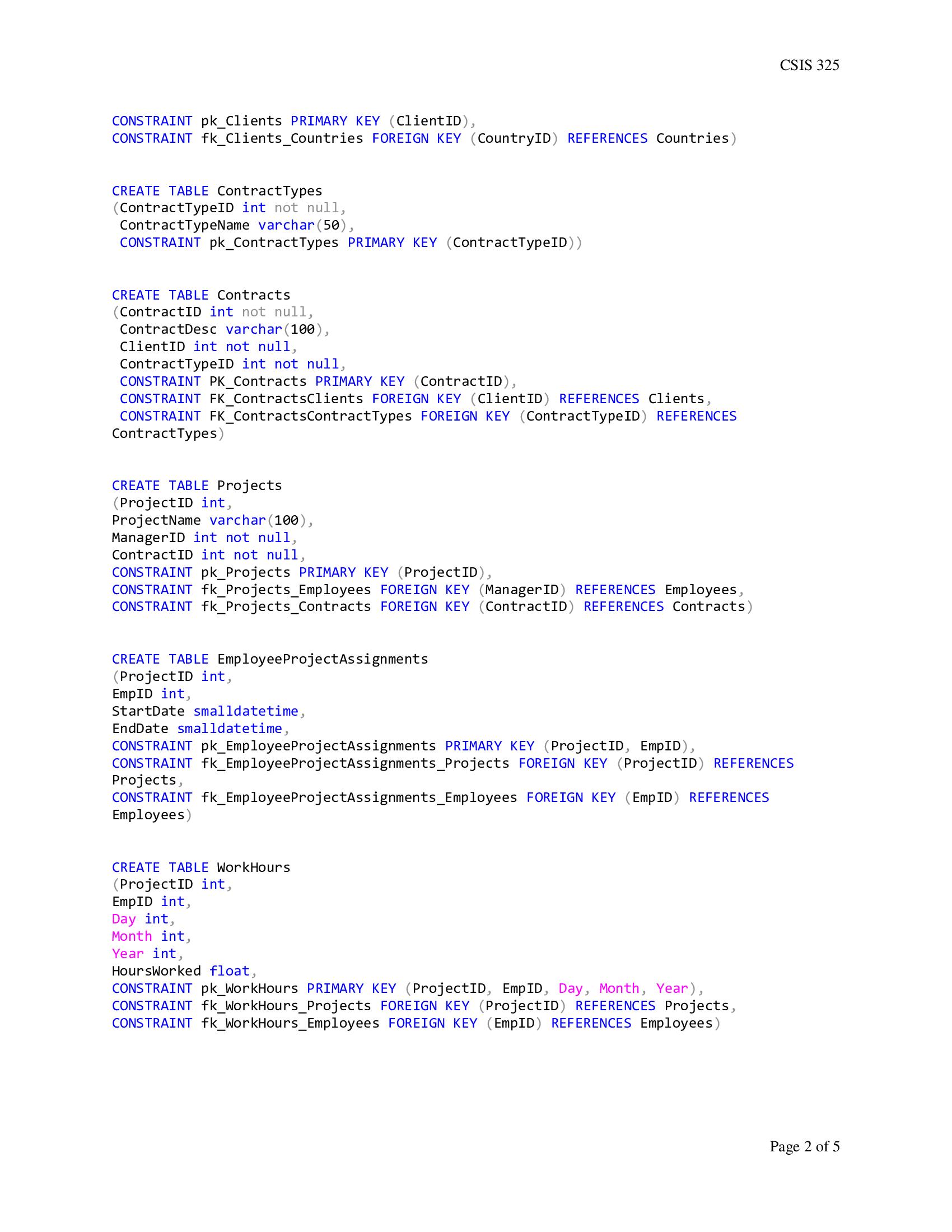
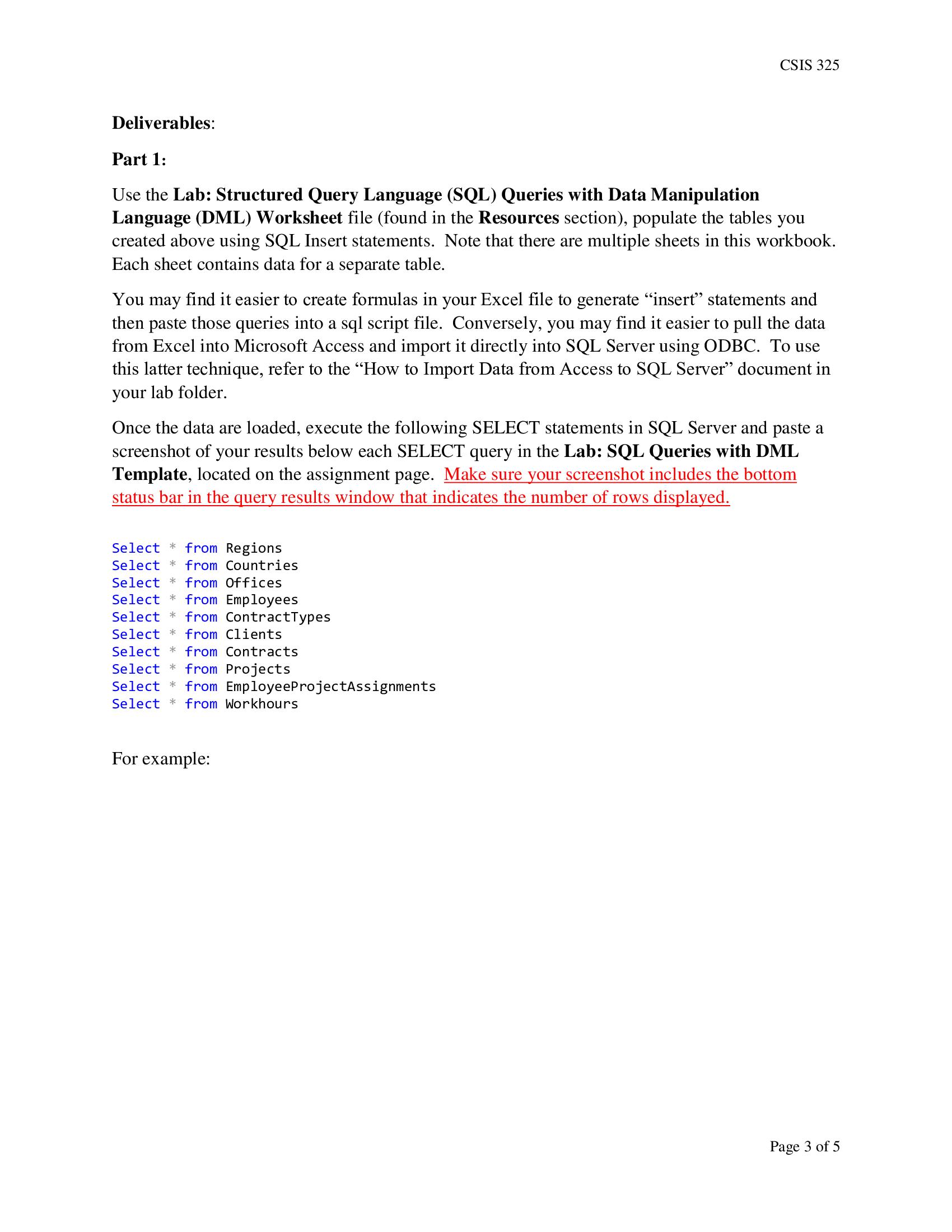
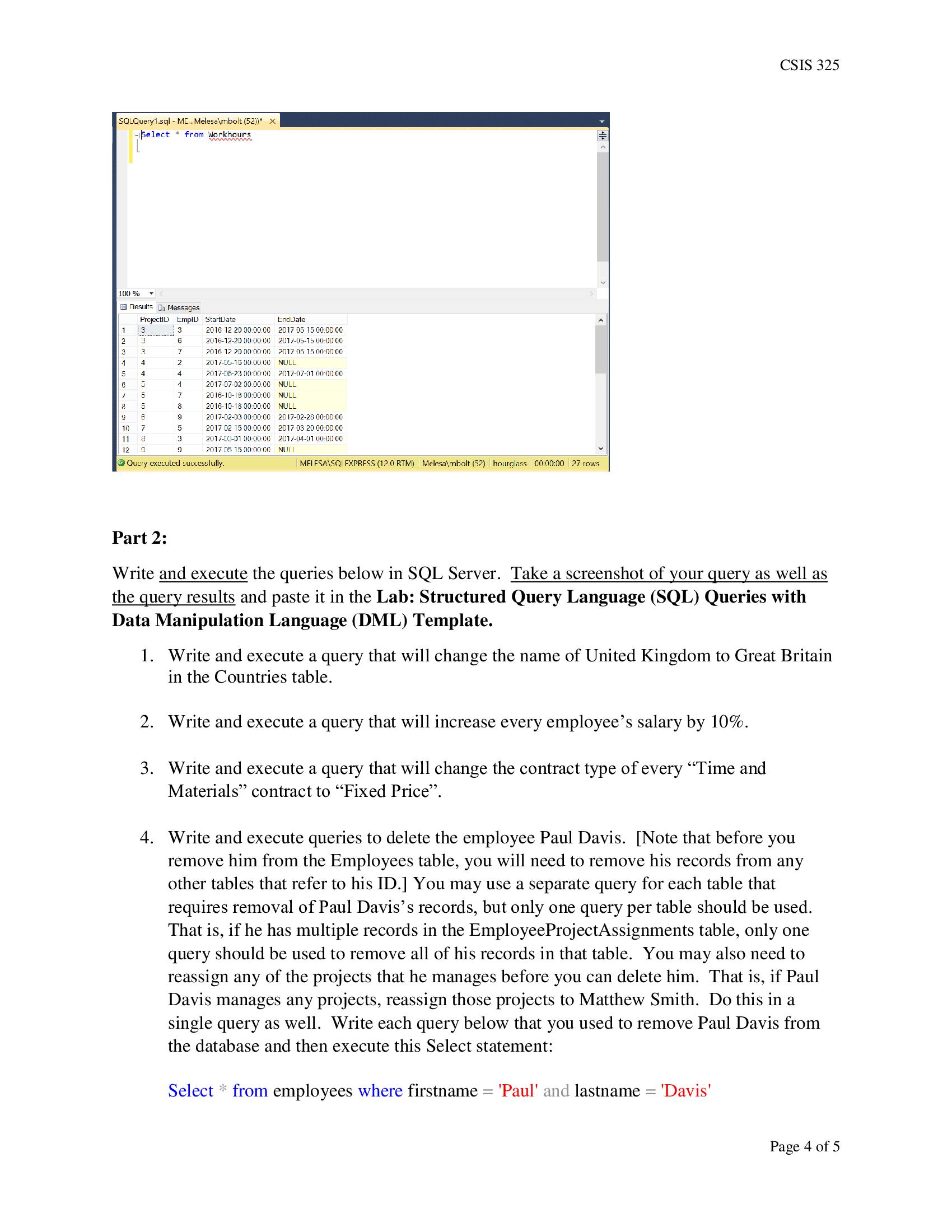
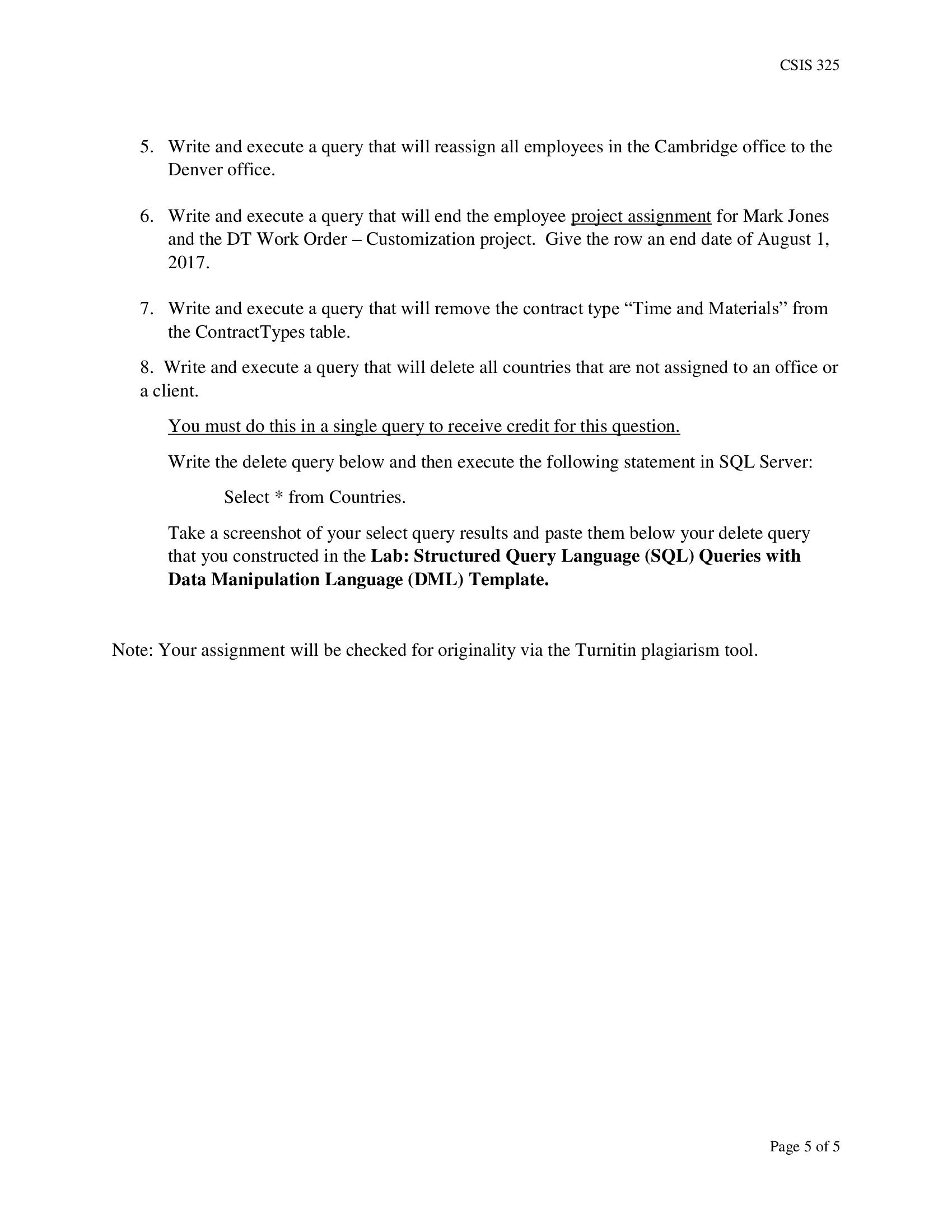
LAB: STRUCTURED QUERY LANGUAGE (SQL) QUERIES WITH DATA MANIPULATION LANGUAGE (DML) ASSIGNMENT INSTRUCTIONS CSIS 325 INSTRUCTIONS Before beginning this lab, run the following script in the SQL Server query window. If you have already created a database called hourglass, be sure to drop the database before running these queries. create database hourglass go use hourglass go CREATE TABLE Regions (RegionID int not null, RegionName varchar(40), CONSTRAINT PK_Regions PRIMARY KEY (RegionID)); CREATE TABLE Countries (Country ID int not null, CountryName varchar(50), RegionID int not null, CONSTRAINT PK_Countries PRIMARY KEY (CountryID), CONSTRAINT FK_Countries Regions FOREIGN KEY (Region ID) References Regions); CREATE TABLE Offices (OfficeID int, Office Name varchar(50), CountryID int not null, CONSTRAINT pk_Offices PRIMARY KEY (OfficeID), CONSTRAINT fk_Offices_Countries FOREIGN KEY (CountryID) REFERENCES Countries) CREATE TABLE Employees (EmpID int, FirstName varchar(30), LastName varchar(50), Email varchar(50), Salary decimal (10, 2), Office ID int not null, Supervisor ID int, CONSTRAINT pk_Employees PRIMARY KEY (EmpID), CONSTRAINT fk_Employees_Offices FOREIGN KEY (OfficeID) REFERENCES Offices, CONSTRAINT fk_Employees_Employees FOREIGN KEY (SupervisorID) REFERENCES Employees) CREATE TABLE Clients (ClientID int, LegalName varchar(100), Client Name varchar(50), CountryID int not null, Page 1 of 5
Step by Step Solution
There are 3 Steps involved in it

Get step-by-step solutions from verified subject matter experts
 Study Help