







Question: Lab - Using Steganography Objectives Use steganography to hide a document within a JPEG file. Background / Scenario Steghide is an open source steganography program
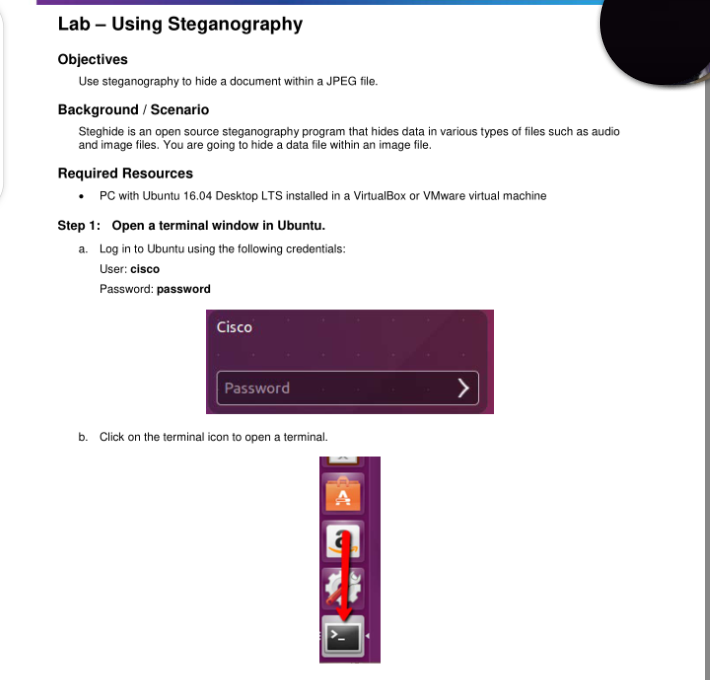
Lab - Using Steganography Objectives Use steganography to hide a document within a JPEG file. Background / Scenario Steghide is an open source steganography program that hides data in various types of files such as audio and image files. You are going to hide a data file within an image file. Required Resources PC with Ubuntu 16.04 Desktop LTS installed in a VirtualBox or VMware virtual machine Step 1: Open a terminal window in Ubuntu. a. Log in to Ubuntu using the following credentials: User: cisco Password: password Cisco Password b. Click on the terminal icon to open a terminal
Step by Step Solution
There are 3 Steps involved in it
1 Expert Approved Answer
Step: 1 Unlock

Question Has Been Solved by an Expert!
Get step-by-step solutions from verified subject matter experts
Step: 2 Unlock
Step: 3 Unlock
 Study Help