







Question: Language C++ Topic: array You have learnt about the concept of sorting as well as bubble sort during the lecture. Now we consider another approach
Language C++ Topic: array
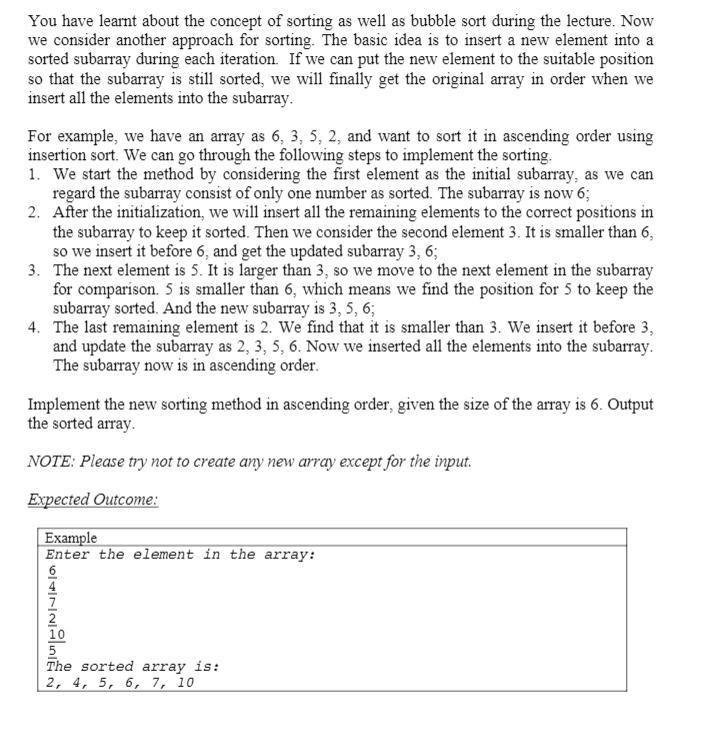
You have learnt about the concept of sorting as well as bubble sort during the lecture. Now we consider another approach for sorting. The basic idea is to insert a new element into a sorted subarray during each iteration. If we can put the new element to the suitable position so that the subarray is still sorted, we will finally get the original array in order when we insert all the elements into the subarray. For example, we have an array as 6, 3, 5, 2, and want to sort it in ascending order using insertion sort. We can go through the following steps to implement the sorting 1. We start the method by considering the first element as the initial subarray, as we can regard the subarray consist of only one number as sorted. The subarray is now 6; 2. After the initialization, we will insert all the remaining elements to the correct positions in the subarray to keep it sorted. Then we consider the second element 3. It is smaller than 6, so we insert it before 6, and get the updated subarray 3, 6; 3. The next element is 5. It is larger than 3, so we move to the next element in the subarray for comparison. 5 is smaller than 6, which means we find the position for 5 to keep the subarray sorted. And the new subarray is 3, 5, 6; 4. The last remaining element is 2. We find that it is smaller than 3. We insert it before 3, and update the subarray as 2, 3, 5, 6. Now we inserted all the elements into the subarray. The subarray now is in ascending order. Implement the new sorting method in ascending order, given the size of the array is 6. Output the sorted array NOTE: Please try not to create any new array except for the input. Expected Outcome: Example Enter the element in the array: 6 2 10 5 The sorted array is: 2, 4, 5, 6, 7, 10
Step by Step Solution
There are 3 Steps involved in it

Get step-by-step solutions from verified subject matter experts
 Study Help