







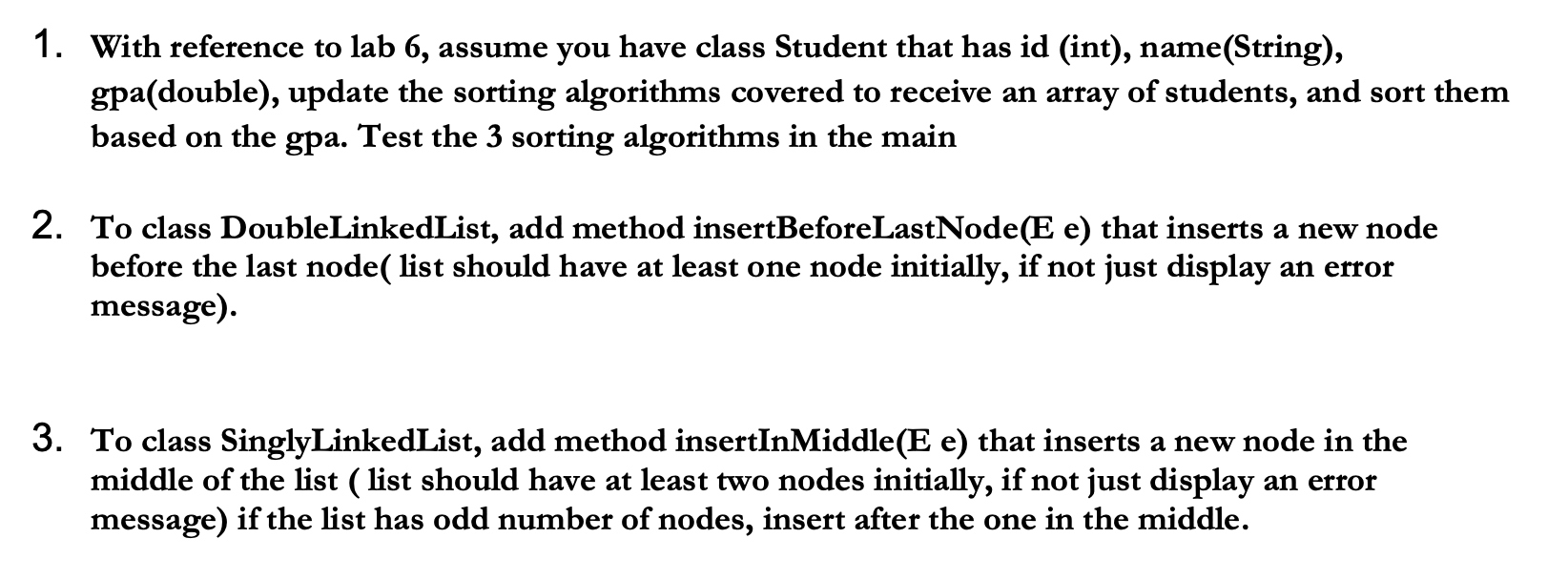
Question: language : java Eclipse 1. With reference to lab 6, assume you have class Student that has id (int), name(String), gpa(double), update the sorting algorithms
language : java Eclipse
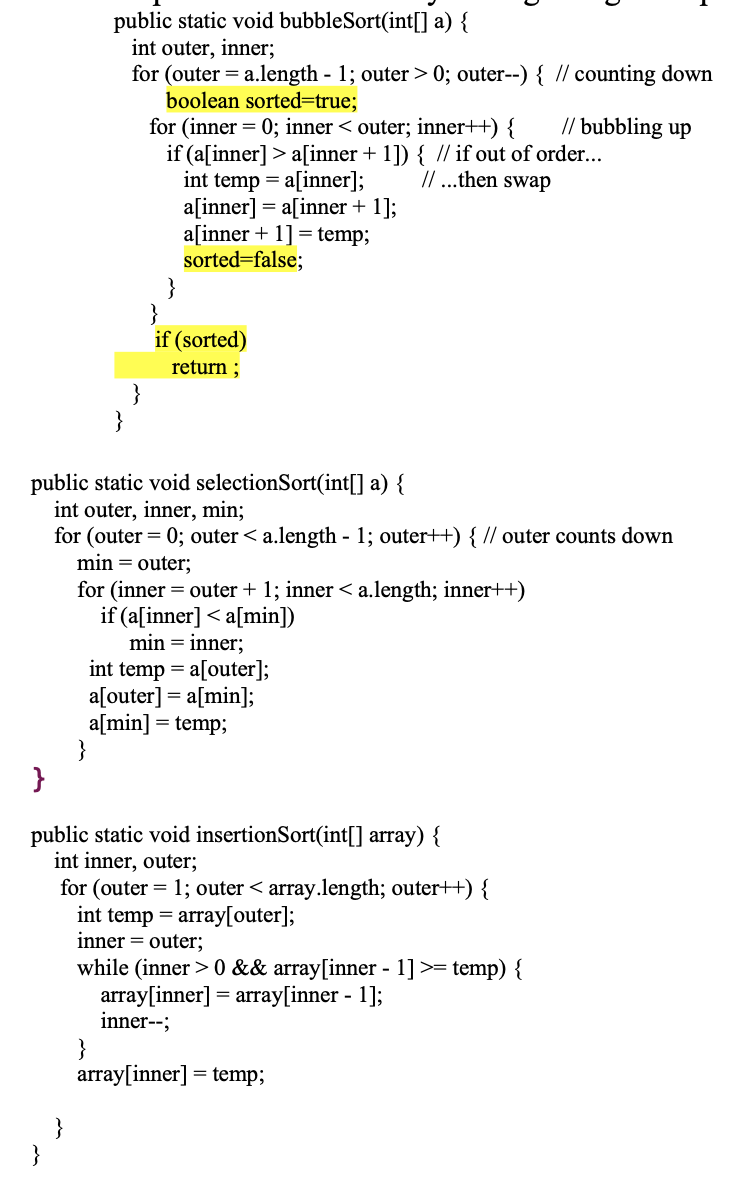
1. With reference to lab 6, assume you have class Student that has id (int), name(String), gpa(double), update the sorting algorithms covered to receive an array of students, and sort them based on the gpa. Test the 3 sorting algorithms in the main 2. To class DoubleLinkedList, add method insertBeforeLastNode(E e) that inserts a new node before the last node( list should have at least one node initially, if not just display an error message) 3. To class SinglyLinkedList, add method insertInMiddle(E e) that inserts a new node in the middle of the list (list should have at least two nodes initially, if not just display an error message) if the list has odd number of nodes, insert after the one in the middle. public static void bubbleSort(int[] a) { int outer, inner; for (outer = a.length - 1; outer > 0; outer--) { // counting down boolean sorted=true; for (inner = 0; inner a[inner + 1]) { // if out of order... int temp = a[inner]; 11 ...then swap a[inner] = a[inner + 1]; a[inner + 1] = temp; sorted=false; if (sorted) return; } public static void selectionSort(int[] a) { int outer, inner, min; for (outer = 0; outer 0 && array[inner - 1] >= temp) { array[inner] = array[inner - 1]; inner--; array[inner] = temp; }
Step by Step Solution
There are 3 Steps involved in it

Get step-by-step solutions from verified subject matter experts
 Study Help