







Question: Linux Activity 3-4: Using Wildcards Objective: Use wildcards to search for files and directories. 1. If necessary, start VMware Player and start an openSUSE virtual
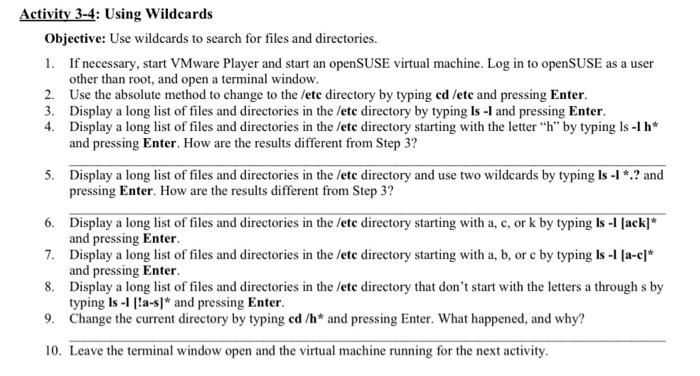
Activity 3-4: Using Wildcards Objective: Use wildcards to search for files and directories. 1. If necessary, start VMware Player and start an openSUSE virtual machine. Log in to openSUSE as a user other than root, and open a terminal window. 2. Use the absolute method to change to the /ete directory by typing cd/etc and pressing Enter. 3. Display a long list of files and directories in the /etc directory by typing Is -I and pressing Enter. 4. Display a long list of files and directories in the /ete directory starting with the letter " h " by typing ls lh " and pressing Enter. How are the results different from Step 3? 5. Display a long list of files and directories in the /etc directory and use two wildcards by typing Is 1 *.? and pressing Enter. How are the results different from Step 3? 6. Display a long list of files and directories in the /etc directory starting with a, c, or k by typing ls 1[ack] and pressing Enter. 7. Display a long list of files and directories in the /etc directory starting with a,b, or c by typing ls1 [a-c]" and pressing Enter. 8. Display a long list of files and directories in the /etc directory that don't start with the letters a through s by typing Is 1 |a-s and pressing Enter. 9. Change the current directory by typing cd/h and pressing Enter. What happened, and why? 10. Leave the terminal window open and the virtual machine running for the next activity
Step by Step Solution
There are 3 Steps involved in it

Get step-by-step solutions from verified subject matter experts
 Study Help