







Question: linux commands 1. (L01) Write the Linux command to navigate to the c/ directory, which is inside the mnt/ directory and that is inside the
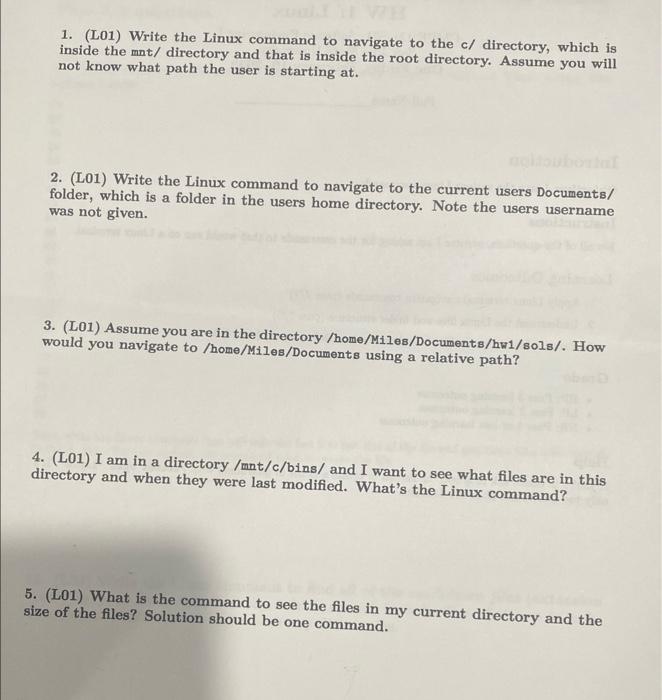
1. (L01) Write the Linux command to navigate to the c/ directory, which is inside the mnt/ directory and that is inside the root directory. Assume you will not know what path the user is starting at. 2. (L01) Write the Linux command to navigate to the current users Documents/ folder, which is a folder in the users home directory. Note the users username was not given. 3. (L01) Assume you are in the directory /home/Miles/Documents/hw1/sols/. How would you navigate to /home/Miles/Documents using a relative path? 4. (L01) I am in a directory /mnt/c/bins/ and I want to see what files are in this directory and when they were last modified. What's the Linux command? 5. (L01) What is the command to see the files in my current directory and the size of the files? Solution should be one command
Step by Step Solution
There are 3 Steps involved in it

Get step-by-step solutions from verified subject matter experts
 Study Help