







Question: Load up the wine data set. This can be easily done using the command load wine.data. Make sure the wine.data file is in the same
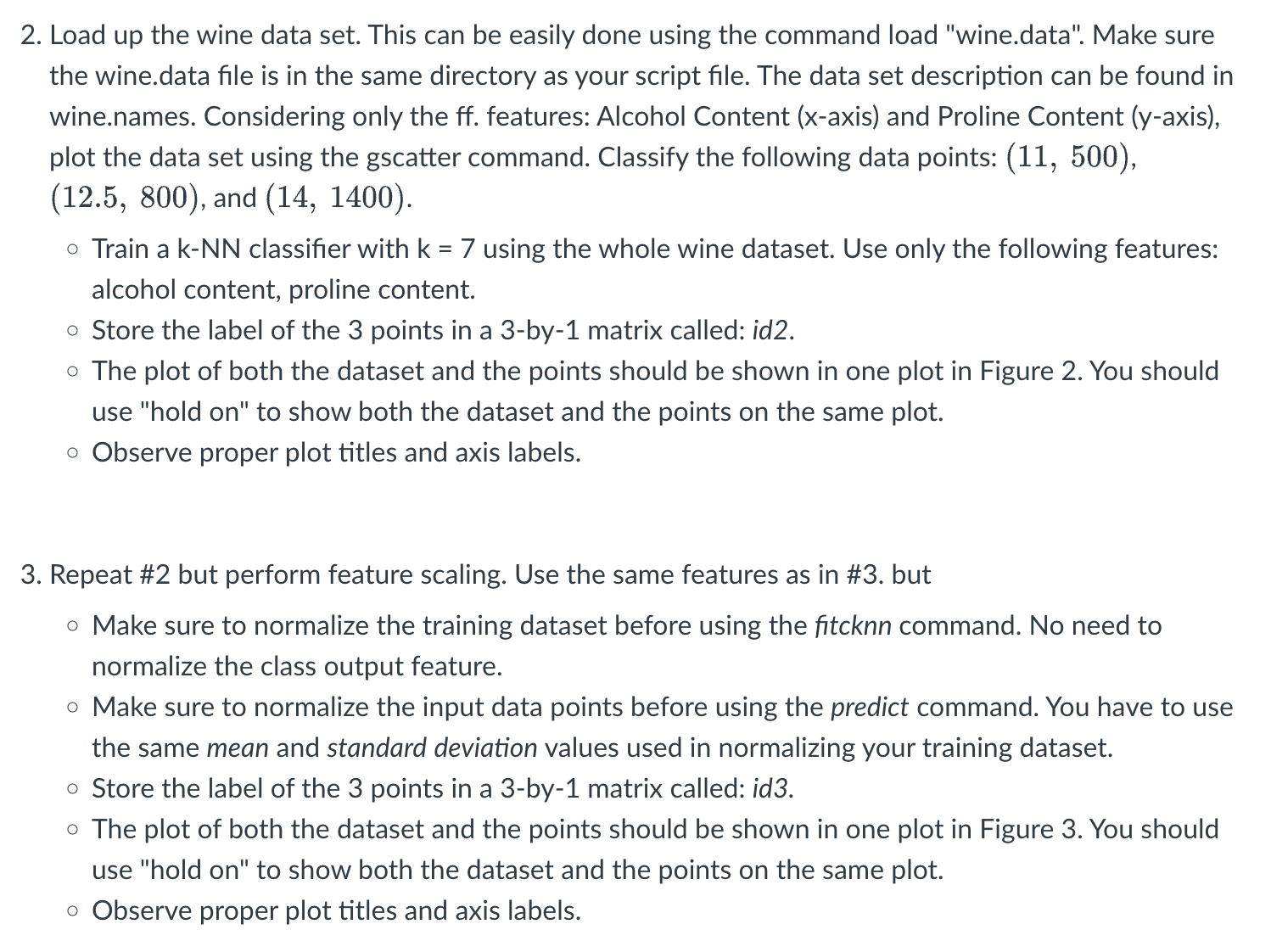
Load up the wine data set. This can be easily done using the command load "wine.data". Make sure
the wine.data file is in the same directory as your script file. The data set description can be found in
wine.names. Considering only the ff features: Alcohol Content axis and Proline Content axis
plot the data set using the gscatter command. Classify the following data points:
and
Train a kNN classifier with using the whole wine dataset. Use only the following features:
alcohol content, proline content.
Store the label of the points in a by matrix called: id
The plot of both the dataset and the points should be shown in one plot in Figure You should
use "hold on to show both the dataset and the points on the same plot.
Observe proper plot titles and axis labels.
Repeat # but perform feature scaling. Use the same features as in # but
Make sure to normalize the training dataset before using the fitcknn command. No need to
normalize the class output feature.
Make sure to normalize the input data points before using the predict command. You have to use
the same mean and standard deviation values used in normalizing your training dataset.
Store the label of the points in a by matrix called: id
The plot of both the dataset and the points should be shown in one plot in Figure You should
use "hold on to show both the dataset and the points on the same plot.
Observe proper plot titles and axis labels.
Step by Step Solution
There are 3 Steps involved in it
1 Expert Approved Answer
Step: 1 Unlock

Question Has Been Solved by an Expert!
Get step-by-step solutions from verified subject matter experts
Step: 2 Unlock
Step: 3 Unlock
 Study Help