







Question: Main topics: Input and Output in MATLAB; Top-Down design; Built in functions Your boss of the company that you work for wants a MATLAB script
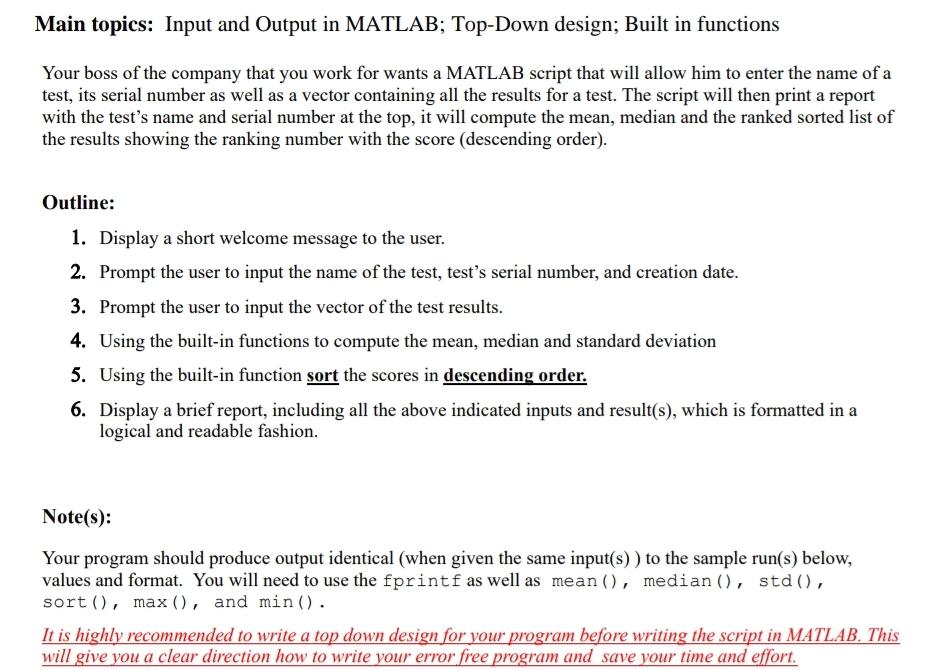
Main topics: Input and Output in MATLAB; Top-Down design; Built in functions Your boss of the company that you work for wants a MATLAB script that will allow him to enter the name of a test, its serial number as well as a vector containing all the results for a test. The script will then print a report with the test's name and serial number at the top, it will compute the mean, median and the ranked sorted list of the results showing the ranking number with the score (descending order). Outline: 1. Display a short welcome message to the user. 2. Prompt the user to input the name of the test, test's serial number, and creation date. 3. Prompt the user to input the vector of the test results. 4. Using the built-in functions to compute the mean, median and standard deviation 5. Using the built-in function sort the scores in descending order. 6. Display a brief report, including all the above indicated inputs and result(s), which is formatted in a logical and readable fashion. Note(s): Your program should produce output identical (when given the same input(s) ) to the sample run(s) below, values and format. You will need to use the fprintf as well as mean(), median (), std(), sort(), max(), and min(). It is highly recommended to write a top down design for your program before writing the script in MATLAB. This will give you a clear direction how to write your error free program and save your time and effort
Step by Step Solution
There are 3 Steps involved in it

Get step-by-step solutions from verified subject matter experts
 Study Help