







Question: Make sure you do and explain each step, please! 1. Create the following folder structure in your htdocs folder on your computer: - validation -
Make sure you do and explain each step, please! 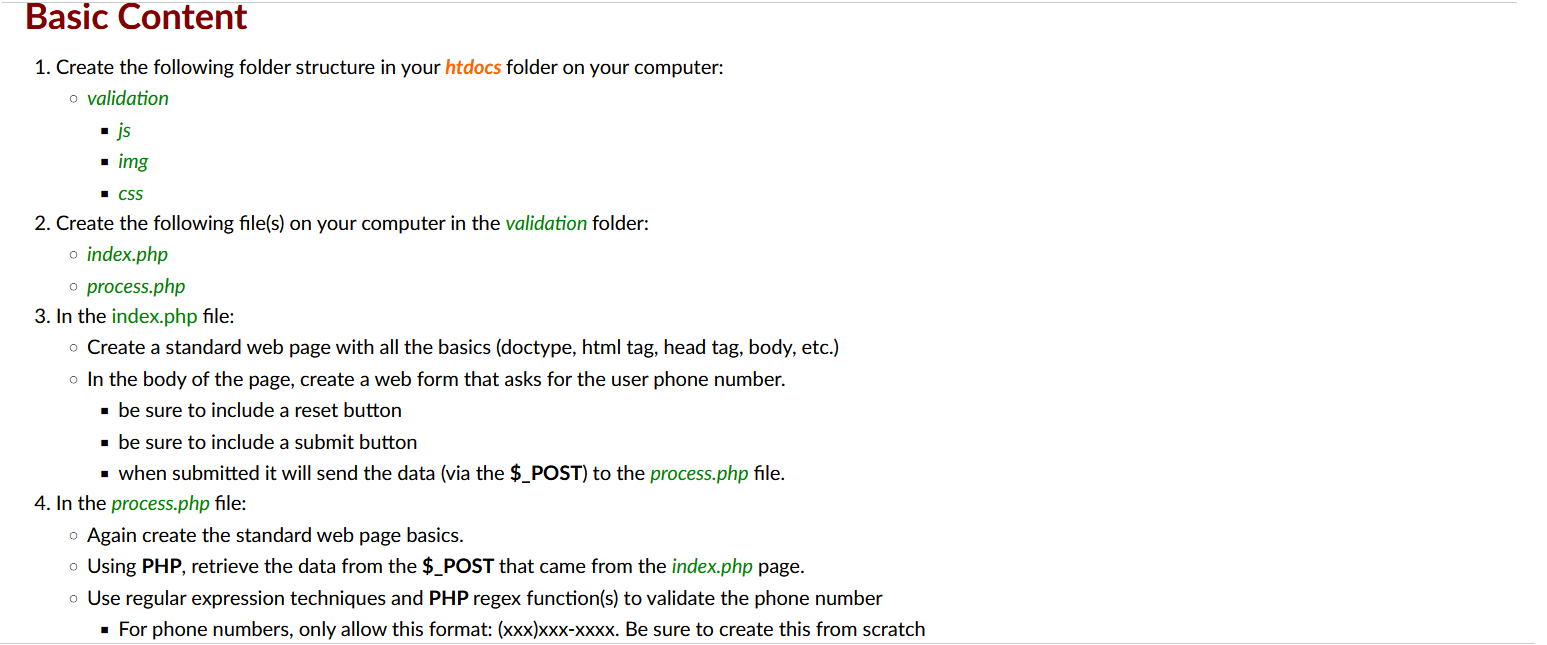
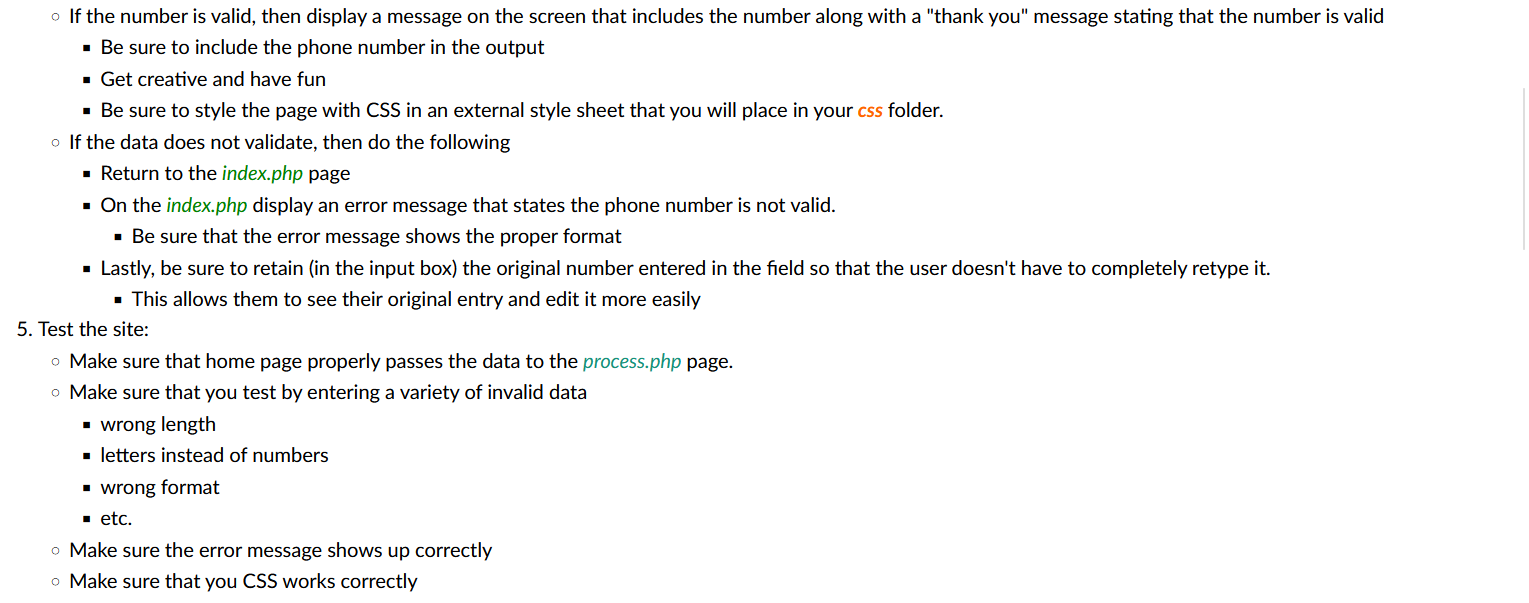
1. Create the following folder structure in your htdocs folder on your computer: - validation - js - img - CSS 2. Create the following file(s) on your computer in the validation folder: - index.php - process.php 3. In the index.php file: - Create a standard web page with all the basics (doctype, html tag, head tag, body, etc.) - In the body of the page, create a web form that asks for the user phone number. - be sure to include a reset button - be sure to include a submit button - when submitted it will send the data (via the \$_POST) to the process.php file. 4. In the process.php file: Again create the standard web page basics. - Using PHP, retrieve the data from the \$_POST that came from the index.php page. - Use regular expression techniques and PHP regex function(s) to validate the phone number - For phone numbers, only allow this format: (xxx)xxxxxxx. Be sure to create this from scratch If the number is valid, then display a message on the screen that includes the number along with a "thank you" message stating that the number is valid - Be sure to include the phone number in the output - Get creative and have fun - Be sure to style the page with CSS in an external style sheet that you will place in your css folder. If the data does not validate, then do the following - Return to the index.php page - On the index.php display an error message that states the phone number is not valid. - Be sure that the error message shows the proper format - Lastly, be sure to retain (in the input box) the original number entered in the field so that the user doesn't have to completely retype it. - This allows them to see their original entry and edit it more easily 5. Test the site: Make sure that home page properly passes the data to the process.php page. Make sure that you test by entering a variety of invalid data - wrong length - letters instead of numbers - wrong format - etc. Make sure the error message shows up correctly Make sure that you CSS works correctly
Step by Step Solution
There are 3 Steps involved in it

Get step-by-step solutions from verified subject matter experts
 Study Help