







Question: Match the following Excel functions with their purpose: =COUNTBLANK() =COUNTIFSO =COUNTA() =COUNTIF() =COUNT() 1. Counts the number of cells in a range that are not
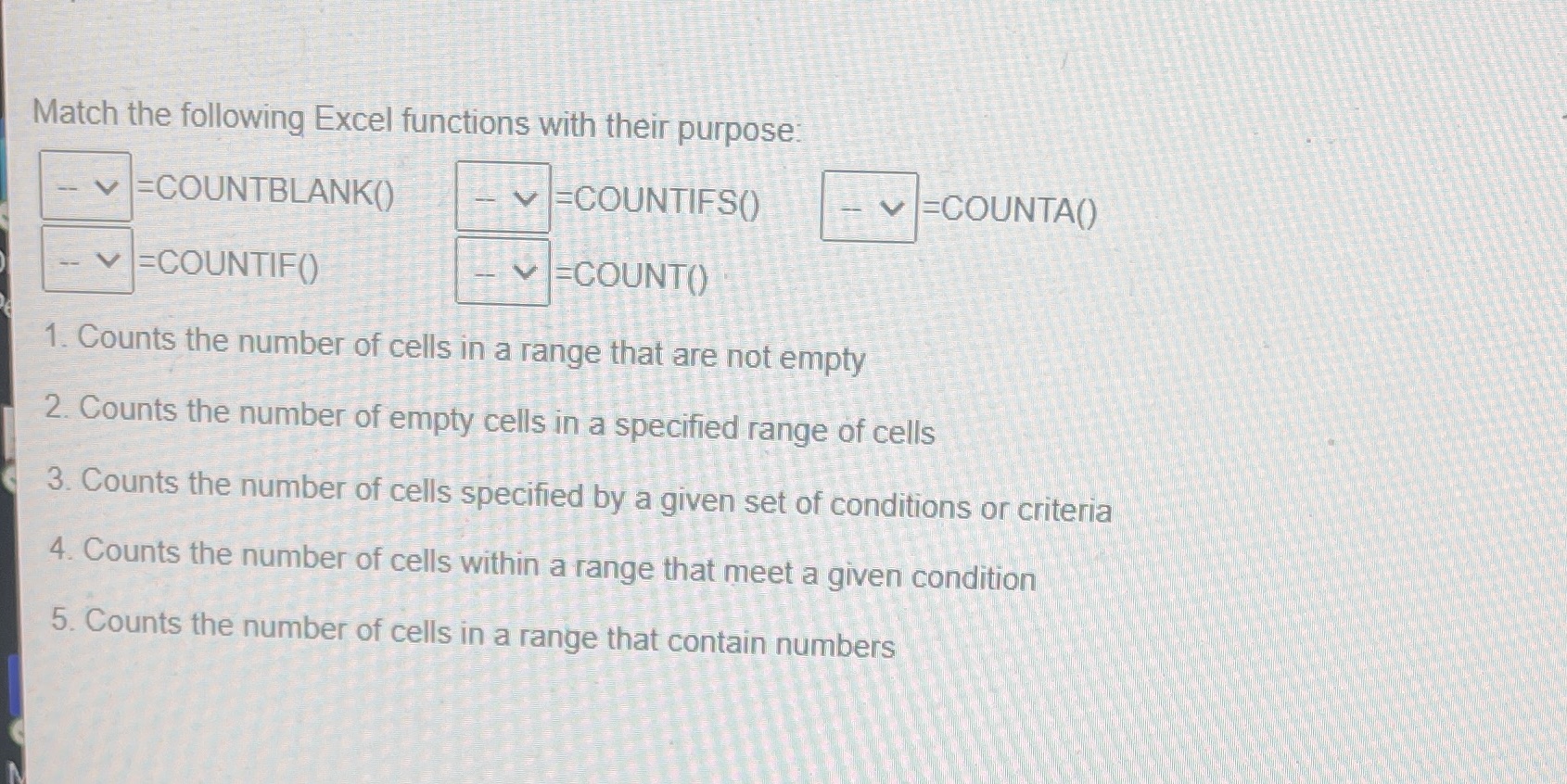
Match the following Excel functions with their purpose: =COUNTBLANK() =COUNTIFSO =COUNTA() =COUNTIF() =COUNT() 1. Counts the number of cells in a range that are not empty 2. Counts the number of empty cells in a specified range of cells 3. Counts the number of cells specified by a given set of conditions or criteria 4. Counts the number of cells within a range that meet a given condition 5. Counts the number of cells in a range that contain numbers
Step by Step Solution
There are 3 Steps involved in it
1 Expert Approved Answer
Step: 1 Unlock

Question Has Been Solved by an Expert!
Get step-by-step solutions from verified subject matter experts
Step: 2 Unlock
Step: 3 Unlock
 Study Help