







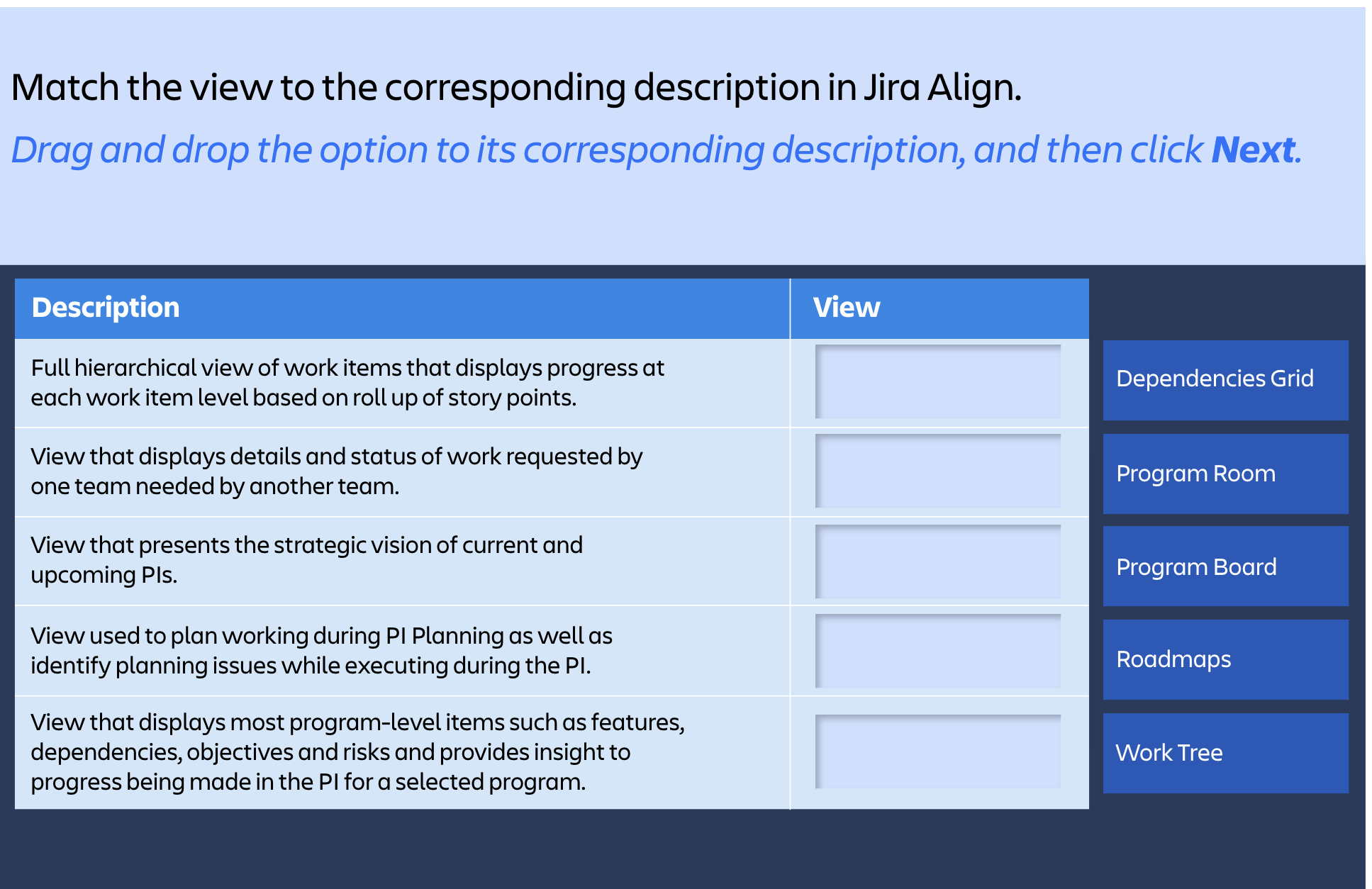
Question: Match the view to the corresponding description in Jira Align. Drag and drop the option to its corresponding description, and then click Next. Dependencies Grid
Match the view to the corresponding description in Jira Align.
Drag and drop the option to its corresponding description, and then click Next.
Dependencies Grid
Program Room
Program Board
Roadmaps
Work Tree
Step by Step Solution
There are 3 Steps involved in it
1 Expert Approved Answer
Step: 1 Unlock

Question Has Been Solved by an Expert!
Get step-by-step solutions from verified subject matter experts
Step: 2 Unlock
Step: 3 Unlock
 Study Help