







Question: MATHLAB PROJECT NOTE: This project has a strict style restriction. Your code below is not allow to use any array operations. This means you cannot
MATHLAB PROJECT
NOTE: This project has a strict style restriction. Your code below is not allow to use any array operations. This means you cannot call built in functions like sum, find, or anything else. If you aren't sure if a particular built in function is allowed, please ask, don't assume. This code muse be written by using loops and if statements. All operationsaccessesdefinitions should be scalar. This will be checked manually. If array operations, or built in functions are used, then the score will be
For this project you are going to write a function project that takes an array of temperatures as input and returns the number of values in the array as output.
In addition your function will:
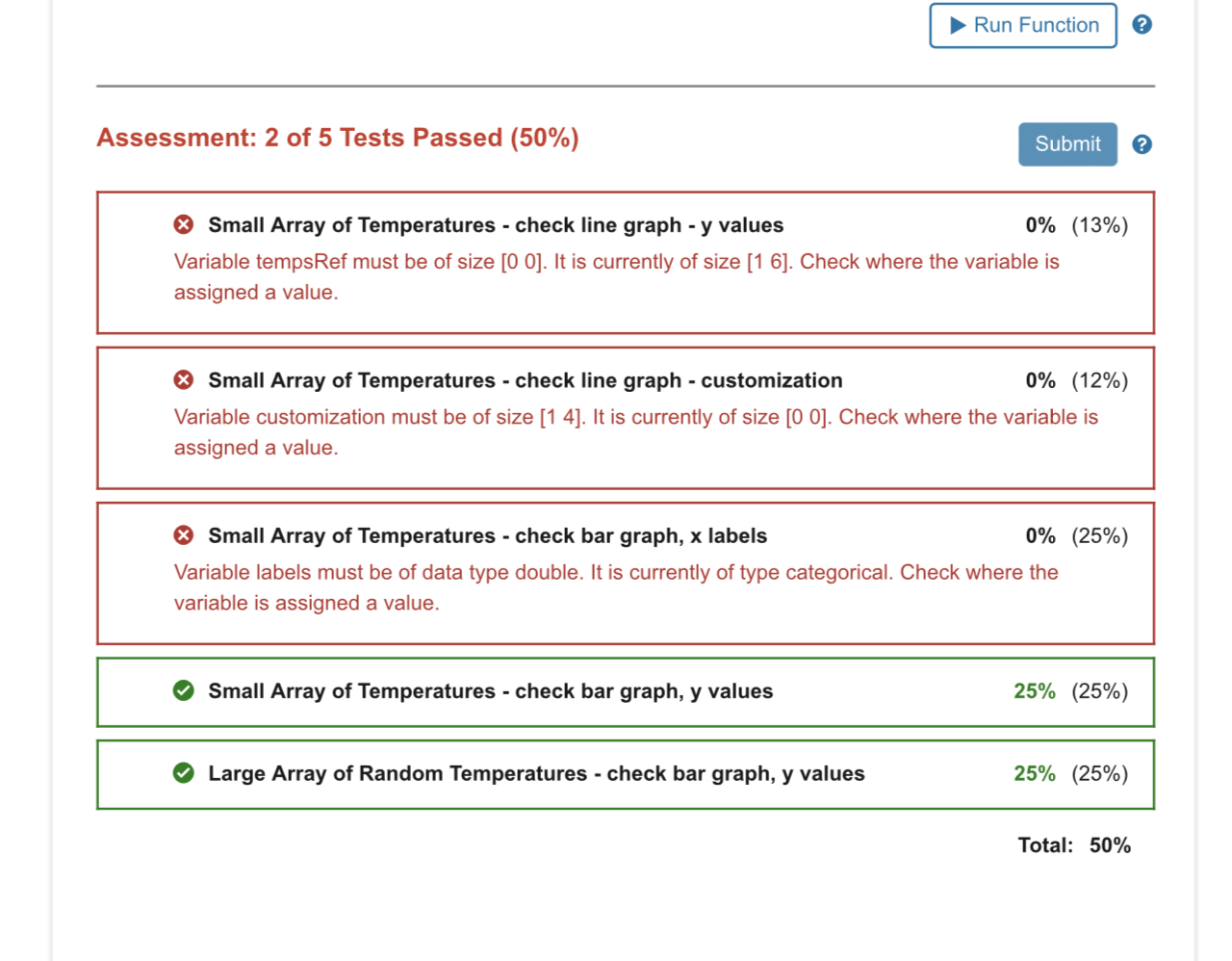
Plot the temperatures Create a plot of the temperatures. Customize the plot so that the data is easy to read. The default plot customization is a solid blue ish line with a linewidth of Your customization must change the default color, increase the linewidth, and customize the line and marker style to something of your choice but different from the default
NOTE: You are allowed to call the plot function and xlabel, ylabel, etc. to produce this plot.
NOTE: This part is worth points but is not autograded. Total points on the autograder is points testing part
Count how many temperatures are cold, comfortable and hot Next, write the code that counts how many values in the temps array are cold less than or equal to degrees F how many values in temps array are comfortable greater than and less than degrees F and how many values in temps array are hot greater than or equal to degrees F Create a second subplot in the same figure or open a new figure or use subplot your choice which you do and inside it create a bar graph that visualizes your results. Here is an example of what it should look like if the values in the input array were: You can use the help and search "bar" to see how to create a bar graph like this. The documentation is great. You will need to use bar to make plot and categorical to label plot
NOTE: You are allowed to call the categorical function and the bar function in order to create this graph.
MATHLAB PLZ
Step by Step Solution
There are 3 Steps involved in it
1 Expert Approved Answer
Step: 1 Unlock

Question Has Been Solved by an Expert!
Get step-by-step solutions from verified subject matter experts
Step: 2 Unlock
Step: 3 Unlock
 Study Help