







Question: Matlab Make a script called popasg1.m that does the following ) Create b) Checks to make sure that the user's age is between 10 and
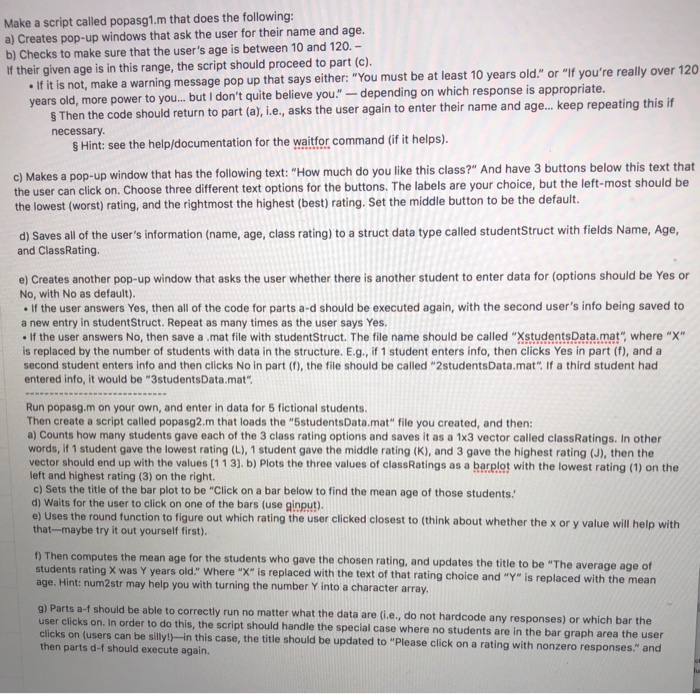
Make a script called popasg1.m that does the following ) Create b) Checks to make sure that the user's age is between 10 and 120. If their given age is in this range, the script should proceed to part (c) s pop-up windows that ask the user for their name and age . If it is not, make a warning message pop up that says either: "You must be at least 10 years old." or "I ars old, more power to you... ut I don't quite believe you."-dependingo keep repeating this if Then the code should return to part (a, i.e., asks the user again to enter their name and age necessary s Hint: see the help/documentation for the waitfor command (if it helps). c) Makes a pop-up window that has the following text: "How much do you like this class?" And have 3 buttons below this text that the user can click on. Choose three different text options for the buttons. The labels are your choice, but the left-most should be the lowest (worst) rating, and the rightmost the highest (best) rating. Set the middle button to be the default d) Saves all of the user's information (name, age, class rating) to a struct data type called studentStruct with fields Name, Age and ClassRating e) Creates another pop-up window that asks the user whether there is another student to enter data for (options should be Yes or No, with No as default) If the user answers Yes, then all of the code for parts a-d should be executed again, with the second user's info being saved to a new entry in studentStruct. Repeat as many times as the user says Yes If the user answers No, then save a .mat file with studentStruct. The file name should be called "XstudentsData.mat" where "X" is replaced by the number of students with data in the structure. E.g., if 1 student enters info, then clicks Yes in part (f), and a second student enters info and then clicks No in part (f), the file should be called "2studentsData.mat". If a third student had entered info, it would be "3studentsData.mat Run popasg.m on your own, and enter in data for 5 fictional students Then create a script called popasg2.m that loads the "5studentsData.mat" file you created, and then: a) Counts how many students gave each of the 3 class rating options and saves it as a 1x3 vector called classRatings. In other words, if 1 student gave the lowest rating (L), 1 student gave the middle rating (K), and 3 gave the highest rating (J), then the vector should end up with the values (1 13). b) Plots the three values of classRatings as a barelot with the lowest rating (1) on the eft and highest rating (3) on the right. c) Sets the title of the bar plot to be "Click on a bar below to find the mean age of those students. Waits for the user to click on one of the bars (use ginput e) Uses the round function to figure out which rating the user clicked closest to (think about whether the x or y value will help with that-maybe try it out yourself first ) Then computes the mean age for the students who gave the chosen rating, and updates the title to be "The average students rating was Y years old.'' where "X" is replaced with the text of age. Hint: num2str may help you with turning the number Y into a character array that rating choice and "Y" is replaced with the mean g) Parts a-f should be able to correctly run no matter what t user clicks on. In order to do this, the script should handle the special case where no students are in clicks on (users can be silly!)-in then parts d-f should execute again. he data are (i.e., do not hardcode any responses) or which bar the the bar graph area the n this case, the title should be updated to "Please click on a rating with nonzero responses." and
Step by Step Solution
There are 3 Steps involved in it

Get step-by-step solutions from verified subject matter experts
 Study Help