







Question: matlab Part 3: MATLAB program for generating and plotting vector data Following the steps outlined below, create a new program m-file in MATLAB. Save the
matlab
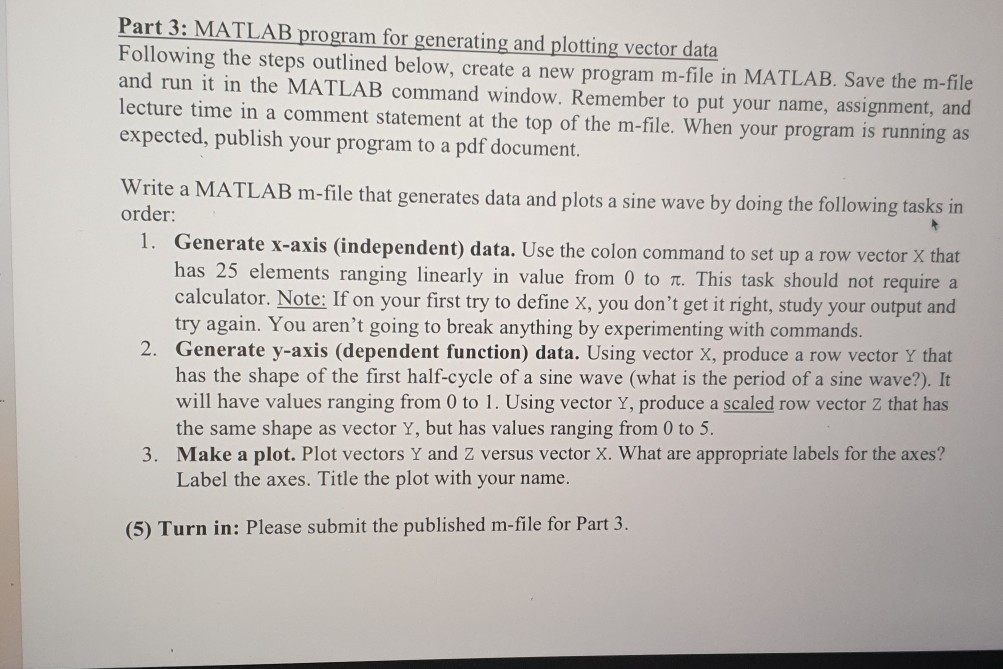
Part 3: MATLAB program for generating and plotting vector data Following the steps outlined below, create a new program m-file in MATLAB. Save the m-file and run it in the MATLAB command window. Remember to put your name, assignment, and lecture time in a comment statement at the top of the m-file. When your program is running as expected, publish your program to a pdf document. Write a MATLAB m-file that generates data and plots a sine wave by doing the following tasks in order: 1. Generate x-axis (independent) data. Use the colon command to set up a row vector X that has 25 elements ranging linearly in value from 0 to n. This task should not require a calculator. Note: If on your first try to define X, you don't get it right, study your output and try again. You aren't going to break anything by experimenting with commands. 2. Generate y-axis (dependent function) data. Using vector X, produce a row vector Y that has the shape of the first half-cycle of a sine wave (what is the period of a sine wave?). It will have values ranging from 0 to 1. Using vector Y, produce a scaled row vector Z that has the same shape as vector Y, but has values ranging from 0 to 5. 3. Make a plot. Plot vectors Y and Z versus vector X. What are appropriate labels for the axes? Label the axes. Title the plot with your name. (5) Turn in: Please submit the published m-file for Part 3
Step by Step Solution
There are 3 Steps involved in it

Get step-by-step solutions from verified subject matter experts
 Study Help