







Question: MATLAB PLEASE MATLAB Application prox 124.20MATLAB%20Application20problem.pdf ATM machine interface and for an online account-tracking tool. You will write one program and one function, as described
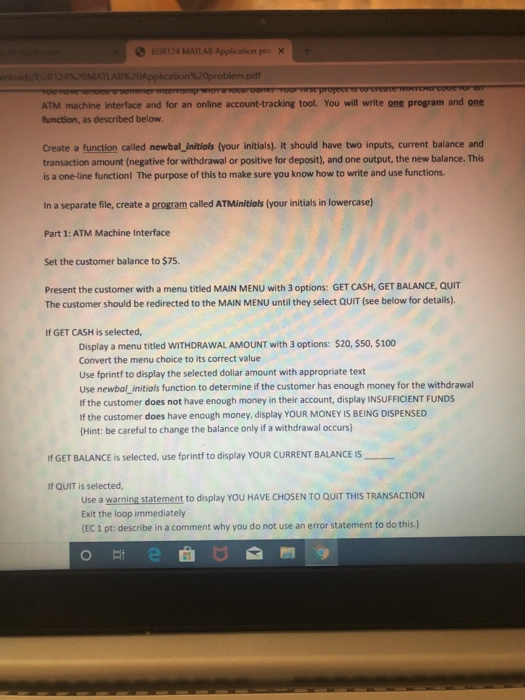
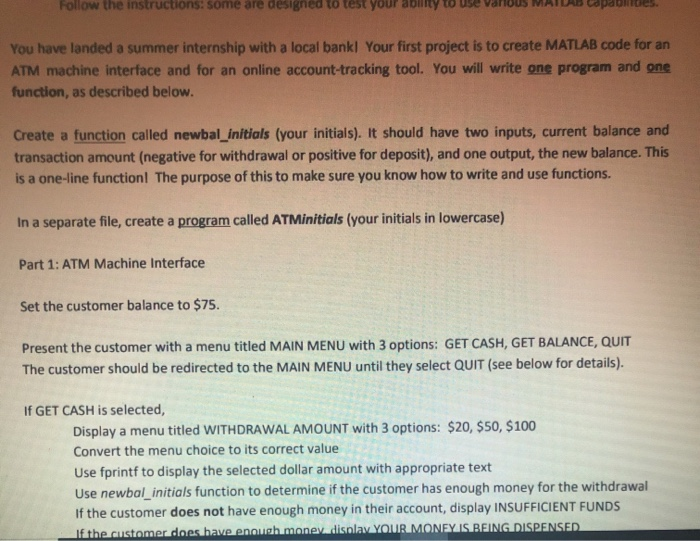
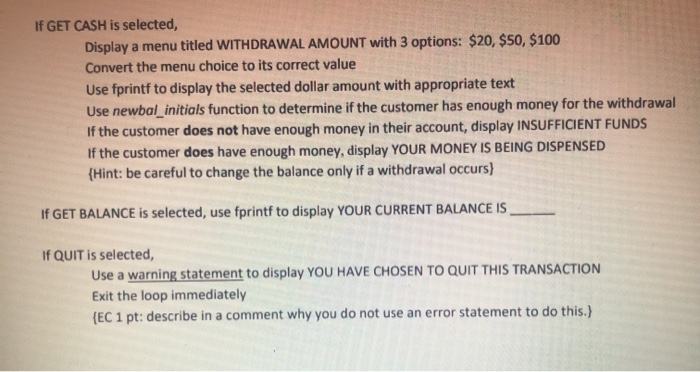
MATLAB Application prox 124.20MATLAB%20Application20problem.pdf ATM machine interface and for an online account-tracking tool. You will write one program and one function, as described below. Create a function called newbalInitials your initials). It should have two inputs, current balance and transaction amount (negative for withdrawal or positive for deposit), and one output, the new balance. This is a one line function The purpose of this to make sure you know how to write and use functions In a separate file, create a program called ATMinitials your initials in lowercase) Part 1: ATM Machine Interface Set the customer balance to $75 Present the customer with a menu titled MAIN MENU with 3 options: GET CASH, GET BALANCE, QUIT The customer should be redirected to the MAIN MENU until they select QUIT (see below for details). If GET CASH is selected, Display a menu titled WITHDRAWAL AMOUNT with 3 options: $20, $50, $100 Convert the menu choice to its correct value Use fprintf to display the selected dollar amount with appropriate text Use newbal_initial function to determine if the customer has enough money for the withdrawal if the customer does not have enough money in their account, display INSUFFICIENT FUNDS If the customer does have enough money, display YOUR MONEY IS BEING DISPENSED (Hint: be careful to change the balance only if a withdrawal occurs) If GET BALANCE is selected, use fprintf to display YOUR CURRENT BALANCE IS If QUIT is selected, Use a warning statement to display YOU HAVE CHOSEN TO QUIT THIS TRANSACTION Exit the loop immediately (EC 1 pt: describe in a comment why you do not use an error statement to do this.) O e M 9 Follow the instructions: some are designed to test your any use van cop You have landed a summer internship with a local bankl Your first project is to create MATLAB code for an ATM machine interface and for an online account-tracking tool. You will write one program and one function, as described below. Create a function called newbal_initials (your initials). It should have two inputs, current balance and transaction amount (negative for withdrawal or positive for deposit), and one output, the new balance. This is a one-line function The purpose of this to make sure you know how to write and use functions. In a separate file, create a program called ATMinitials (your initials in lowercase) Part 1: ATM Machine Interface Set the customer balance to $75. Present the customer with a menu titled MAIN MENU with 3 options: GET CASH, GET BALANCE, QUIT The customer should be redirected to the MAIN MENU until they select QUIT (see below for details). If GET CASH is selected, Display a menu titled WITHDRAWAL AMOUNT with 3 options: $20, $50, $100 Convert the menu choice to its correct value Use fprintf to display the selected dollar amount with appropriate text Use newbal_initials function to determine if the customer has enough money for the withdrawal If the customer does not have enough money in their account, display INSUFFICIENT FUNDS If the customer does have enough money disclav YOUR MONEY IS BEING DISPENSED If GET CASH is selected, Display a menu titled WITHDRAWAL AMOUNT with 3 options: $20, $50, $100 Convert the menu choice to its correct value Use fprintf to display the selected dollar amount with appropriate text Use newbal_initials function to determine if the customer has enough money for the withdrawal If the customer does not have enough money in their account, display INSUFFICIENT FUNDS If the customer does have enough money, display YOUR MONEY IS BEING DISPENSED {Hint: be careful to change the balance only if a withdrawal occurs) If GET BALANCE is selected, use fprintf to display YOUR CURRENT BALANCE IS If QUIT is selected, Use a warning statement to display YOU HAVE CHOSEN TO QUIT THIS TRANSACTION Exit the loop immediately (EC 1 pt: describe in a comment why you do not use an error statement to do this.)
Step by Step Solution
There are 3 Steps involved in it

Get step-by-step solutions from verified subject matter experts
 Study Help