







Question: Matlab Use the polyfit command inside the roots command to fit a % quadratic polynomial through the y vs x data (from #3) and then
Matlab 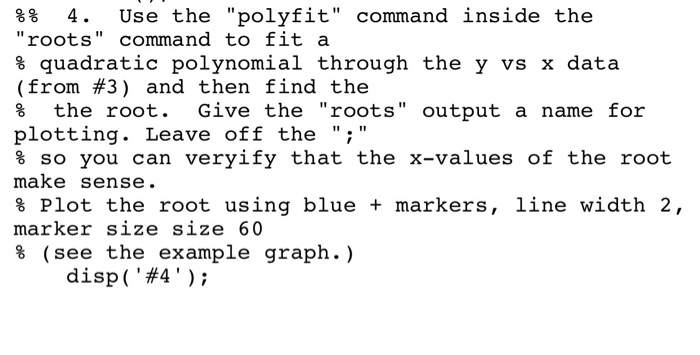
Use the "polyfit" command inside the "roots" command to fit a % quadratic polynomial through the y vs x data (from #3) and then find the % the root. Give the "roots" output a name for plotting. Leave off the ";" % so you can verify that the x-values of the root make sense. % Plot the root using blue + markers, line width 2, marker size size 60 % (see the example graph.) disp('#4')
Step by Step Solution
There are 3 Steps involved in it
1 Expert Approved Answer
Step: 1 Unlock

Question Has Been Solved by an Expert!
Get step-by-step solutions from verified subject matter experts
Step: 2 Unlock
Step: 3 Unlock
 Study Help