







Question: Microsoft Word Chapter 1: Getting Started with Word - Enter, select, and delete text - Use the spelling and grammar features - Use Undo and
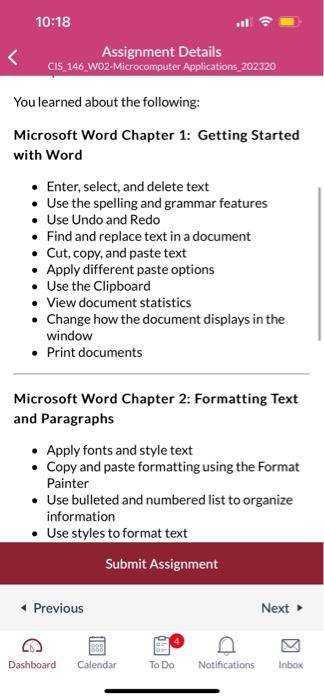
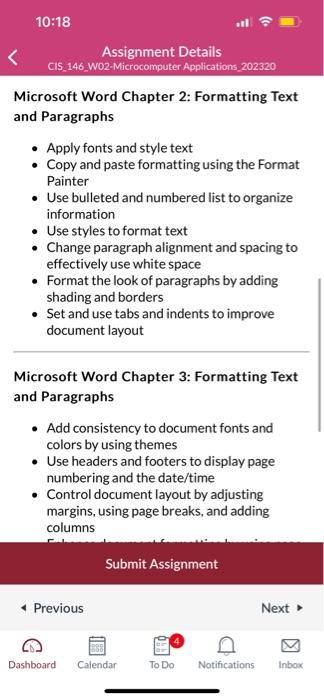
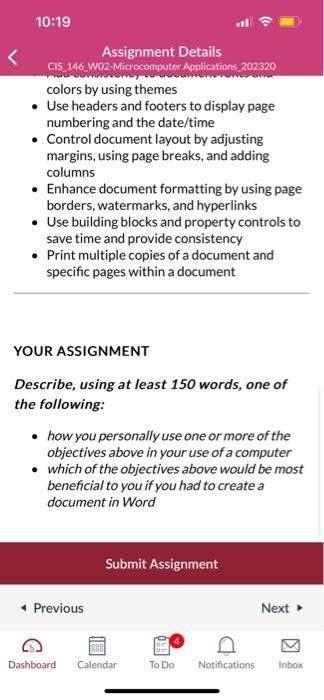
Microsoft Word Chapter 1: Getting Started with Word - Enter, select, and delete text - Use the spelling and grammar features - Use Undo and Redo - Find and replace text in a document - Cut, copy, and paste text - Apply different paste options - Use the Clipboard - View document statistics - Change how the document displays in the window - Print documents Microsoft Word Chapter 2: Formatting Text and Paragraphs - Apply fonts and style text - Copy and paste formatting using the Format Painter - Use bulleted and numbered list to organize information - Use styles to format text Microsoft Word Chapter 2: Formatting Text and Paragraphs - Apply fonts and style text - Copy and paste formatting using the Format Painter - Use bulleted and numbered list to organize information - Use styles to format text - Change paragraph alignment and spacing to effectively use white space - Format the look of paragraphs by adding shading and borders - Set and use tabs and indents to improve document layout Microsoft Word Chapter 3: Formatting Text and Paragraphs - Add consistency to document fonts and colors by using themes - Use headers and footers to display page numbering and the date/time - Control document layout by adjusting margins, using page breaks, and adding columns 10:19 Assignment Details C15, 146. WO2-Microcomputer Applications, 202320 colors by using themes - Use headers and footers to display page numbering and the date/time - Control document layout by adjusting margins, using page breaks, and adding columns - Enhance document formatting by using page borders, watermarks, and hyperlinks - Use building blocks and property controls to save time and provide consistency - Print multiple copies of a document and specific pages within a document YOUR ASSIGNMENT Describe, using at least 150 words, one of the following: - how you personally use one or more of the objectives above in your use of a computer - which of the objectives above would be most beneficial to you if you had to create a document in Word
Step by Step Solution
There are 3 Steps involved in it

Get step-by-step solutions from verified subject matter experts
 Study Help