







Question: Mini Lab - Java Strings Lab 3A: Meme Strings Summary: In this lab, you will write a program that translates input into two meme formats:
Mini Lab - Java Strings
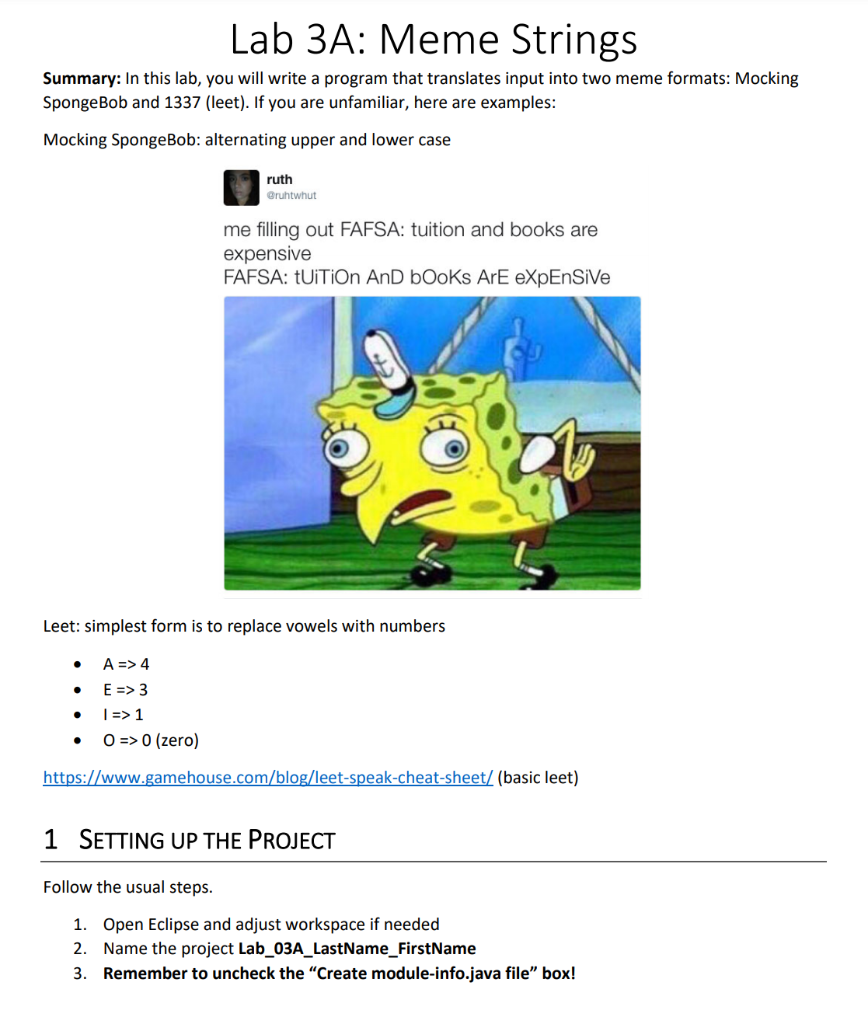
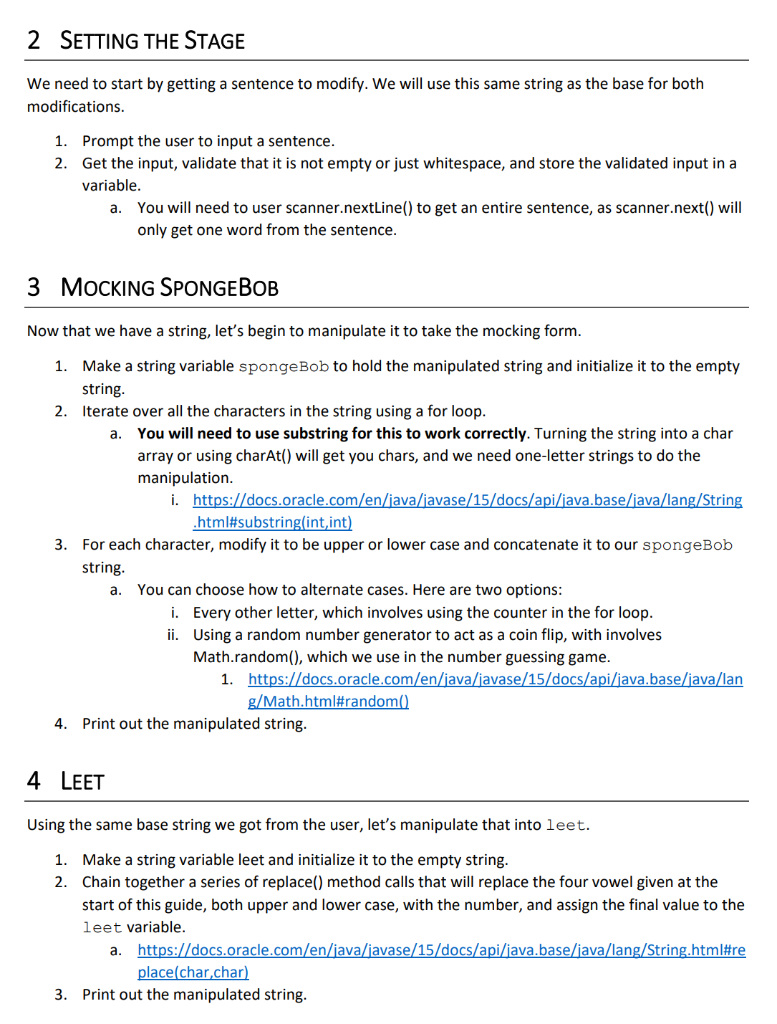
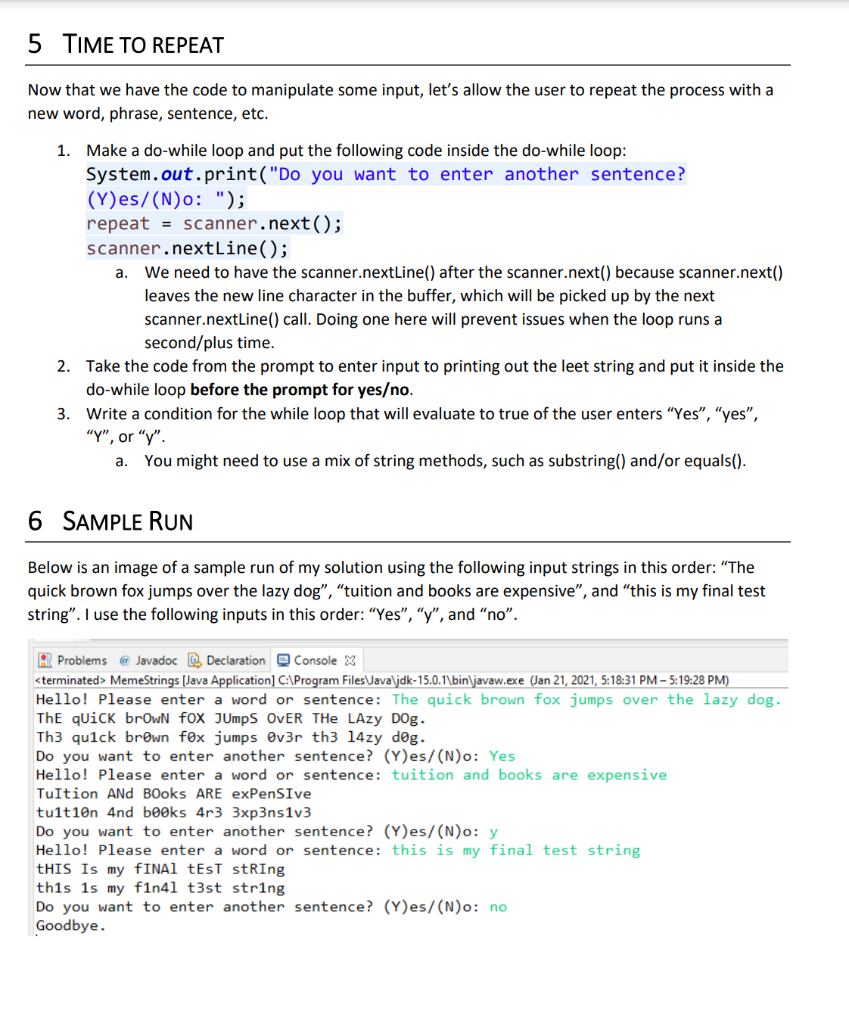
Lab 3A: Meme Strings Summary: In this lab, you will write a program that translates input into two meme formats: Mocking SpongeBob and 1337 (leet). If you are unfamiliar, here are examples: Mocking SpongeBob: alternating upper and lower case ruth Qruhtwhut me filling out FAFSA: tuition and books are expensive FAFSA: tUiTiOn And books Ar eXpEnsive Leet: simplest form is to replace vowels with numbers A => 4 . E => 3 1 => 1 O => 0 (zero) https://www.gamehouse.com/blog/leet-speak-cheat-sheet/ (basic leet) 1 SETTING UP THE PROJECT Follow the usual steps. 1. Open Eclipse and adjust workspace if needed 2. Name the project Lab_03A_LastName_FirstName 3. Remember to uncheck the "Create module-info.java file" box! 2 SETTING THE STAGE We need to start by getting a sentence to modify. We will use this same string as the base for both modifications. 1. Prompt the user to input a sentence. 2. Get the input, validate that it is not empty or just whitespace, and store the validated input in a variable. You will need to user scanner.nextLine() to get an entire sentence, as scanner.next() will only get one word from the sentence. a. 3 MOCKING SPONGEBOB Now that we have a string, let's begin to manipulate it to take the mocking form. 1. Make a string variable spongeBob to hold the manipulated string and initialize it to the empty string. 2. Iterate over all the characters in the string using a for loop. a. You will need to use substring for this to work correctly. Turning the string into a char array or using charAt() will get you chars, and we need one-letter strings to do the manipulation. i. https://docs.oracle.com/en/java/javase/15/docs/api/java.base/java/lang/String .html#substring(int,int) 3. For each character, modify it to be upper or lower case and concatenate it to our spongeBob string. a. You can choose how to alternate cases. Here are two options: i. Every other letter, which involves using the counter in the for loop. ii. Using a random number generator to act as a coin flip, with involves Math.random(), which we use in the number guessing game. 1. https://docs.oracle.com/en/java/javase/15/docs/api/java.base/java/lan g/Math.html#random() 4. Print out the manipulated string. 4 LEET Using the same base string we got from the user, let's manipulate that into leet. 1. Make a string variable leet and initialize it to the empty string. 2. Chain together a series of replace() method calls that will replace the four vowel given at the start of this guide, both upper and lower case, with the number, and assign the final value to the leet variable. a. https://docs.oracle.com/en/java/javase/15/docs/api/java.base/java/lang/String.html#re place(char,char) 3. Print out the manipulated string. 5 TIME TO REPEAT Now that we have the code to manipulate some input, let's allow the user to repeat the process with a new word, phrase, sentence, etc. 1. Make a do-while loop and put the following code inside the do-while loop: System.out.print("Do you want to enter another sentence? (Y)es/(N)o: "); repeat = scanner.next(); scanner.nextLine(); a. We need to have the scanner.nextLine() after the scanner.next() because scanner.next() leaves the new line character in the buffer, which will be picked up by the next scanner.nextLine() call. Doing one here will prevent issues when the loop runs a second/plus time. 2. Take the code from the prompt to enter input to printing out the leet string and put it inside the do-while loop before the prompt for yeso. 3. Write a condition for the while loop that will evaluate to true of the user enters "Yes", "yes", "Y", or "y". You might need to use a mix of string methods, such as substring() and/or equals(). a. 6 SAMPLE RUN Below is an image of a sample run of my solution using the following input strings in this order: "The quick brown fox jumps over the lazy dog", "tuition and books are expensive", and "this is my final test string". I use the following inputs in this order: "Yes", "Y", and "no". R Problems @ Javadoc Declaration Console X
Step by Step Solution
There are 3 Steps involved in it

Get step-by-step solutions from verified subject matter experts
 Study Help