







Question: Mini - project Description The objective of this mini project is to gain some experience applying the computer graphics techniques discussed in the class. You
Miniproject Description
The objective of this mini project is to gain some experience applying the computer graphics techniques discussed in the class. You will demonstrate your knowledge of these techniques in the context of a computer graphics application to draw a scene or scenes of your design using Java with Netbeans software tools. Your scene must include one or more of each of the elements described below:
Primitive shapes: points, lines, polygons, etc.
d shapes: cubes, teapots, cones, dots etc.
Colors: background, filling objects
Modeling transformation or Clipping
Keyboard or mouse events
Lighting
Texture mapping
Reflection of light sources
Submission instructions
Submission of the assignment will be filling this MS Word file containing student name, ID Section, your answer, and the output snapshot. Please fill in this form with your answer.
The assignment deserves marks.
The deadline for submission is Saturday, Dec : pm through Blackboard.
The assignment is individual work, and copied, or empty answers will receive no mark.
Make sure to apply the Programming Style and Documentation on every homework before submitting your files.
Remember that plagiarism will not be tolerated, and a zero mark will be given.
Late submissions will not be accepted unless a proper excuse is provided to the instructor.
Software Requirements
Students are expected to use the following programs:
Java JDK or newer.
Netbeans or newer.
Programming Style and Documentation
Each program must start with comments stating your name, the assignment number, and a brief description of the program's purpose.
Students are expected to follow the Programming Style recommendations given in class and in the text. For example but not limited to:
Indent statements between braces or spaces
Indent after the first line of a statement or spaces
Use single blank lines to separate sections of the program
Align opening and closing braces
Use descriptive identifier naming conventions
Include appropriate comments throughout the program.
Miniproject Description
The mini project consists of two parts as described below:
Generate a static computer image of a D D scene with
A ground plane or floor with gridlines;
A sphere floating in the air;
An object of your choice other than a sphere eg a teapot or a cube sitting on the floor;
Make the D scene implemented in part interactive and dynamic:
When pressing the key d the floating sphere would drop, bounce, and eventually stay on the floor.
When pressing the left or right arrow key, the object of your choice will rotate for a certain degree.
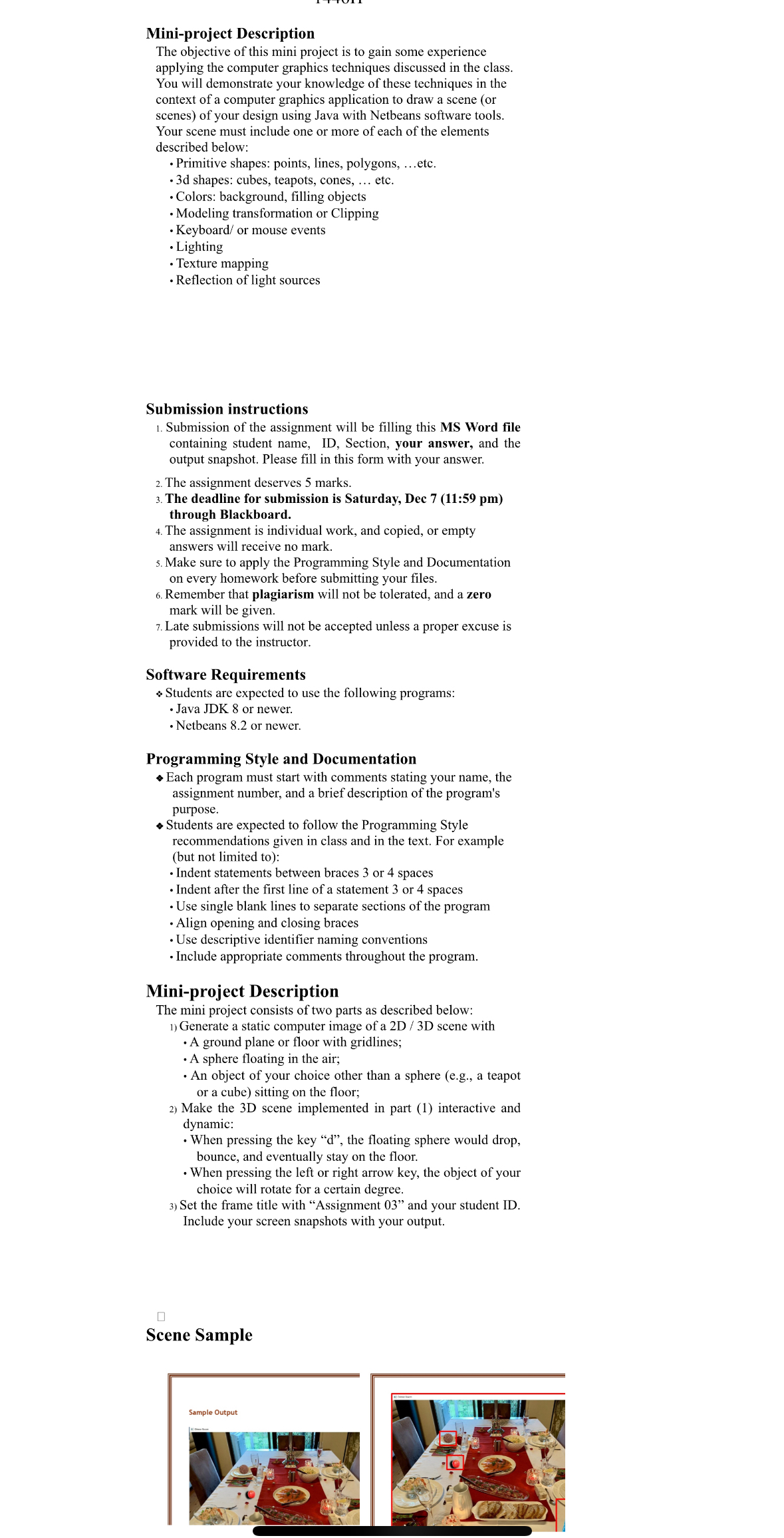
Set the frame title with "Assignment and your student ID Include your screen snapshots with your output.
Step by Step Solution
There are 3 Steps involved in it
1 Expert Approved Answer
Step: 1 Unlock

Question Has Been Solved by an Expert!
Get step-by-step solutions from verified subject matter experts
Step: 2 Unlock
Step: 3 Unlock
 Study Help