







Question: Missile There are two special powers you will implement in this project; the first is the missile attack. At any point in the game, once
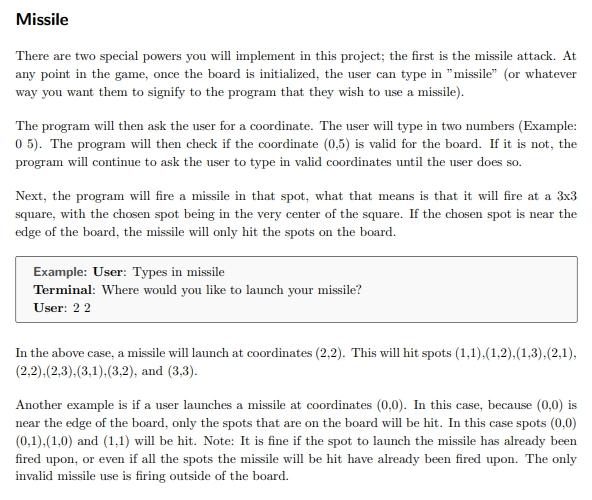
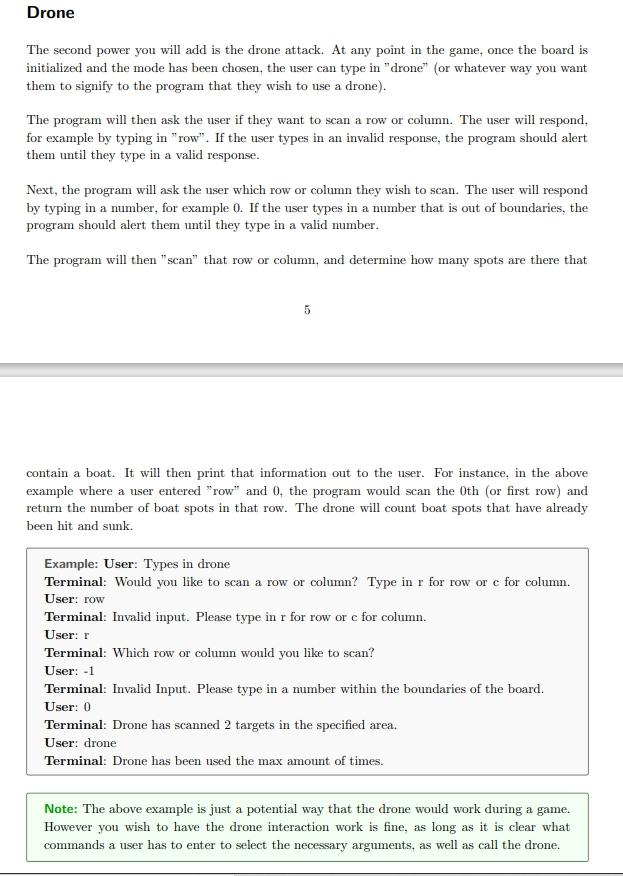
Missile There are two special powers you will implement in this project; the first is the missile attack. At any point in the game, once the board is initialized, the user can type in "missile" (or whatever way you want them to signify to the program that they wish to use a missile). The program will then ask the user for a coordinate. The user will type in two numbers (Example: 05). The program will then check if the coordinate (0.5) is valid for the board. If it is not, the program will continue to ask the user to type in valid coordinates until the user does so. Next, the program will fire a missile in that spot, what that means is that it will fire at a 3x3 square, with the chosen spot being in the very center of the square. If the chosen spot is near the edge of the board, the missile will only hit the spots on the board. Example: User: Types in missile Terminal: Where would you like to launch your missile? User: 2 2 In the above case, a missile will launch at coordinates (2.2). This will hit spots (1,1),(1.2),(1,3),(2,1), (2.2).(2.3).(3,1),(3.2), and (3,3). Another example is if a user launches a missile at coordinates (0,0). In this case, because (0,0) is near the edge of the board, only the spots that are on the board will be hit. In this case spots (0,0) (0,1),(1.0) and (1.1) will be hit. Note: It is fine if the spot to launch the missile has already been fired upon, or even if all the spots the missile will be hit have already been fired upon. The only invalid missile use is firing outside of the board. Drone The second power you will add is the drone attack. At any point in the game, once the board is initialized and the mode has been chosen, the user can type in "drone" (or whatever way you want them to signify to the program that they wish to use a drone). The program will then ask the user if they want to scan a row or column. The user will respond, for example by typing in "row". If the user types in an invalid response, the program should alert them until they type in a valid response. Next, the program will ask the user which row or column they wish to scan. The user will respond by typing in a number, for example 0. If the user types in a number that is out of boundaries, the program should alert them until they type in a valid number. The program will then "scan" that row or column, and determine how many spots are there that 5 contain a boat. It will then print that information out to the user. For instance, in the above example where a user entered "row" and 0, the program would scan the oth (or first row) and return the number of boat spots in that row. The drone will count boat spots that have already been hit and sunk. Example: User: Types in drone Terminal: Would you like to scan a row or column? Type in r for row or c for column. User: row Terminal: Invalid input. Please type in r for row or c for column. User: r Terminal: Which row or column would you like to scan? User: -1 Terminal: Invalid Input. Please type in a mimber within the boundaries of the board. User: 0 Terminal: Drone has scanned 2 targets in the specified area. User: drone Terminal: Drone has been used the max amount of times. Note: The above example is just a potential way that the drone would work during a game. However you wish to have the drone interaction work is fine, as long as it is clear what commands a user has to enter to select the necessary arguments, as well as call the drone
Step by Step Solution
There are 3 Steps involved in it

Get step-by-step solutions from verified subject matter experts
 Study Help