







Question: Mobile application by Android studio app: As you see in the first pic when I chose to click on the area of a circle it
Mobile application by Android studio app:
As you see in the first pic when I chose to click on the area of a circle it will open a new page and calculate it.
write code for all of these calculation.
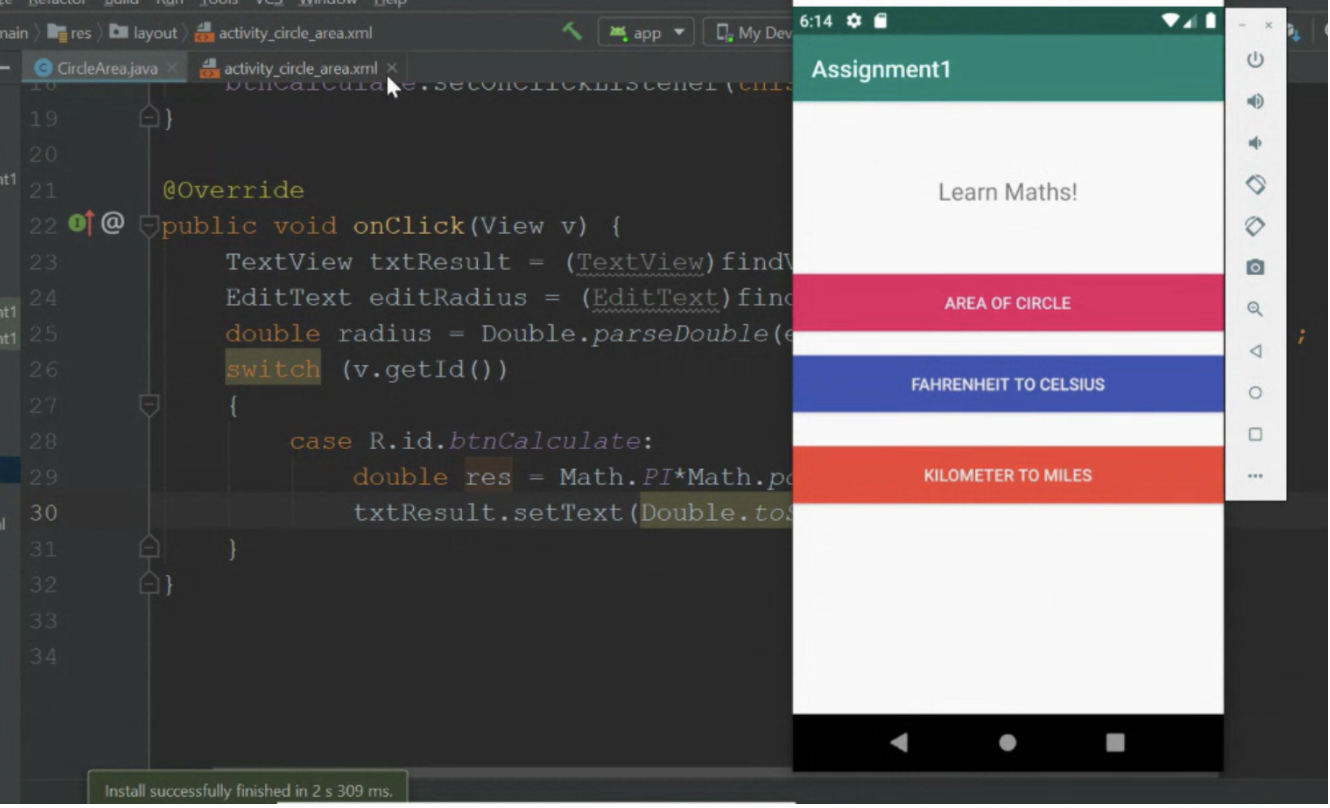
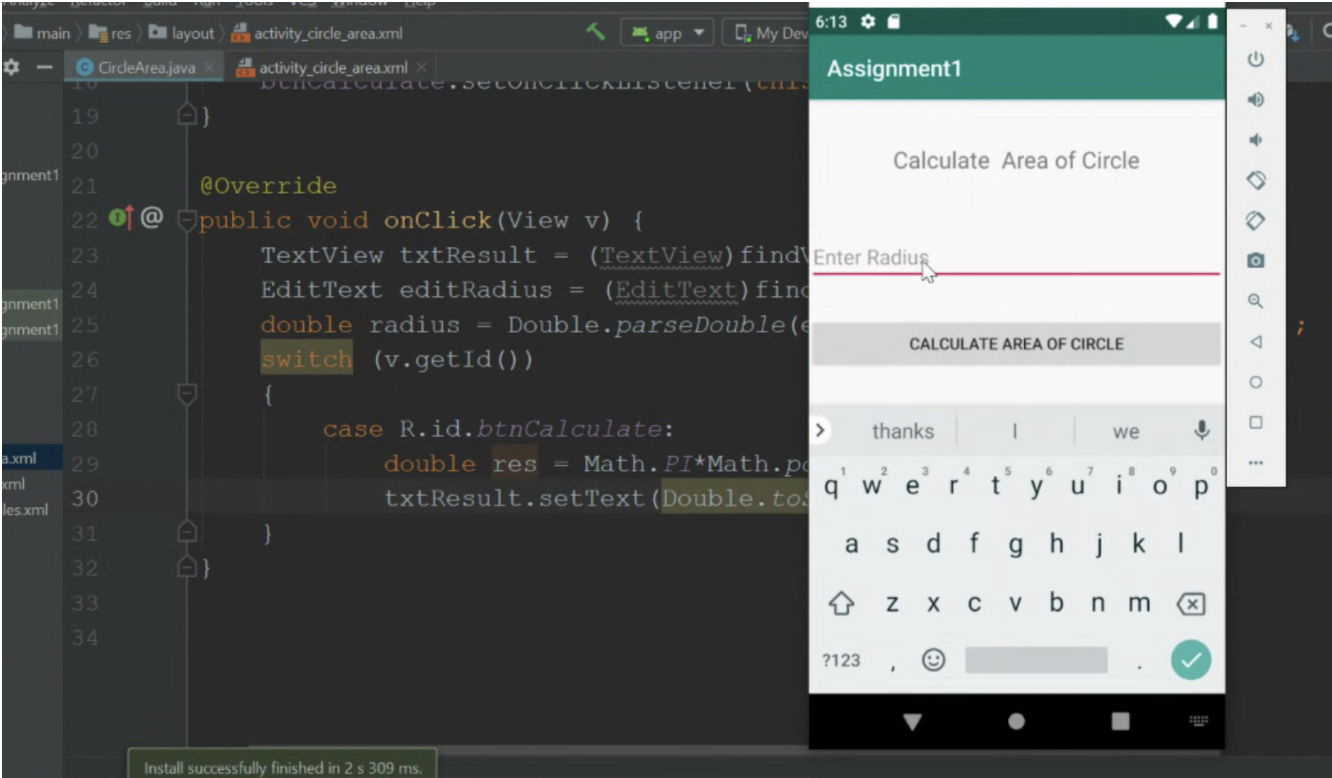

 YYOU HAVE TO WIRTE THE CODE FOR ALL AND ITS IMPORTANT TO SHOW TO ME THE OUTPUT IN THE PHONE SAME AS FIRST PICTURE.
nain res layout activity_circle_area.xml app 6:14 0 My Dev CircleArea.java activity_circle_area.xml Durcalcula.DELICIIUAUIOLEELICIN Assignment1 19 20 nt 1 21 Learn Maths! 22 23 @Override @ public void onClick(View v) { TextView txtResult = (TextView) find Edit Text editRadius = (EditText) find double radius = Double. parseDouble(q switch (v.getId()) 24 AREA OF CIRCLE mt 1 nt125 26 FAHRENHEIT TO CELSIUS 27 28 29 case R.id.btnCalculate: double res Math.PI*Math.po txtResult.setText (Double. to. KILOMETER TO MILES 30 31 32 33 34 Install successfully finished in 2 s 309 ms. main res C 6:13 De layout & activity_circle_area.xml app CMy Dev CircleArea.java activity_circle_area.xml x Assignment1 Nuncalturact.JELUTILIITAUIS LETELI CITI 19 20 gnment1 21 22 23 Calculate Area of Circle @Override @ public void onClick(View v) { TextView txtResult = (TextView) find Enter Radius Edit Text editRadius = (EditText) find double radius = Double.parseDouble( CALCULATE AREA OF CIRCLE switch (v.getId()) 24 anment1 inment1 25 26 27 28 thanks 1 we 29 case R.id.btnCalculate: double res Math.PI*Math.pd 9 txtResult.setText (Double. to. 5 a.xml cml les.xml 6 2 W 3 e 4 r t 30 u' io y 31 a S d f gh j k 32 33 z x cvbnm x 34 ?123 Install successfully finished in 2 s 309 ms
Step by Step Solution
There are 3 Steps involved in it

Get step-by-step solutions from verified subject matter experts
 Study Help