





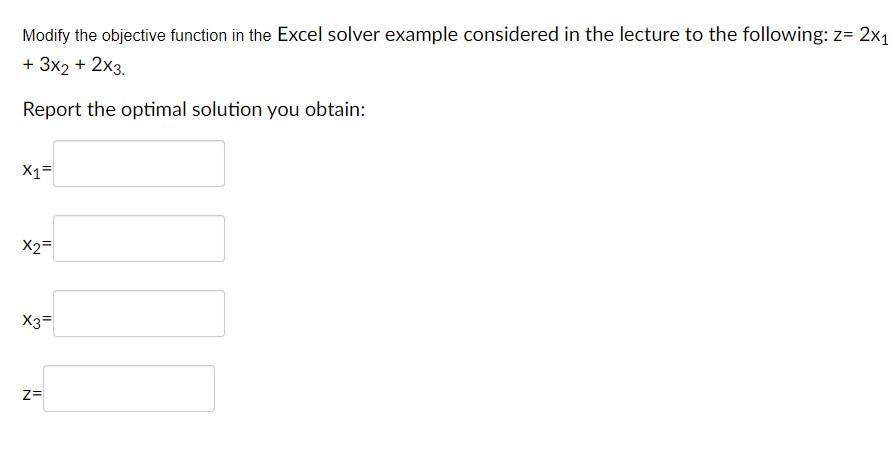
Question: Modify the objective function in the Excel solver example considered in the lecture to the following: z=2x1 +3x2+2x3. Report the optimal solution you obtain: x1=
Modify the objective function in the Excel solverModify the objective function in the Excel solver

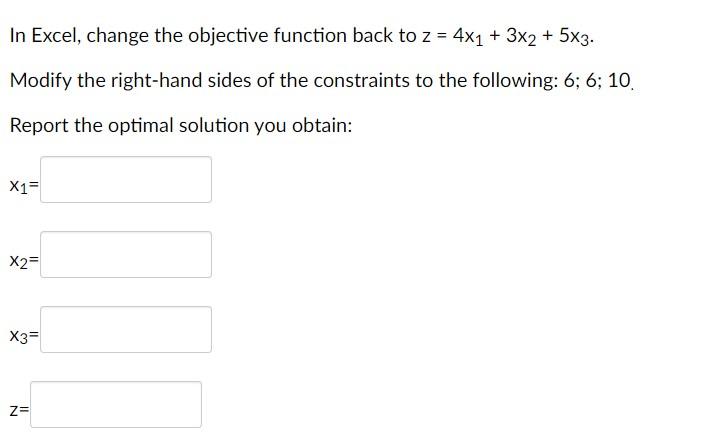
Modify the objective function in the Excel solver example considered in the lecture to the following: z=2x1 +3x2+2x3. Report the optimal solution you obtain: x1= x2= x3= Z= In Excel, change the objective function back to z=4x1+3x2+5x3. Modify the right-hand sides of the constraints to the following: 6;6;10. Report the optimal solution you obtain: x1= x2= x3= Z= Modify the objective function in the Excel solver example considered in the lecture to the following: z=2x1 +3x2+2x3. Report the optimal solution you obtain: x1= x2= x3= Z= In Excel, change the objective function back to z=4x1+3x2+5x3. Modify the right-hand sides of the constraints to the following: 6;6;10. Report the optimal solution you obtain: x1= x2= x3= Z=

Step by Step Solution

There are 3 Steps involved in it

1 Expert Approved Answer
Step: 1 Unlock blur-text-image

Question Has Been Solved by an Expert!

Get step-by-step solutions from verified subject matter experts

Step: 2 Unlock
Step: 3 Unlock

Students Have Also Explored These Related General Management Questions!