







Question: Module 6: Handling Forms in Angular Assignment - 2: Problem Statement Follow the steps below to build the application: 1. Create a new component reactive-form
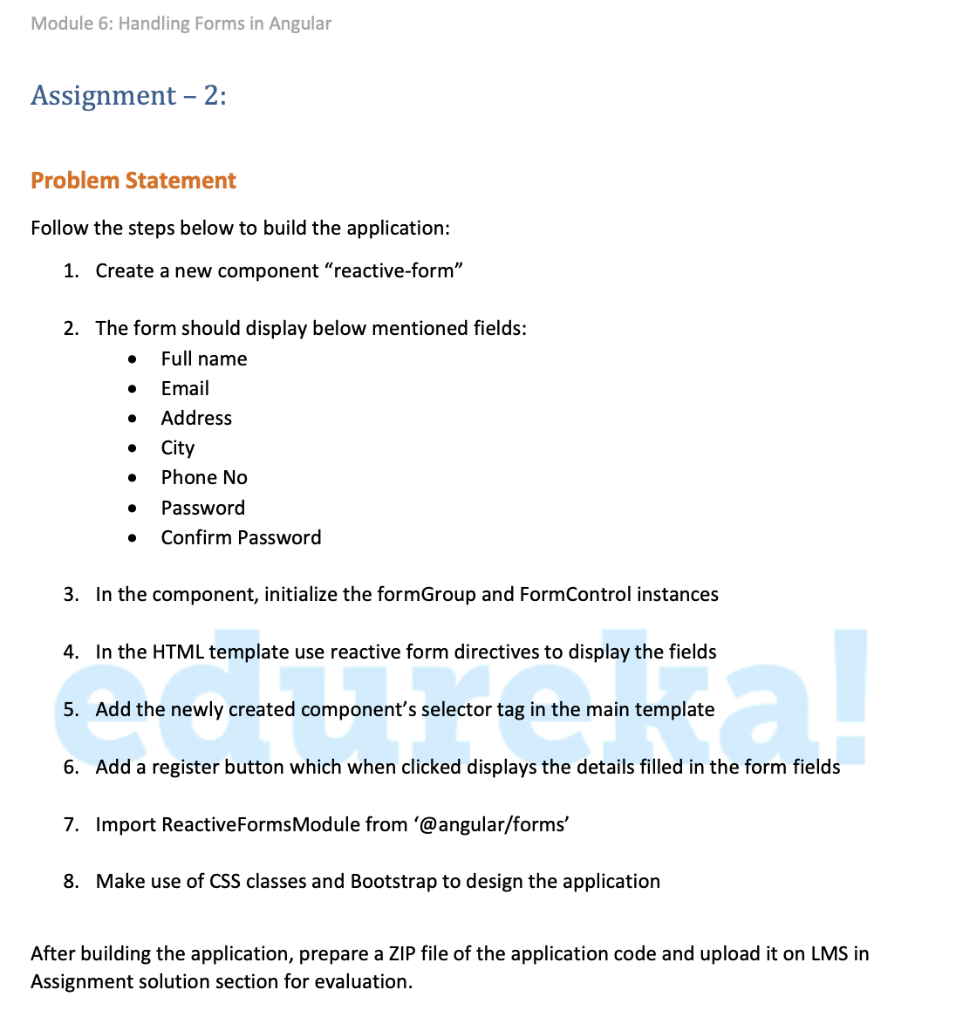
Module 6: Handling Forms in Angular Assignment - 2: Problem Statement Follow the steps below to build the application: 1. Create a new component "reactive-form" 2. The form should display below mentioned fields: Full name Email Address City Phone No Password Confirm Password . 3. In the component, initialize the formGroup and Form Control instances 4. In the HTML template use reactive form directives to display the fields 5. Add the newly created component's selector tag in the main template E 1 6. Add a register button which when clicked displays the details filled in the form fields 7. Import Reactive Forms Module from '@angular/forms' 8. Make use of CSS classes and Bootstrap to design the application the application code and upload it on LMS in After building the application, prepare a ZIP file Assignment solution section for evaluation
Step by Step Solution
There are 3 Steps involved in it

Get step-by-step solutions from verified subject matter experts
 Study Help