







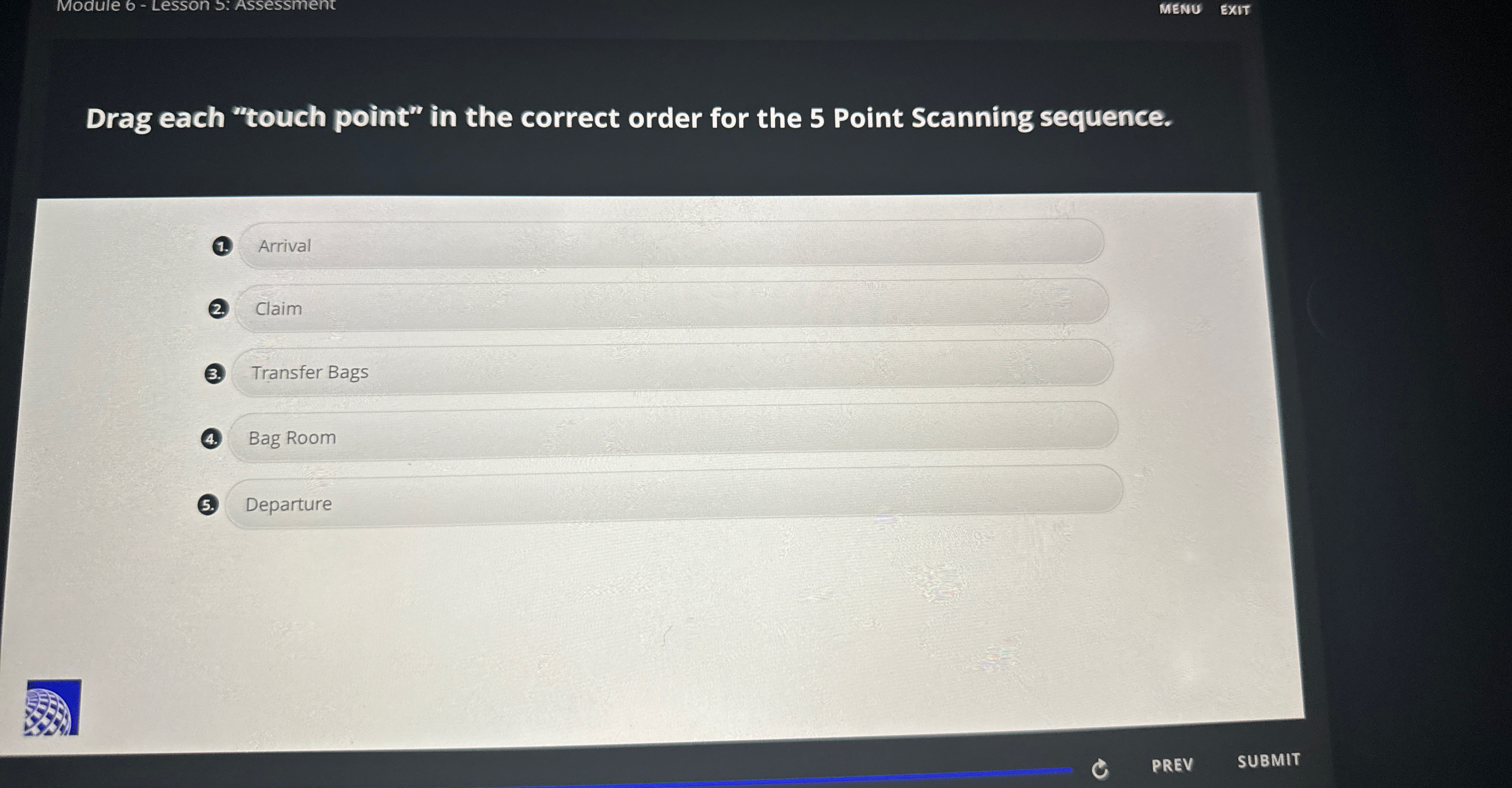
Question: Module 6 - Lesson 5 : Assessment MENU EXIT Drag each touch point in the correct order for the 5 Point Scanning sequence. ( 1
Module Lesson : Assessment
MENU
EXIT
Drag each "touch point" in the correct order for the Point Scanning sequence.
Arrival
Claim
Transfer Bags
Bag Room
Departure
Step by Step Solution
There are 3 Steps involved in it
1 Expert Approved Answer
Step: 1 Unlock

Question Has Been Solved by an Expert!
Get step-by-step solutions from verified subject matter experts
Step: 2 Unlock
Step: 3 Unlock
 Study Help