







Question: Much of the code has been provided for you, including code to sort the teams by win percentage and print them out ( study this
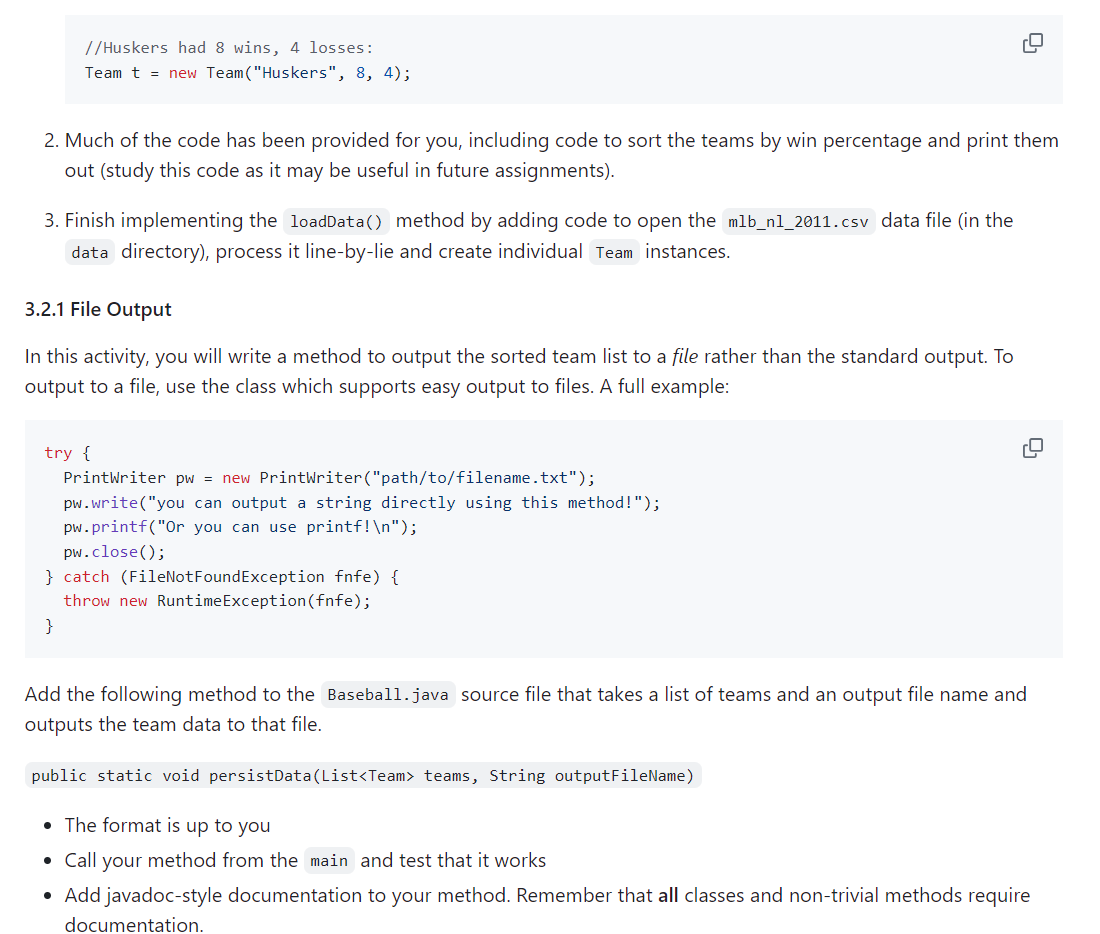
Much of the code has been provided for you, including code to sort the teams by win percentage and print them
out study this code as it may be useful in future assignments
Finish implementing the loadData method by adding code to open the mlbnlcsv data file in the
directory process it linebylie and create individual instances.
File Output
In this activity, you will write a method to output the sorted team list to a file rather than the standard output. To
output to a file, use the class which supports easy output to files. A full example:
Add the following method to the Baseball.java source file that takes a list of teams and an output file name and
outputs the team data to that file.
The format is up to you
Call your method from the main and test that it works
Add javadocstyle documentation to your method. Remember that all classes and nontrivial methods require
documentation.
package unl.cse;
import java.util.ArrayList;
import java.util.Collections;
import java.util.Comparator;
import java.util.List;
Processes a commaseparated value CSV file of winloss data from the
National League MLB season. It sorts the teams best record to worst and
prints a report to the standard output.
@author cbourke
public class Baseball
private static final String FILENAME "datamlbnlcsv;
This method loads MLB team data from the CSV file
specified by @link #FILENAME and instantiates
and returns a list of @link Teams
@return
public static List loadData
List teams new ArrayList;
TODO: write code to open the file, process it linebyline
to create team instances and add them to the list.
Be sure to close the scanner
return teams;
TODO: implement the file output method
public static void mainString args
List teams loadData;
System.out.printlnTeams: ;
for Team t : teams
System.out.printlnt;
Collections.sortteams new Comparator
@Override
public int compareTeam a Team b
return bgetWinPercentagecompareToagetWinPercentage;
;
System.out.println
Sorted Teams: ;
for Team t : teams
System.out.printlnt;
TODO: call your file output method with the sorted teams
Step by Step Solution
There are 3 Steps involved in it
1 Expert Approved Answer
Step: 1 Unlock

Question Has Been Solved by an Expert!
Get step-by-step solutions from verified subject matter experts
Step: 2 Unlock
Step: 3 Unlock
 Study Help