







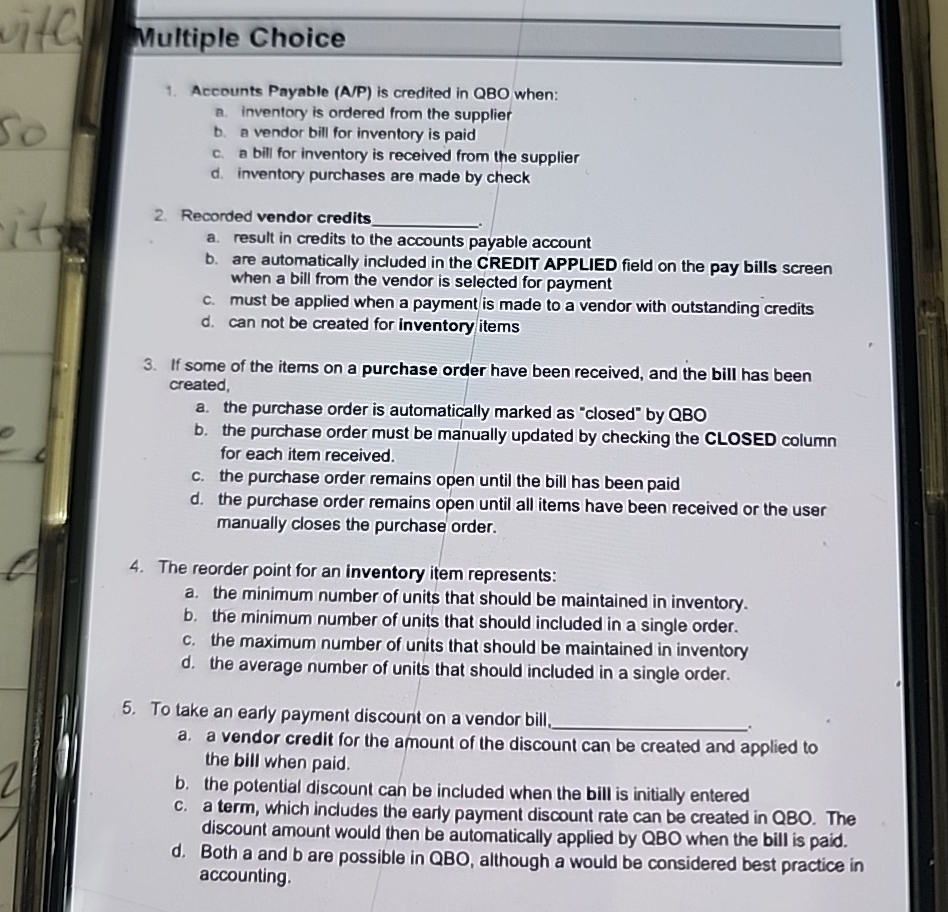
Question: Multiple Choice Accounts Payable ( A / P ) is credited in QBO when: a . inventory is ordered from the supplier b . a
Multiple Choice
Accounts Payable AP is credited in QBO when:
a inventory is ordered from the supplier
b a vendor bill for inventory is paid
c a bill for inventory is received from the supplier
d inventory purchases are made by check
Recorded vendor credits
a result in credits to the accounts payable account
b are automatically included in the CREDIT APPLIED field on the pay bills screen when a bill from the vendor is selected for payment
c must be applied when a payment is made to a vendor with outstanding credits
d can not be created for inventory items
If some of the items on a purchase order have been received, and the bill has been created,
a the purchase order is automatically marked as "closed" by QBO
b the purchase order must be manually updated by checking the CLOSED column for each item received.
c the purchase order remains open until the bill has been paid
d the purchase order remains open until all items have been received or the user manually closes the purchase order.
The reorder point for an inventory item represents:
a the minimum number of units that should be maintained in inventory.
b the minimum number of units that should included in a single order.
c the maximum number of units that should be maintained in inventory
d the average number of units that should included in a single order.
To take an early payment discount on a vendor bill,
a a vendor credit for the amount of the discount can be created and applied to the bill when paid.
b the potential discount can be included when the bill is initially entered
c a term, which includes the early payment discount rate can be created in QBO. The discount amount would then be automatically applied by QBO when the bill is paid.
d Both a and are possible in QBO, although a would be considered best practice in accounting.
Step by Step Solution
There are 3 Steps involved in it
1 Expert Approved Answer
Step: 1 Unlock

Question Has Been Solved by an Expert!
Get step-by-step solutions from verified subject matter experts
Step: 2 Unlock
Step: 3 Unlock
 Study Help