







Question: Murach C# exercise 12-1 Given form and starting code Mapter 12How to create and use classes 407 Exercise 12-1 Create a Customer Maintenance application that
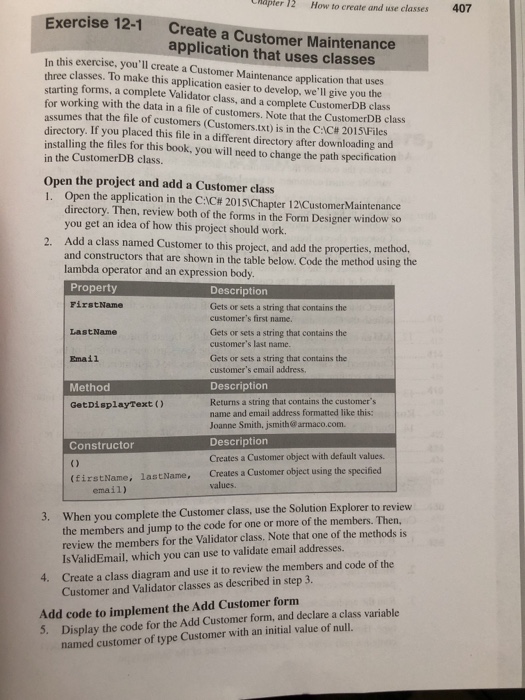
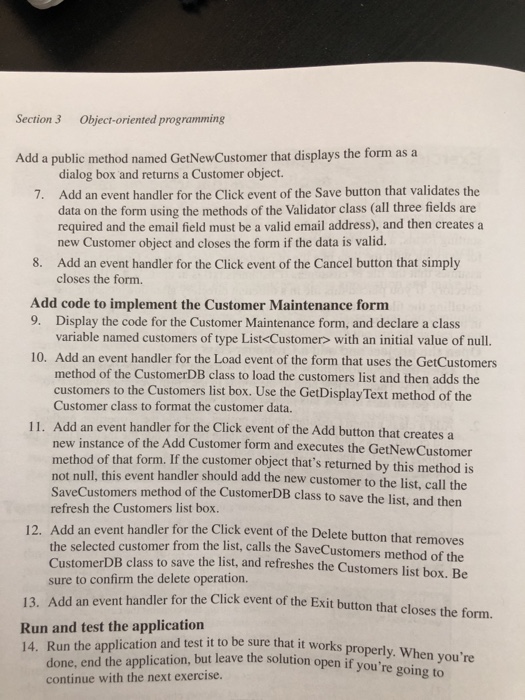
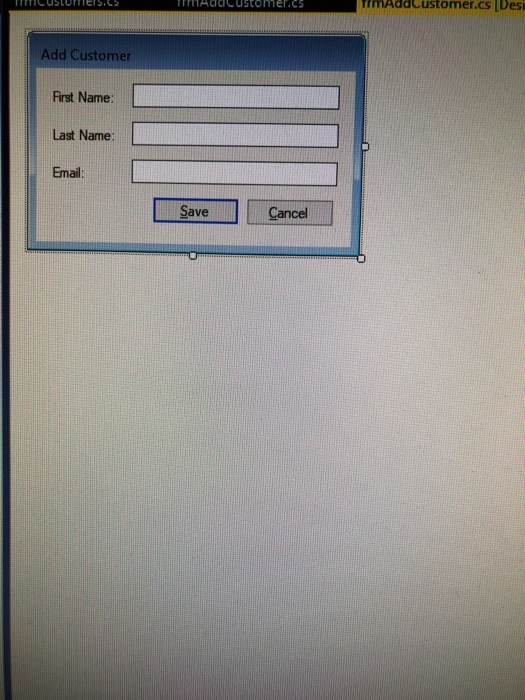
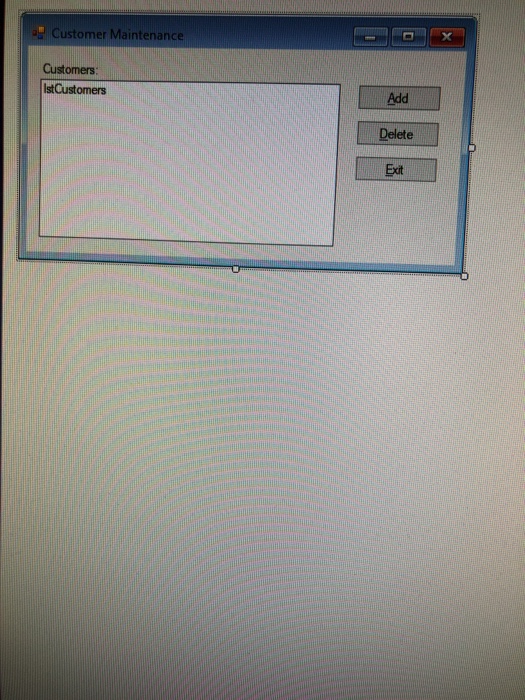
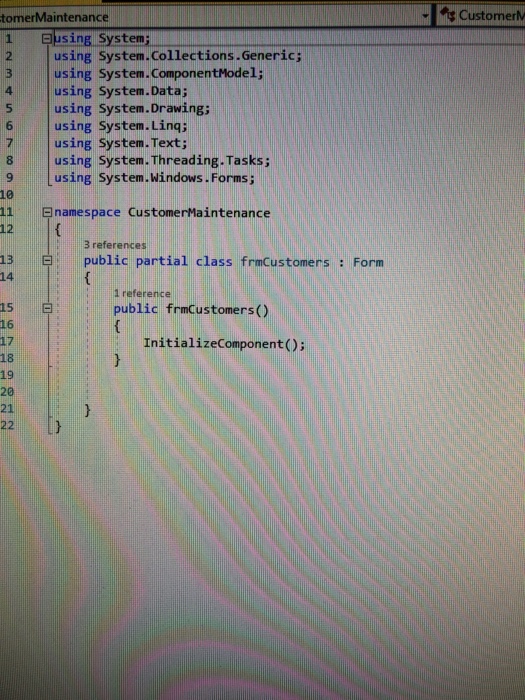
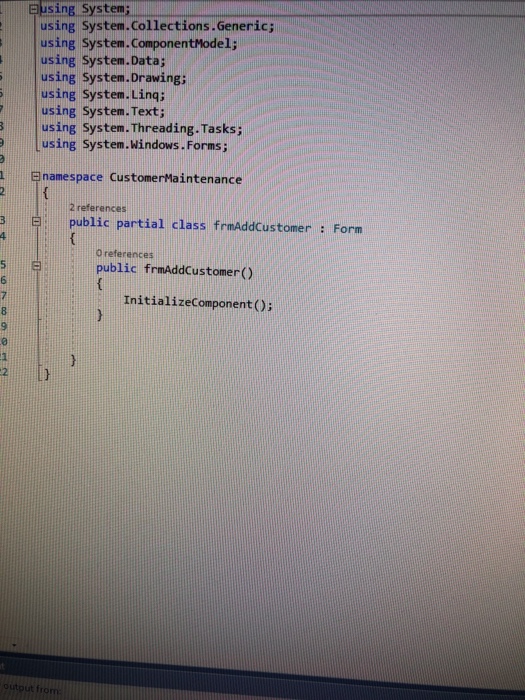
Mapter 12How to create and use classes 407 Exercise 12-1 Create a Customer Maintenance application that uses classes this exercise, you'll create a Customer Maintenance application that uses three classes. To make this application easier to develop, we'll give you starting forms, a co for working with the data in a file of customers. Note that the CustomerDB clas assumes that the file of customers (Customers.txt) is in the CC# 2015Files directory. If you placed this file in a different directory after downloading and installing the files for this book, you will need to change the path specification in the CustomerDB class. mplete Validator class, and a complete CustomerDB class the Open the project and add a Customer class 1. Open the application in the C:C#2015Chapter 12CustomerMaintenance directory. Then, review both of the forms in the Form Designer window so you get an idea of how this project should work. Add a class named Customer to this project, and add the properties, method, and constructors that are shown in the table below. Code the method using the 2. lambda operator and an expression body Property FirstName Description Gets or sets a string that contains the customer's first name. LastName Gets or sets a string that contains the customer's last name Email Gets or sets a string that contains the customer's email address. Method GetDisplayText ) Description Returns a string that contains the customer's name and email address formatted like this: Joanne Smith, jsmitharmaco.com. Constructor Description Creates a Customer object with default values. Creates a Customer object using the specified values. (firstName, lastName, email) When you complete the Customer class, use the Solution Explorer to review the members and jump to the code for one or more of the members. Then, review the members for the Validator class, Note that one of the methods is Is ValidEmail, which you can use to validate email addresses. Create a class diagram and use it to review the members and code of the Customer and Validator classes as described in step 3. 3. 4. Add code to implement the Add Customer form 5. Display the code for the Add Customer form, and declare a class variable named customer of type Customer with an initial value of null
Step by Step Solution
There are 3 Steps involved in it

Get step-by-step solutions from verified subject matter experts
 Study Help