







Question: /* * name: michael * program :led switch */#include #define ledPin 13 // LED on pin 13 #define switchPin 8 // Switch on pin 8int
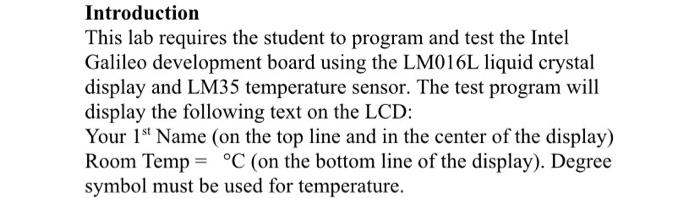
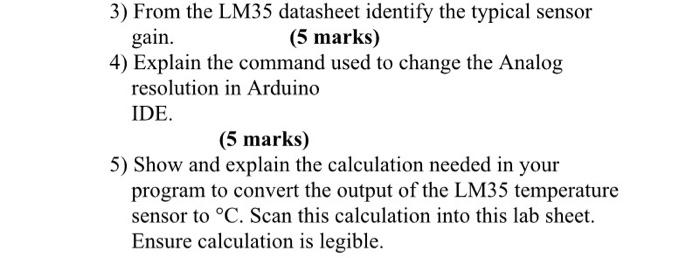
Introduction This lab requires the student to program and test the Intel Galileo development board using the LM016L liquid crystal display and LM35 temperature sensor. The test program will display the following text on the LCD: Your 1st Name (on the top line and in the center of the display) Room Temp = C (on the bottom line of the display). Degree symbol must be used for temperature. 3) From the LM35 datasheet identify the typical sensor gain. (5 marks) 4) Explain the command used to change the Analog resolution in Arduino IDE. (5 marks) 5) Show and explain the calculation needed in your program to convert the output of the LM35 temperature sensor to C. Scan this calculation into this lab sheet. Ensure calculation is legible. Introduction This lab requires the student to program and test the Intel Galileo development board using the LM016L liquid crystal display and LM35 temperature sensor. The test program will display the following text on the LCD: Your 1st Name (on the top line and in the center of the display) Room Temp = C (on the bottom line of the display). Degree symbol must be used for temperature. 3) From the LM35 datasheet identify the typical sensor gain. (5 marks) 4) Explain the command used to change the Analog resolution in Arduino IDE. (5 marks) 5) Show and explain the calculation needed in your program to convert the output of the LM35 temperature sensor to C. Scan this calculation into this lab sheet. Ensure calculation is legible
Step by Step Solution
There are 3 Steps involved in it

Get step-by-step solutions from verified subject matter experts
 Study Help