







Question: Need example of how to do Instructions 1. Use the internet to access AHIMA's VLab 2. Login to the VLab using your username and password.
Need example of how to do
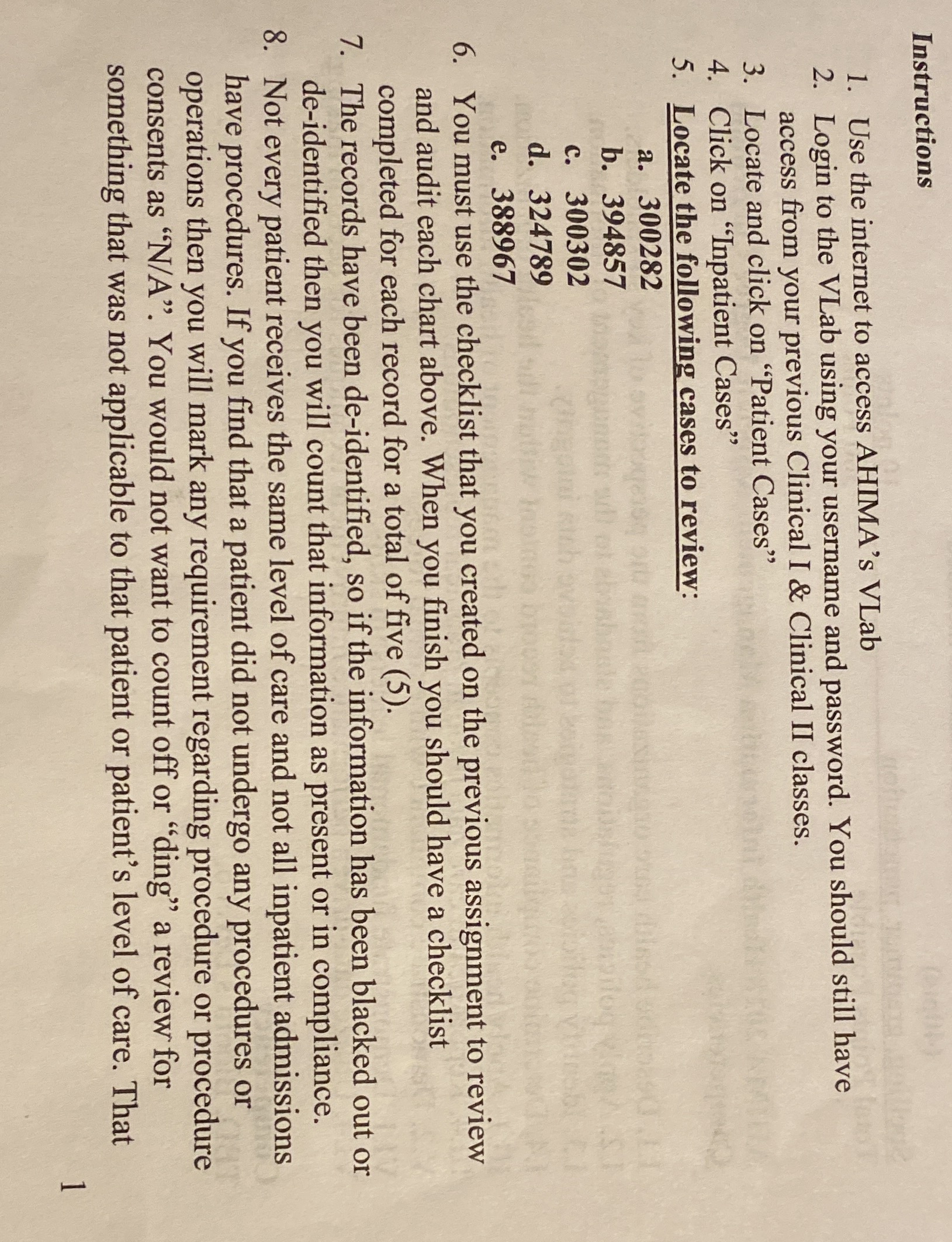
Instructions 1. Use the internet to access AHIMA's VLab 2. Login to the VLab using your username and password. You should still have access from your previous Clinical I & Clinical II classes. 3. Locate and click on "Patient Cases" 4. Click on "Inpatient Cases" 5. Locate the following cases to review: a. 300282 b. 394857 c. 300302 d. 324789 e. 388967 6. You must use the checklist that you created on the previous assignment to review and audit each chart above. When you finish you should have a checklist completed for each record for a total of five (5). 7. The records have been de-identified, so if the information has been blacked out or de-identified then you will count that information as present or in compliance. 8. Not every patient receives the same level of care and not all inpatient admissions have procedures. If you find that a patient did not undergo any procedures or operations then you will mark any requirement regarding procedure or procedure consents as "N/A". You would not want to count off or "ding" a review for something that was not applicable to that patient or patient's level of care. That
Step by Step Solution
There are 3 Steps involved in it

Get step-by-step solutions from verified subject matter experts
 Study Help