







Question: Need help creating a Java Web Application in NetBeans that follow these broad instructions closely: Keep it simple, and thank you. HW5 FORM, JavaBean, Servlet
Need help creating a Java Web Application in NetBeans that follow these broad instructions closely:
Keep it simple, and thank you.
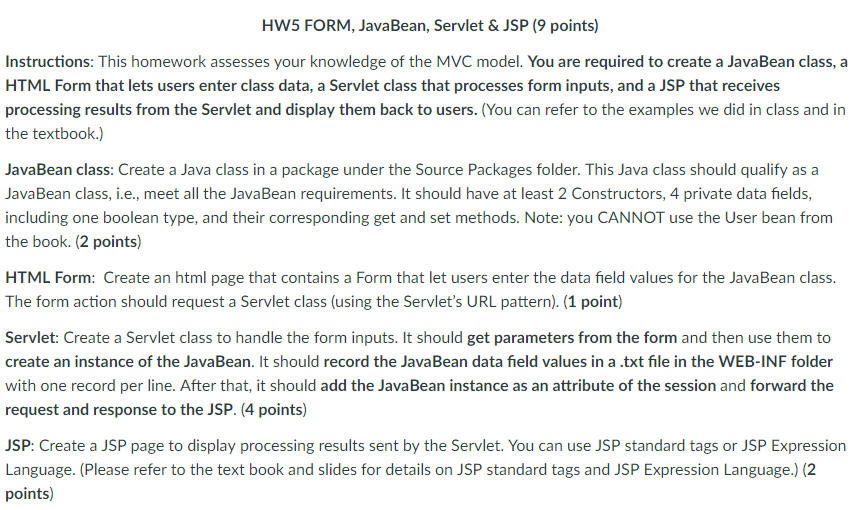
HW5 FORM, JavaBean, Servlet & JSP (9 points) Instructions: This homework assesses your knowledge of the MVC model. You are required to create a JavaBean class, a HTML Form that lets users enter class data, a Servlet class that processes form inputs, and a JSP that receives processing results from the Servlet and display them back to users. (You can refer to the examples we did in class and in the textbook.) JavaBean class: Create a Java class in a package under the Source Packages folder. This Java class should qualify as a Java Bean class, i.?., meet all the JavaBean requirements. It should have at least 2 Constructors, 4 private data fields, including one boolean type, and their corresponding get and set methods. Note: you CANNOT use the User bean from the book. (2 points) HTML Form: Create an html page that contains a Form that let users enter the data field values for the JavaBean class. The form action should request a Servlet class (using the Servlet's URL pattern). (1 point) Servlet: Create a Servlet class to handle the form inputs. It should get parameters from the form and then use them to create an instance of the JavaBean. It should record the JavaBean data field values in a .txt file in the WEB-INF folder with one record per line. After that, it should add the JavaBean instance as an attribute of the session and forward the request and response to the JSP. (4 points) JSP: Create a JSP page to display processing results sent by the Servlet. You can use JSP standard tags or JSP Expression Language. (Please refer to the text book and slides for details on JSP standard tags and JSP Expression Language.)(2 points)
Step by Step Solution
There are 3 Steps involved in it

Get step-by-step solutions from verified subject matter experts
 Study Help