







Question: NEED HELP WITH MATLAB PROBLEM. PLEASE DON'T USE XLSREAD FUNCTION TO READ THE EXCEL FILE. AND USE ONLY IF, ELSE IF LOOPS FOR THIS PROBLEM.
NEED HELP WITH MATLAB PROBLEM. PLEASE DON'T USE XLSREAD FUNCTION TO READ THE EXCEL FILE. AND USE ONLY IF, ELSE IF LOOPS FOR THIS PROBLEM. WILL UPVOTE IF IT WORKS. THANK YOU.
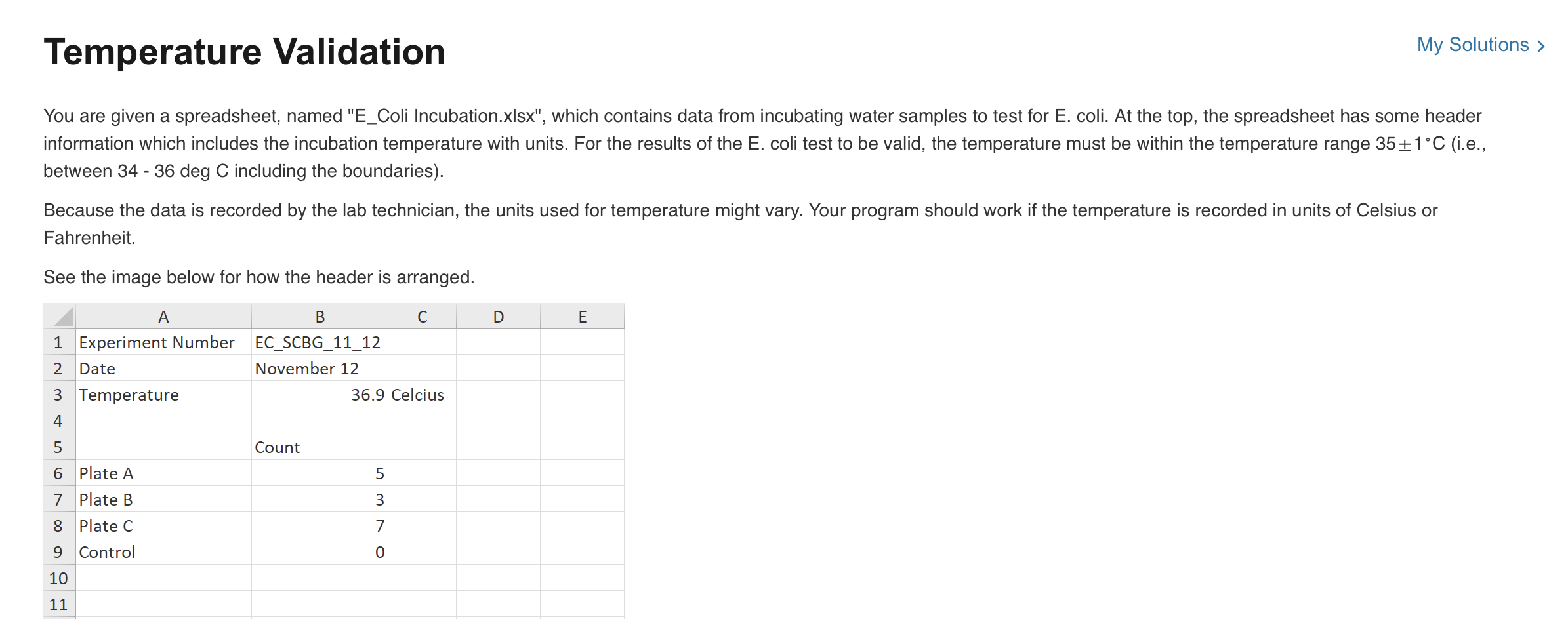

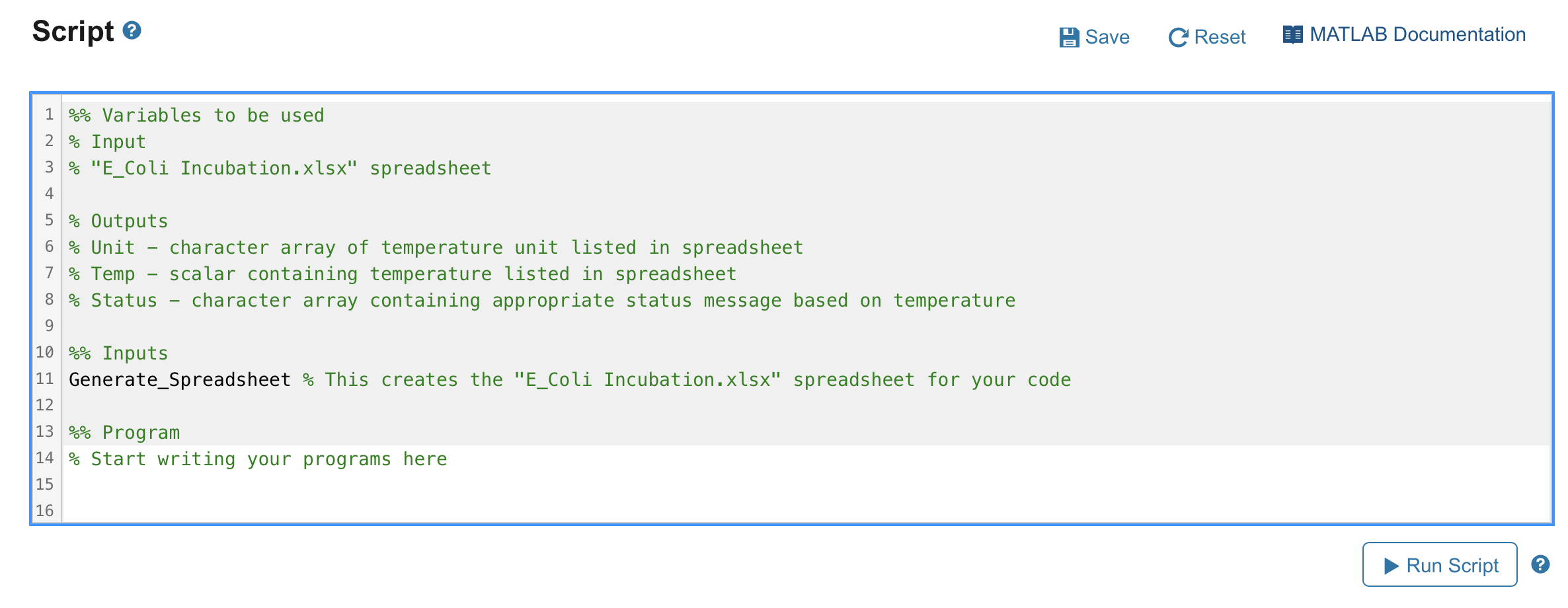
Temperature Validation My Solution You are given a spreadsheet, named "E_Coli Incubation.xlsx", which contains data from incubating water samples to test for E. coli. At the top, the spreadsheet has some header information which includes the incubation temperature with units. For the results of the E. coli test to be valid, the temperature must be within the temperature range 351C (i.e., between 34 - 36 deg C including the boundaries). Because the data is recorded by the lab technician, the units used for temperature might vary. Your program should work if the temperature is recorded in units of Celsius or Fahrenheit. See the image below for how the header is arranged. Write a program which will read in the temperature and units from the spreadsheet, check if the temperature is within the acceptable range, and set a variable Status to contain one of the following character arrays: - Invalid Unit - if the temperature unit listed is anything other than Celsius or Fahrenheit (because this is entered by the technician, capitalization of the unit names does not matter) - In Range - if the temperature was within the acceptable range for the E. coli test to be considered valid - Out of Range - if the temperature was outside the acceptable range for the E. coli test to be considered valid Script ? Save C Reset MATLAB Documentation Run Script
Step by Step Solution
There are 3 Steps involved in it

Get step-by-step solutions from verified subject matter experts
 Study Help