







Question: Need help with react hw, not sure what is missing from my code. Color should output on the middle of the screen when clicking on
Need help with react hw, not sure what is missing from my code. Color should output on the middle of the screen when clicking on color
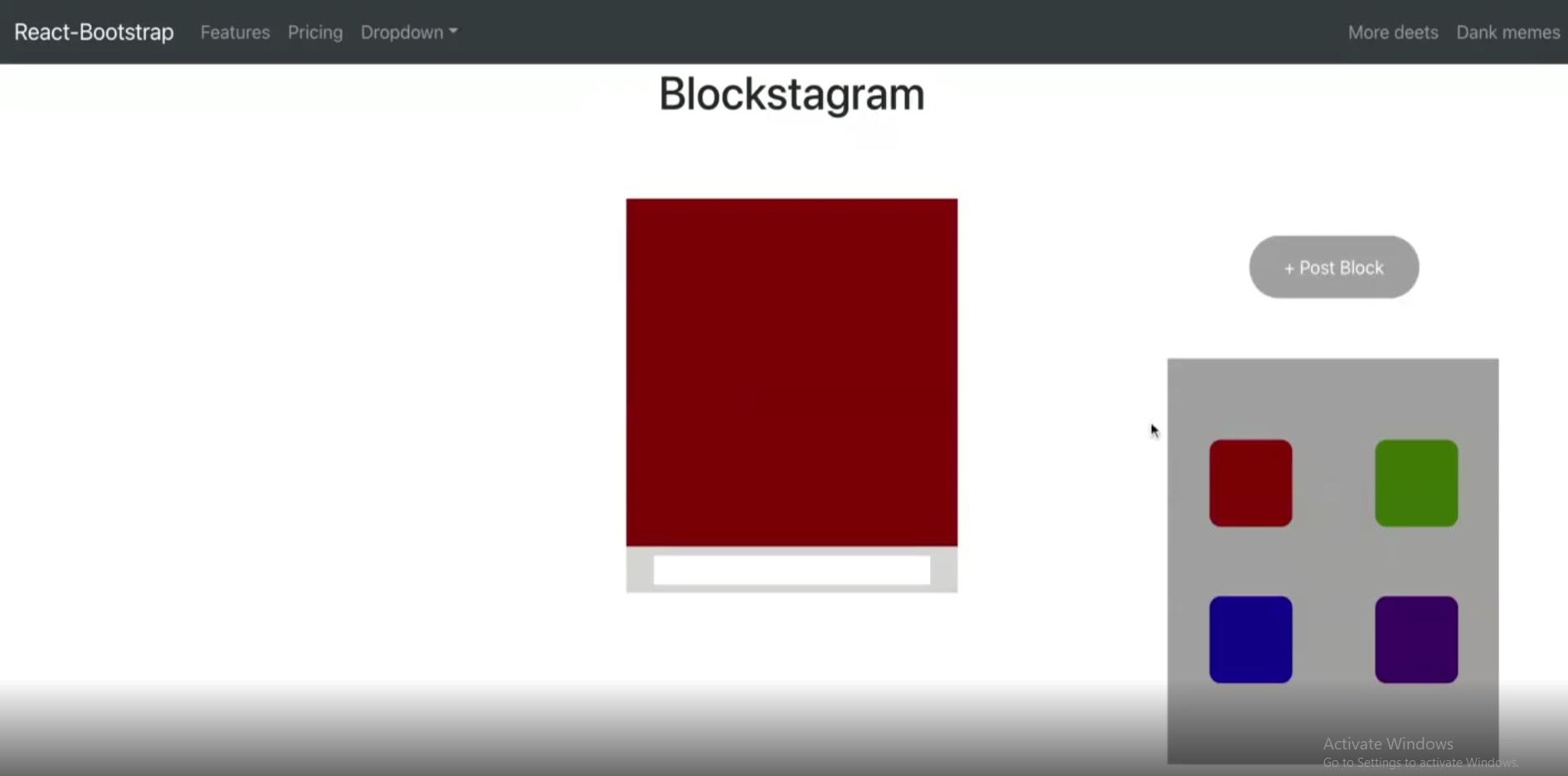
App.js
import './App.css';
import 'bootstrap/dist/css/bootstrap.min.css';
//The line above imports all the necessary css files similar to the way done in html.
//Imports in React are neccessary whenever you want to reference an outside file or library.
import Feed from './Components/Feed'
import Block from './Components/Block'
import Navigbar from './Components/Navigbar'
// Remember that it should be used as a React Component
function App() {
return (
Blockstagram
);
}
export default App;
App.css
.App {
text-align: center;
}
.blockers{
height: 300px;
width: 300px;
margin: 60px;
position: relative;
}
.bottom{
width: 300px;
height: 40px;
background-color: rgb(212, 212, 212);
margin-top: -60px;
display: flex;
justify-content: center;
align-items: center;
}
.white{
width: 250px;
height: 25px;
background-color: white;
}
/* Alignment for feed so that everythings falls in the center*/
.mainfeed{
display: flex;
flex-direction: row;
align-items: center;
}
/* CSS Atributes for area where you input new block posts */
.input{
display: flex;
flex-direction: column-reverse;
width: 100%;
align-items: center;
}
.button {
/*Color of button*/
background-color: #a0a0a0;
border: none;
/*Color of text*/
color: white;
/*Size of box*/
padding: 12px 32px;
/*Where text should go*/
text-align: center;
display: inline-block;
font-size: 16px;
margin: 2px;
/*What mouse type is when hovering over*/
cursor: pointer;
position: fixed;
/*Positions relative to page, rmb right means how much dist away from right side*/
right: 150px;
top: 200px;
border-radius: 30px;
}
/*Color when hovering over*/
.button:hover{
background-color: #cecece;
}
.pickblock{
height: 350px;
width: 300px;
margin: 60px;
background-color: #a0a0a0;
position: fixed;
right: 20px;
top: 250px;
display: flex;
align-items: center;
justify-content: center;
}
.red{
/*Size of the icon*/
height: 75px;
width: 75px;
background-color: rgb(134, 5, 5);
/*Margin is the area around the object, 1 argument specifies all 4 sides*/
/*Two means first value top and bottom, and second arg left right*/
/*Three means first to top, second right and left, and third is bottom*/
/*Four is self explanatory*/
margin: 25px;
/*Removes pointy edges around icon*/
border-radius: 10px;
/*Remove line around red icon*/
border: 0px;
}
.red:hover{
background-color: rgb(187, 84, 84);
}
.blue{
height: 75px;
width: 75px;
background-color: rgb(21, 0, 141);
margin: 25px;
/*Removes pointy edges around icon*/
border-radius: 10px;
/*Remove line around red icon*/
border: 0px;
}
.blue:hover{
background-color: rgb(90, 80, 145);
}
.green{
height: 75px;
width: 75px;
background-color: rgb(59, 110, 0);
margin: 25px;
/*Removes pointy edges around icon*/
border-radius: 10px;
/*Remove line around red icon*/
border: 0px;
}
.green:hover{
background-color: rgb(109, 126, 90);
}
.purple{
height: 75px;
width: 75px;
background-color: rgb(58, 0, 97);
margin: 25px;
/*Removes pointy edges around icon*/
border-radius: 10px;
/*Remove line around red icon*/
border: 0px;
}
.purple:hover{
background-color: rgb(80, 65, 90);
}
In the components folder
Navigbar.js
import React from 'react';
import { Navbar , Nav, NavDropdown} from 'react-bootstrap';
//This is a component we add
// the format is class example
//then extends React.Component
class Navigbar extends React.Component {
render() {
return (
Dank memes
>
);
}
}
//Always have to write export at the end
export default Navigbar;
Feed.js
import React from 'react';
import Block from './Block';
class Feed extends React.Component {
state = {
// ADD CODE HERE
showopt: false,
blocks: [],
var: ''
}
addBlock = (color) => {
this.setState({
//ADD something here
})
}
pickColorlayout = () => {
if (this.state.showopt == false) {
this.setState({
showopt: true
})
}
else{
this.setState({
showopt: false
})
}
}
render() {
return (
{this.state.blocks}
{ this.state.showopt ?
);
}
}
export default Feed;
Block.js
import React from 'react';
class Block extends React.Component {
//ADD CODE HERE
constructor(props) {
super(props);
}
state = {
var: '',
comments: [],
}
addcomment() {
const string = document.getElementById(this.props.id + "commentbar").value
document.getElementById(this.props.id + "commentbar").value = ""
/// ADD CODE HERE
}
render() {
const mystyle = {
background: this.props.color
};
return (
mystyle
}>
>
);
}
}
export default Block;
My output does not show anything when clicking
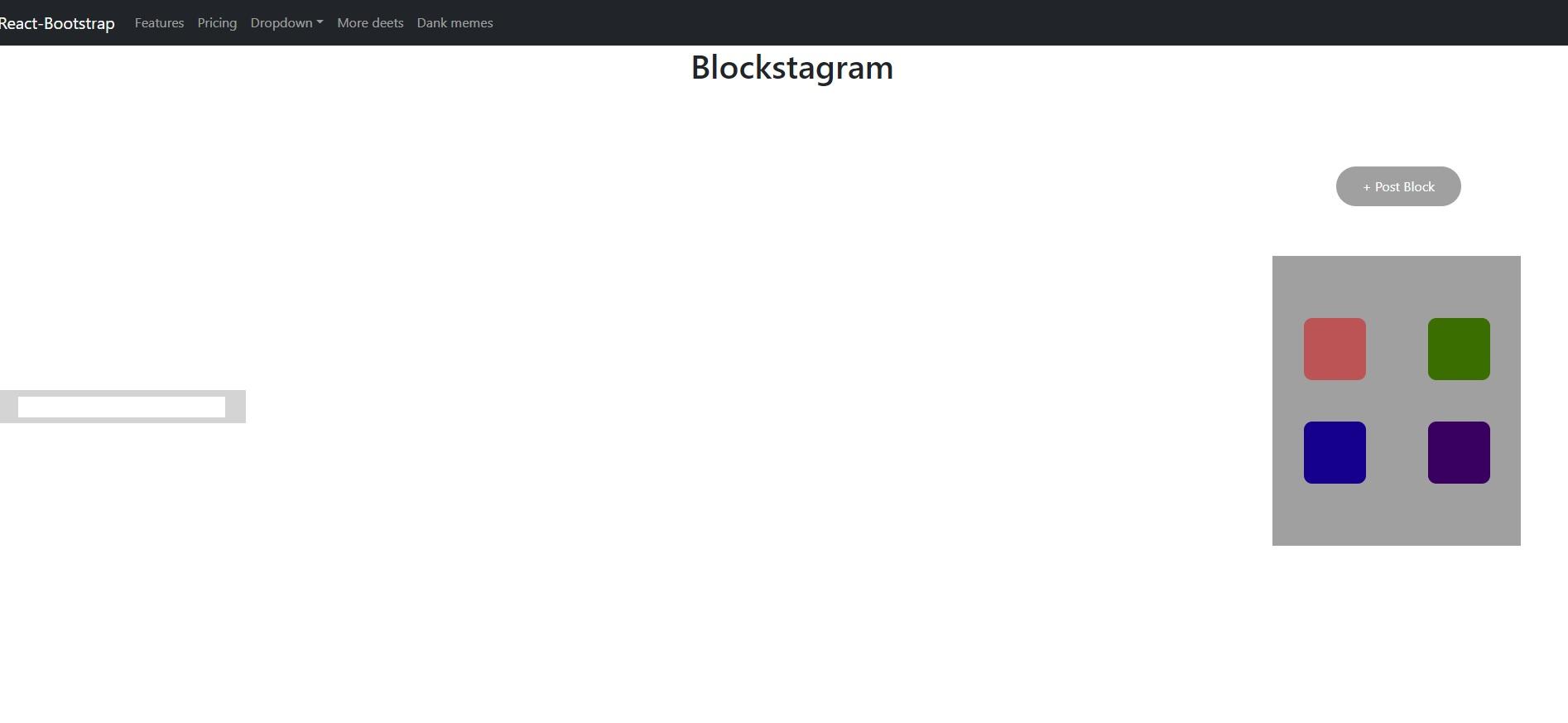
React-Bootstrap Features Pricing Dropdown More deets Dank memes Blockstagram + Post Block Activate Windows Go to Settings to activate Windows. React-Bootstrap Features Pricing Dropdown More deets Dank memes Blockstagram + Post Block
Step by Step Solution
There are 3 Steps involved in it

Get step-by-step solutions from verified subject matter experts
 Study Help