







Question: Need help with these. Question 10 (1 point) = Listen Code example 10-1 $(document).ready( () => { $(#contact_me).change () => 1 if ($(#contact_me).attr(checked)) { $(:radio).attr(disabled,
Need help with these. 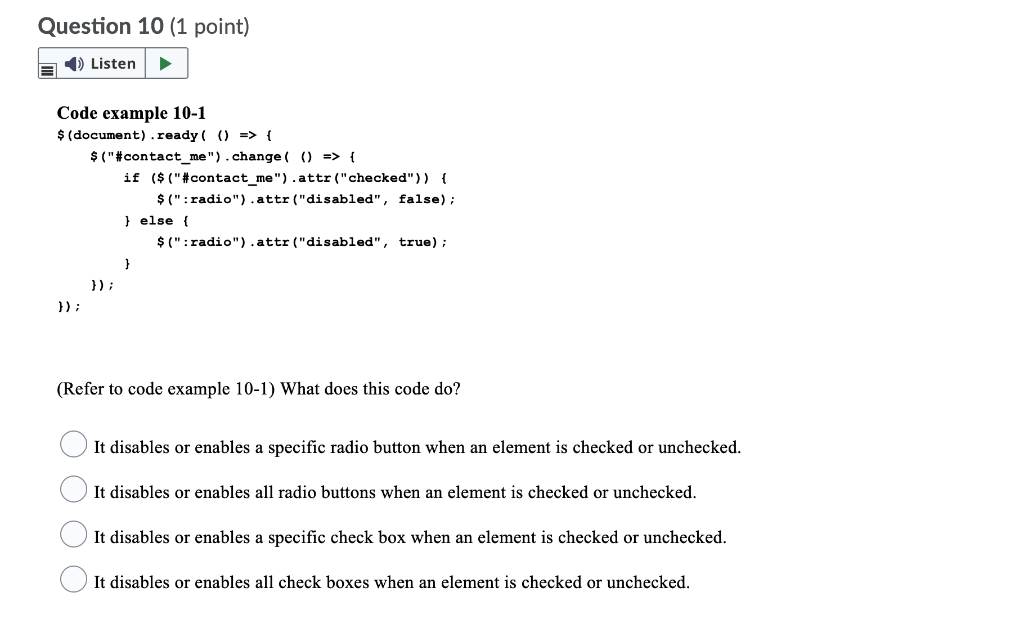
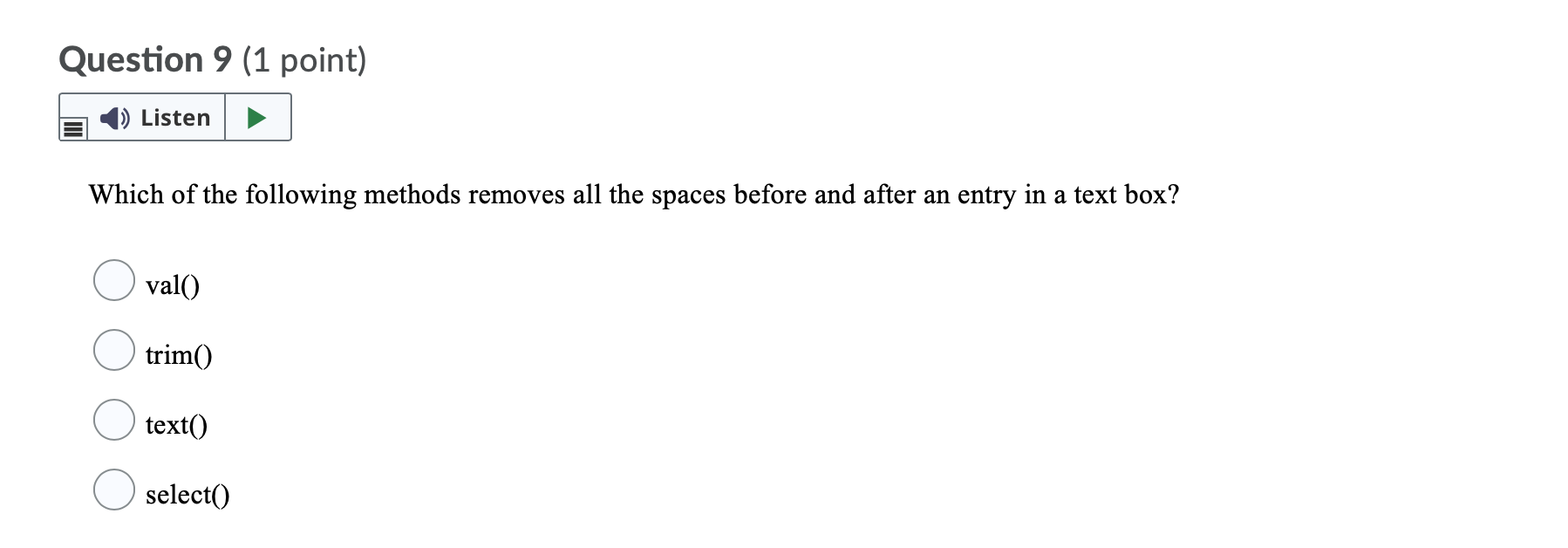
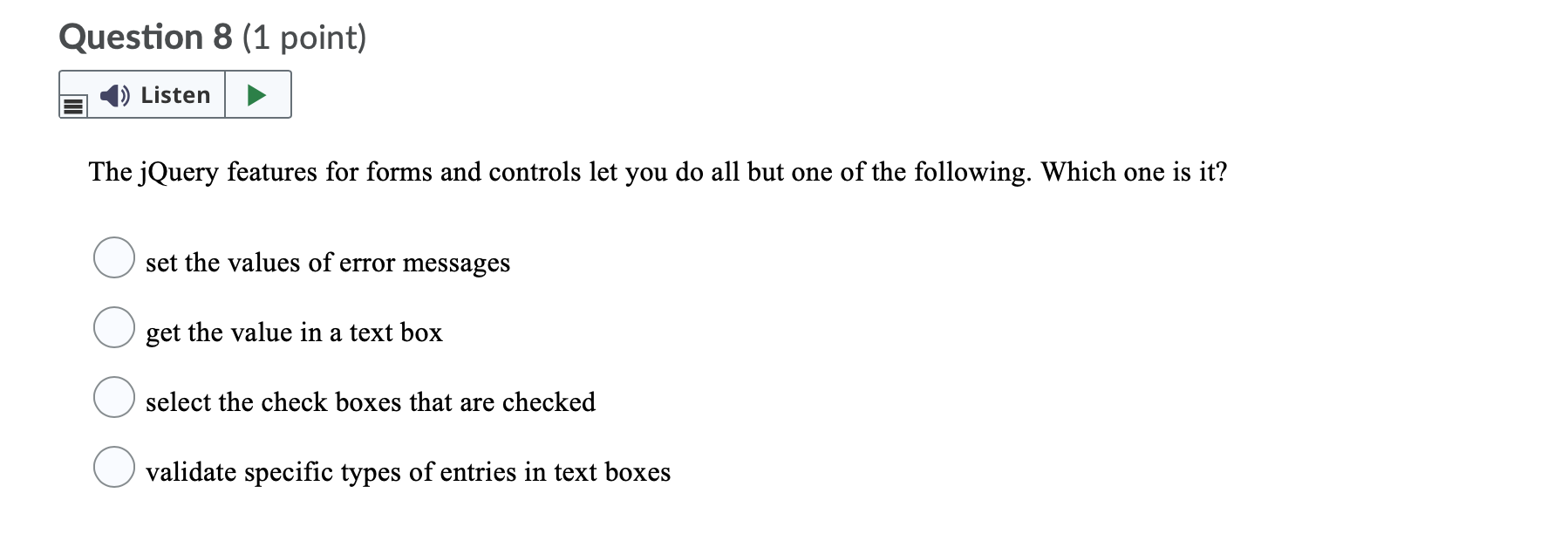
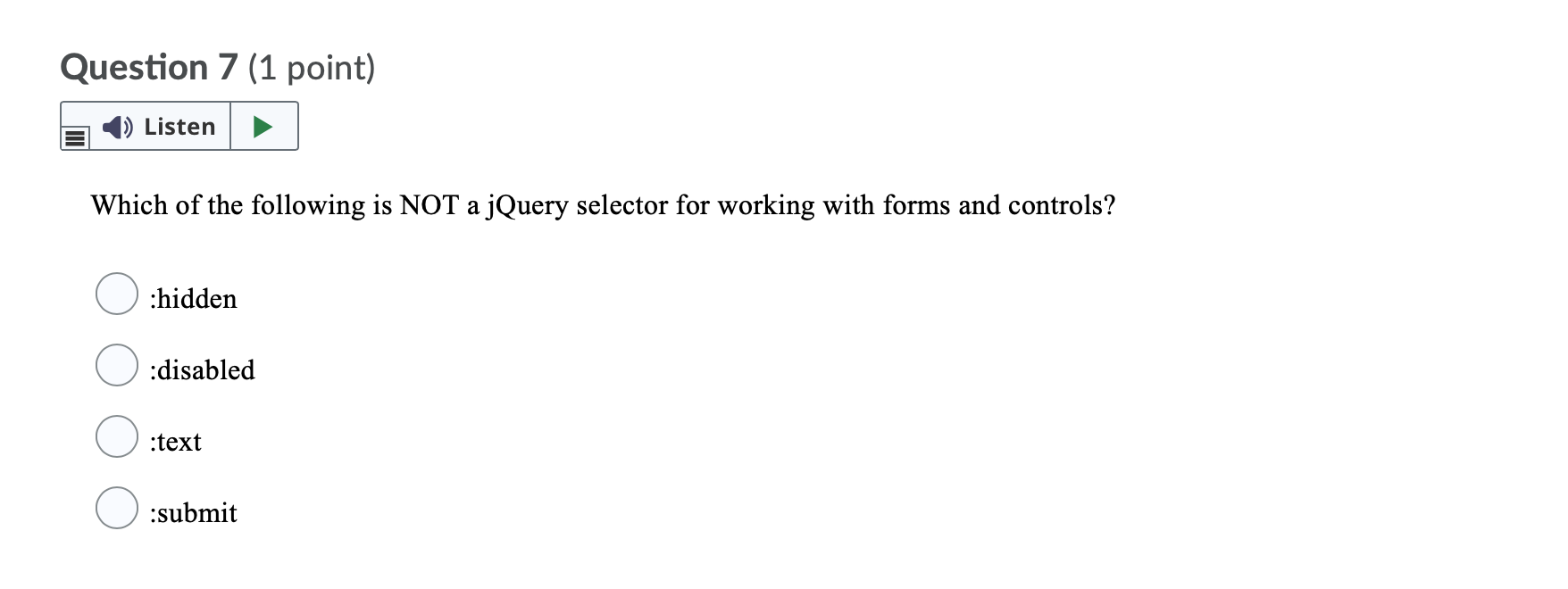
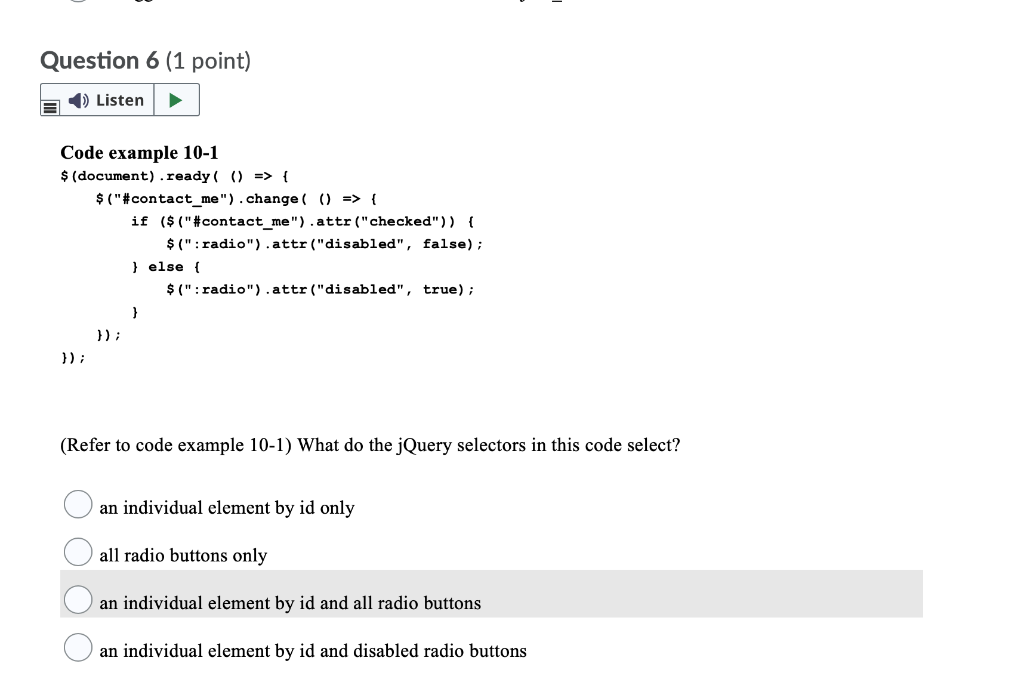
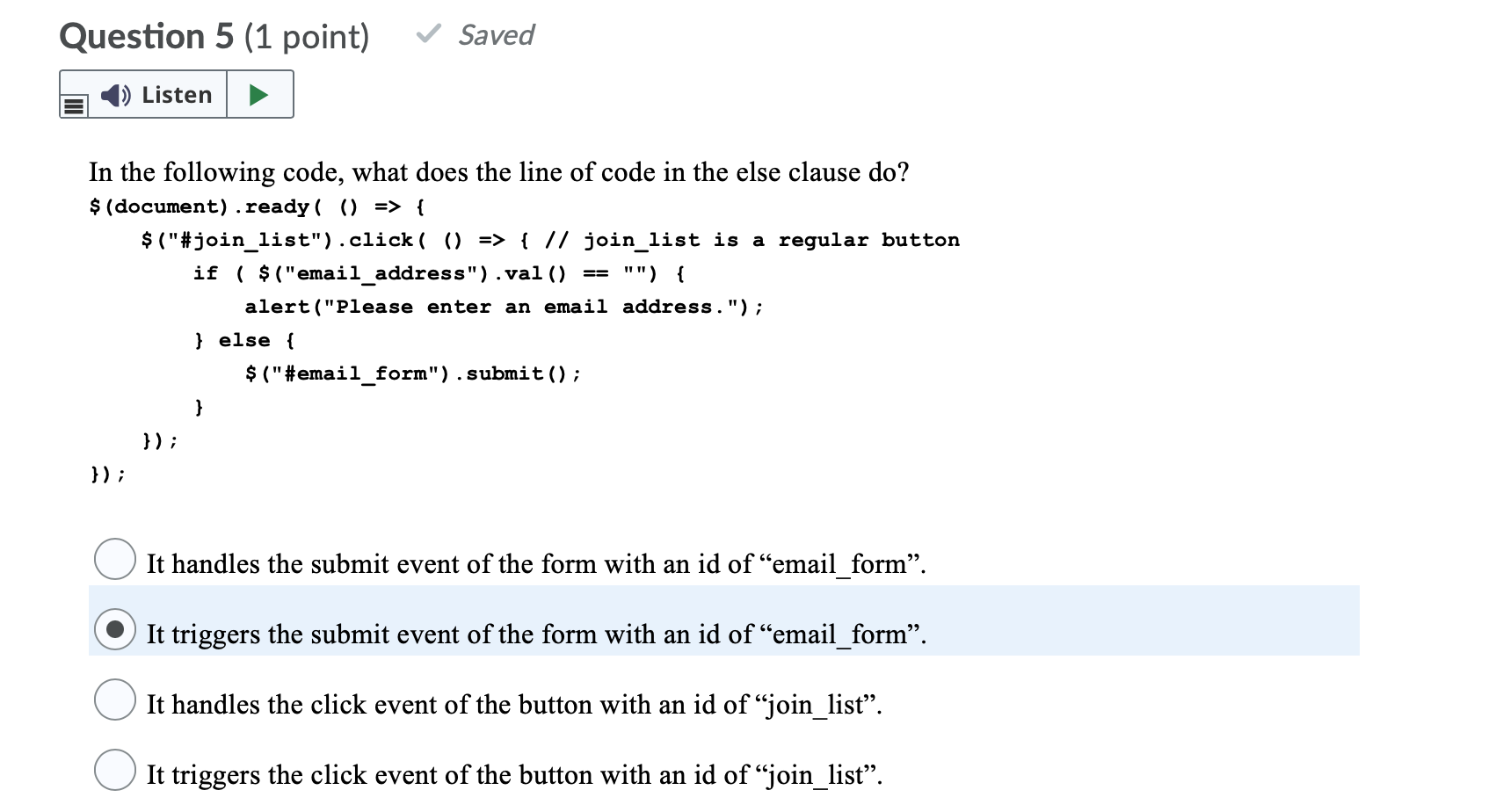
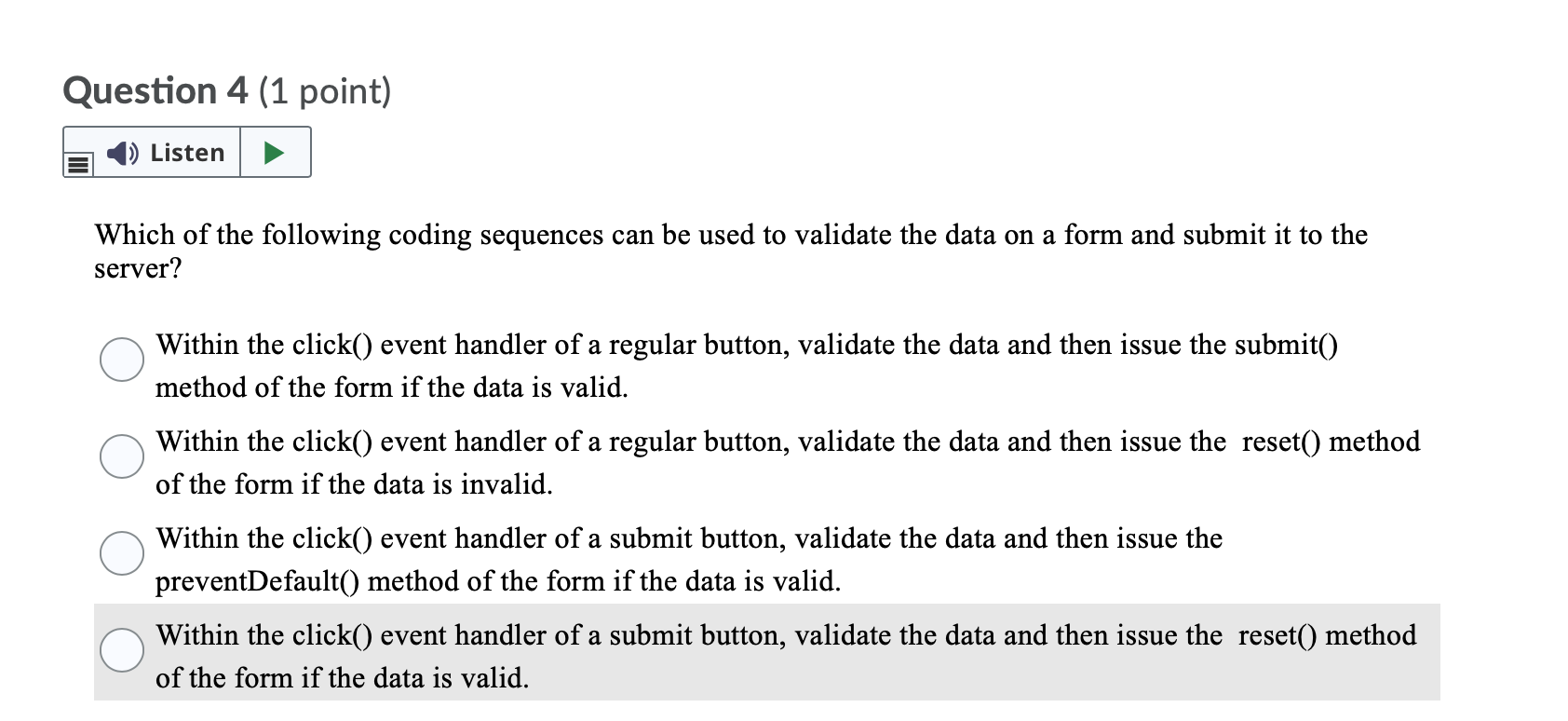
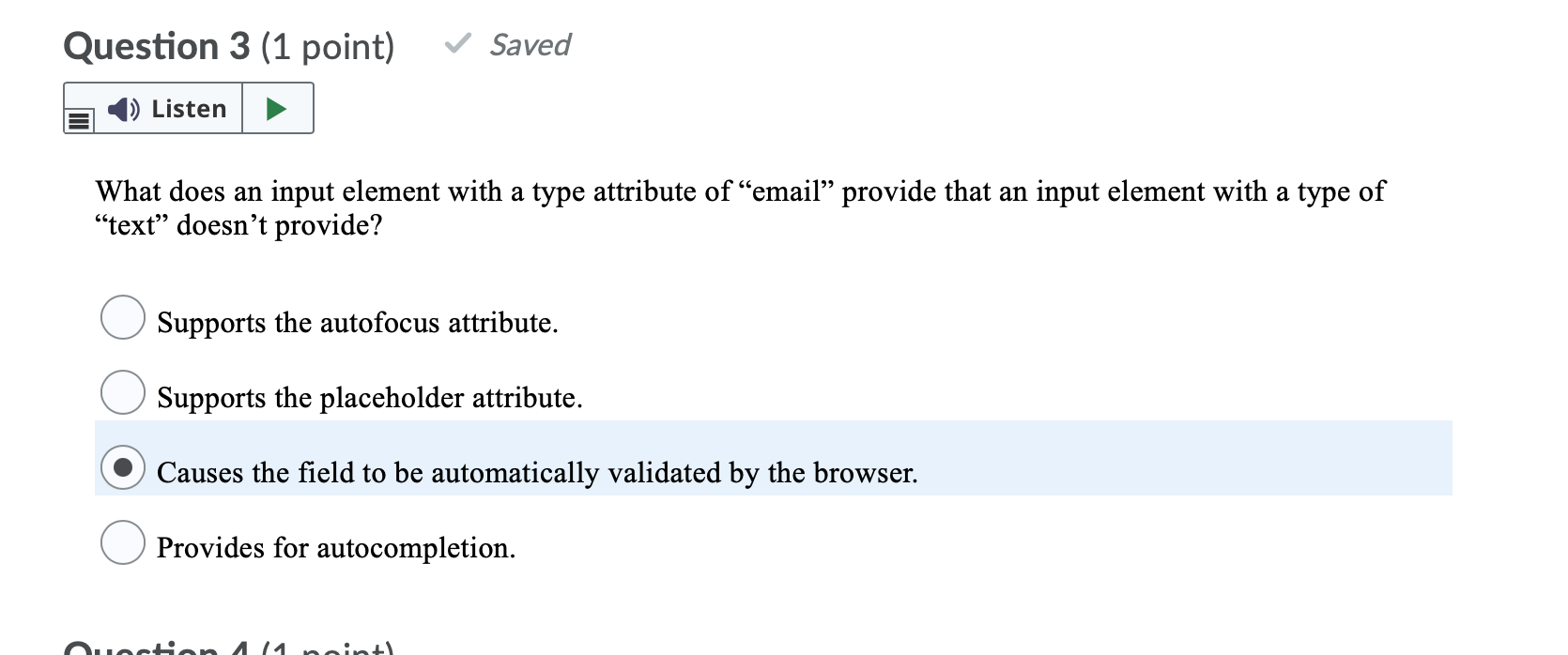
Question 10 (1 point) = Listen Code example 10-1 $(document).ready( () => { $("#contact_me").change () => 1 if ($("#contact_me").attr("checked")) { $(":radio").attr("disabled", false); } else { $("radio").attr("disabled", true); 1 }); }); (Refer to code example 10-1) What does this code do? It disables or enables a specific radio button when an element is checked or unchecked. It disables or enables all radio buttons when an element is checked or unchecked. It disables or enables a specific check box when an element is checked or unchecked. It disables or enables all check boxes when an element is checked or unchecked. Question 9 (1 point) Listen Which of the following methods removes all the spaces before and after an entry in a text box? val() trim() text() select() Question 8 (1 point) 1) Listen The jQuery features for forms and controls let you do all but one of the following. Which one is it? set the values of error messages get the value in a text box select the check boxes that are checked validate specific types of entries in text boxes Question 7 (1 point) Listen Which of the following is NOT a jQuery selector for working with forms and controls? :hidden :disabled :text :submit Question 6 (1 point) Listen Code example 10-1 $(document).ready( () => { $("#contact_me").change () => { if ($("#contact_me").attr("checked")) { $(".radio").attr("disabled", false); } else { $("radio").attr("disabled", true); } }); }); (Refer to code example 10-1) What do the jQuery selectors in this code select? an individual element by id only all radio buttons only an individual element by id and all radio buttons an individual element by id and disabled radio buttons Question 5 (1 point) Saved Listen In the following code, what does the line of code in the else clause do? $(document).ready( () => { $("#join_list").click( 0) => { // join_list is a regular button if ( $("email_address").val() == "") { alert("Please enter an email address."); } else { $("#email_form").submit(); } }); }); It handles the submit event of the form with an id of email_form. It triggers the submit event of the form with an id of email_form. It handles the click event of the button with an id of join_list. It triggers the click event of the button with an id of join_list. Question 4 (1 point) Listen Which of the following coding sequences can be used to validate the data on a form and submit it to the server? Within the click() event handler of a regular button, validate the data and then issue the submit() method of the form if the data is valid. Within the click() event handler of a regular button, validate the data and then issue the reset() method of the form if the data is invalid. Within the click() event handler of a submit button, validate the data and then issue the preventDefault() method of the form if the data is valid. Within the click() event handler of a submit button, validate the data and then issue the reset() method of the form if the data is valid. Question 3 (1 point) Saved Listen What does an input element with a type attribute of email provide that an input element with a type of text doesn't provide? Supports the autofocus attribute. Supports the placeholder attribute. Causes the field to be automatically validated by the browser. Provides for autocompletion. nectan A14 neint
Step by Step Solution
There are 3 Steps involved in it

Get step-by-step solutions from verified subject matter experts
 Study Help