







Question: Need this in Python, a screenshot of the code would be greatly appreciated along with it being copied and pasted Part 2 (10 points) Test
Need this in Python, a screenshot of the code would be greatly appreciated along with it being copied and pasted
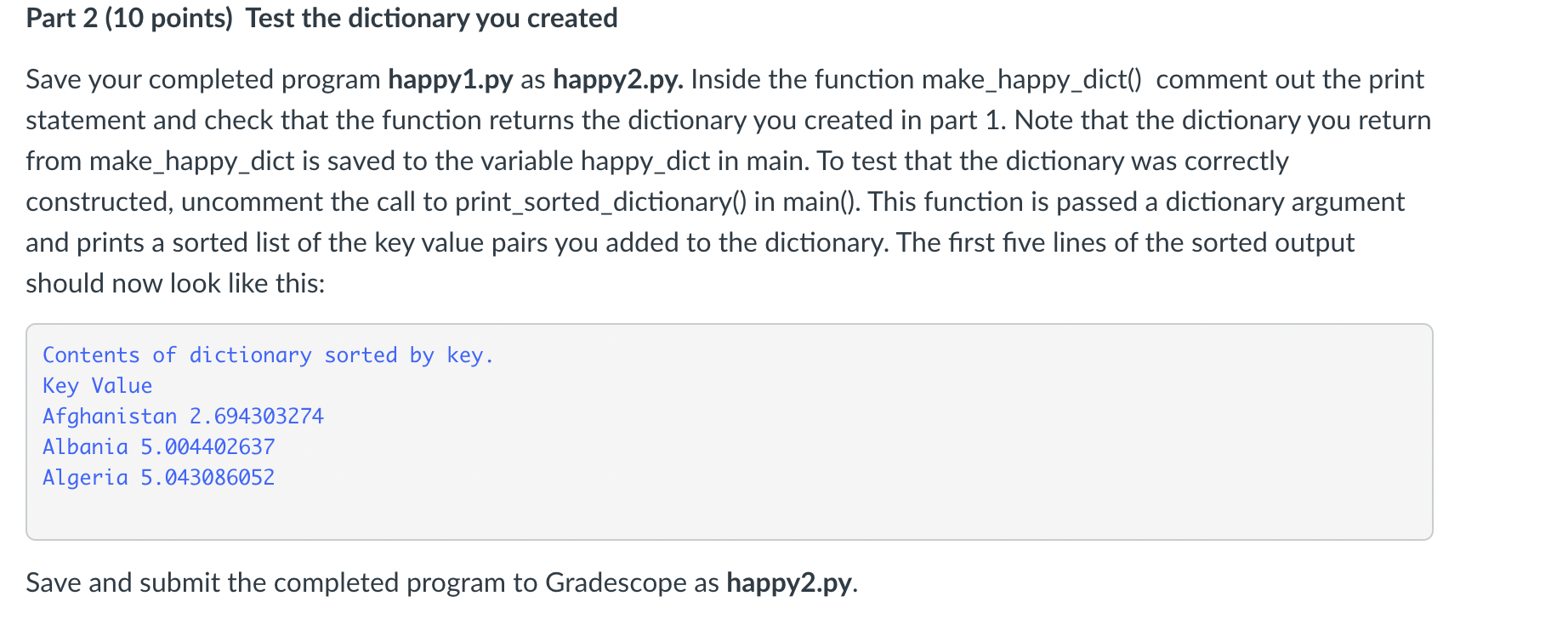
Part 2 (10 points) Test the dictionary you created Save your completed program happy1.py as happy2.py. Inside the function make_happy_dict() comment out the print statement and check that the function returns the dictionary you created in part 1. Note that the dictionary you return from make_happy_dict is saved to the variable happy_dict in main. To test that the dictionary was correctly constructed, uncomment the call to print_sorted_dictionary() in main(). This function is passed a dictionary argument and prints a sorted list of the key value pairs you added to the dictionary. The first five lines of the sorted output should now look like this: Contents of dictionary sorted by key. Key Value Afghanistan 2.694303274 Albania 5.004402637 Algeria 5.043086052 Save and submit the completed program to Gradescope as happy2.py. Part 2 (10 points) Test the dictionary you created Save your completed program happy1.py as happy2.py. Inside the function make_happy_dict() comment out the print statement and check that the function returns the dictionary you created in part 1. Note that the dictionary you return from make_happy_dict is saved to the variable happy_dict in main. To test that the dictionary was correctly constructed, uncomment the call to print_sorted_dictionary() in main(). This function is passed a dictionary argument and prints a sorted list of the key value pairs you added to the dictionary. The first five lines of the sorted output should now look like this: Contents of dictionary sorted by key. Key Value Afghanistan 2.694303274 Albania 5.004402637 Algeria 5.043086052 Save and submit the completed program to Gradescope as happy2.py
Step by Step Solution
There are 3 Steps involved in it

Get step-by-step solutions from verified subject matter experts
 Study Help