







Question: new copy from the SAM website. PROJECT STEPS 1. 2. 3. You are working on a presentation for the Business Development Coordinator in the
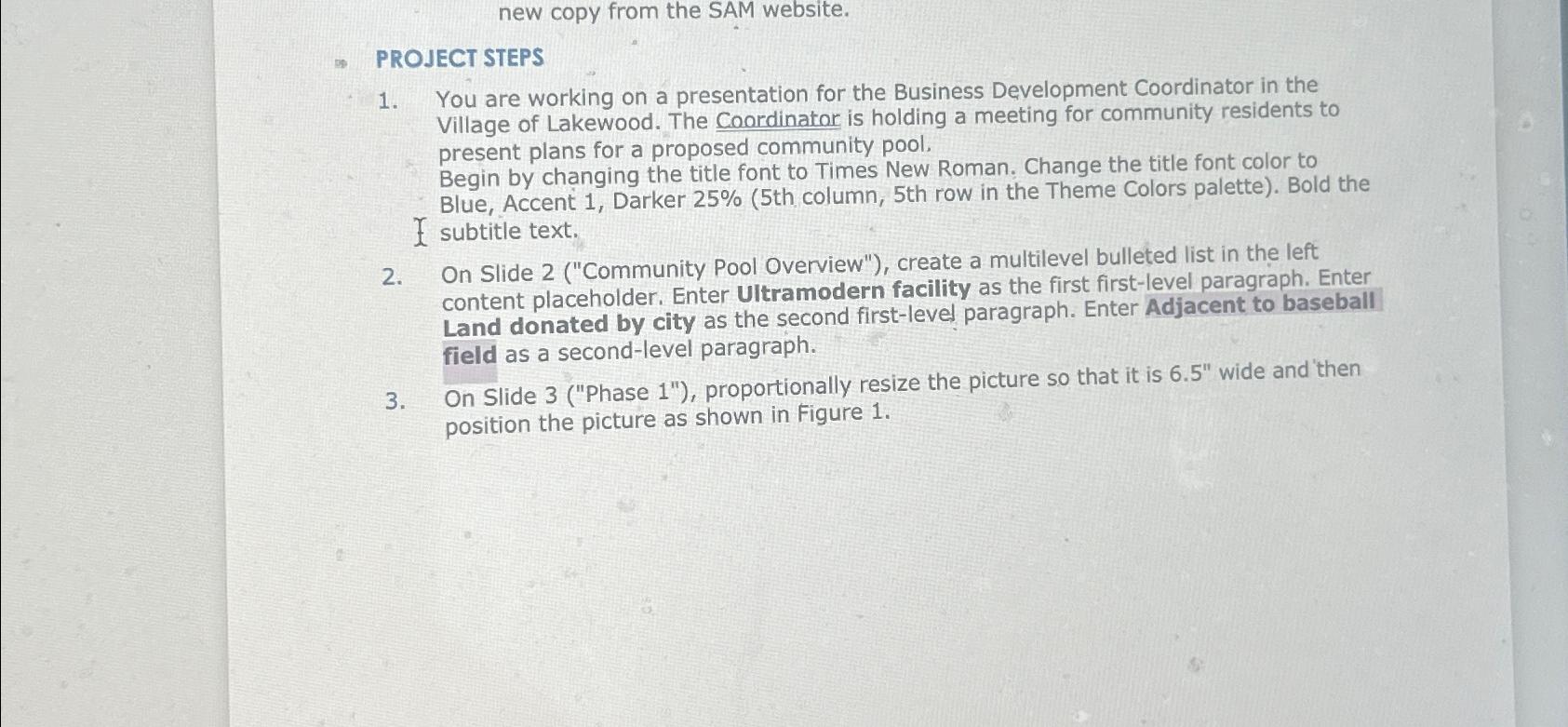
new copy from the SAM website. PROJECT STEPS 1. 2. 3. You are working on a presentation for the Business Development Coordinator in the Village of Lakewood. The Coordinator is holding a meeting for community residents to present plans for a proposed community pool. Begin by changing the title font to Times New Roman, Change the title font color to Blue, Accent 1, Darker 25% (5th column, 5th row in the Theme Colors palette). Bold the I subtitle text. On Slide 2 ("Community Pool Overview"), create a multilevel bulleted list in the left content placeholder. Enter Ultramodern facility as the first first-level paragraph. Enter Land donated by city as the second first-level paragraph. Enter Adjacent to baseball field as a second-level paragraph. On Slide 3 ("Phase 1"), proportionally resize the picture so that it is 6.5" wide and then position the picture as shown in Figure 1.
Step by Step Solution
There are 3 Steps involved in it

Get step-by-step solutions from verified subject matter experts
 Study Help