







Question: New Perspectives Excel 2019 | Modules 9-12: SAM Critical Thinking Capstone Project lc 23. Before performing any calculations, Hwan asks you to correct the errors
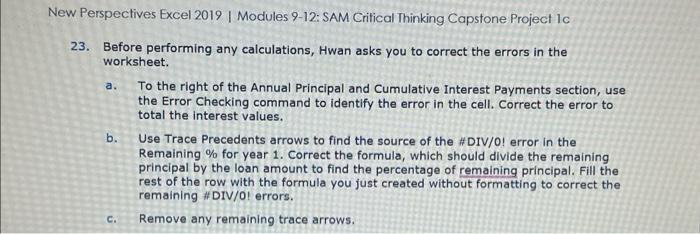
New Perspectives Excel 2019 | Modules 9-12: SAM Critical Thinking Capstone Project lc 23. Before performing any calculations, Hwan asks you to correct the errors in the worksheet. a. To the right of the Annual Principal and Cumulative Interest Payments section, use the Error Checking command to identify the error in the cell. Correct the error to total the interest values. b. Use Trace Precedents arrows to find the source of the \#DIV/0! error in the Remaining \% for year 1 . Correct the formula, which should divide the remaining principal by the loan amount to find the percentage of remaining principal. Fill the rest of the row with the formula you just created without formatting to correct the remaining \#DIV/O! errors. c. Remove any remaining trace arrows
Step by Step Solution
There are 3 Steps involved in it

Get step-by-step solutions from verified subject matter experts
 Study Help