







Question: Next, run a univariate ANOVA with these two variables. Use Analyze > General linear model > univariate. elect the correct dependent and fixed factor (independent
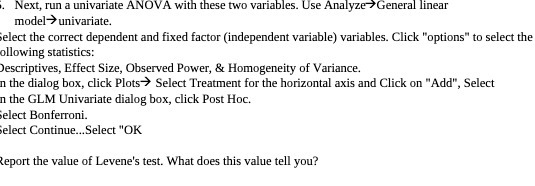
Next, run a univariate ANOVA with these two variables. Use Analyze > General linear model > univariate. elect the correct dependent and fixed factor (independent variable) variables. Click "options" to select the ollowing statistics: Descriptives, Effect Size, Observed Power, & Homogeneity of Variance. n the dialog box, click Plots > Select Treatment for the horizontal axis and Click on "Add", Select n the GLM Univariate dialog box, click Post Hoc. elect Bonferroni. elect Continue...Select "OK Report the value of Levene's test. What does this value tell you
Step by Step Solution
There are 3 Steps involved in it
1 Expert Approved Answer
Step: 1 Unlock

Question Has Been Solved by an Expert!
Get step-by-step solutions from verified subject matter experts
Step: 2 Unlock
Step: 3 Unlock
 Study Help