







Question: Next Wave Communications FORMATTING TEXT AND GRAPHICS 08 GETTING STARTED Open the file IL WD19 EOM3-2_FirstLastName_1.docx, available for download from the SAM website. 3.
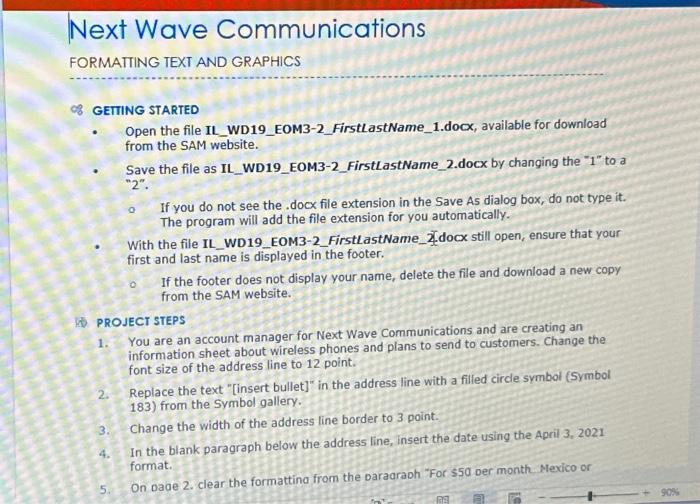
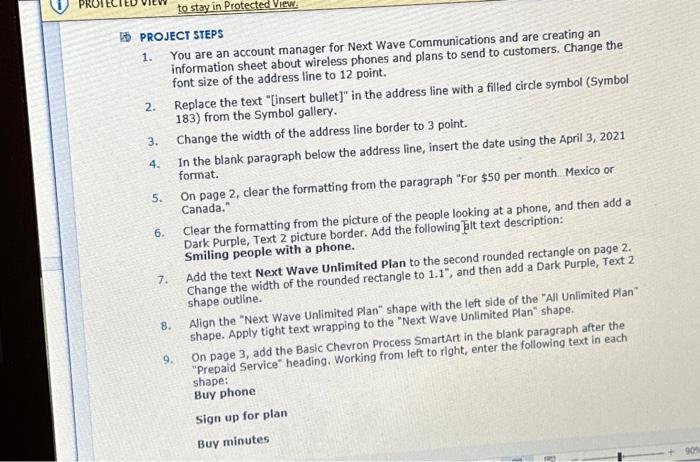
Next Wave Communications FORMATTING TEXT AND GRAPHICS 08 GETTING STARTED Open the file IL WD19 EOM3-2_FirstLastName_1.docx, available for download from the SAM website. 3. 4. Save the file as IL_WD19_EOM3-2_FirstLastName_2.docx by changing the "1" to a "2". 5. If you do not see the .docx file extension in the Save As dialog box, do not type it. The program will add the file extension for you automatically. With the file IL_WD19 EOM3-2_FirstLastName_docx still open, ensure that your first and last name is displayed in the footer. PROJECT STEPS 1. You are an account manager for Next Wave Communications and are creating an information sheet about wireless phones and plans to send to customers. Change the font size of the address line to 12 point. If the footer does not display your name, delete the file and download a new copy from the SAM website. 2. Replace the text "[insert bullet]" in the address line with a filled circle symbol (Symbol 183) from the Symbol gallery. Change the width of the address line border to 3 point. In the blank paragraph below the address line, insert the date using the April 3, 2021 format. On page 2. clear the formatting from the paragraph "For $50 per month Mexico or RES 90% PROJECT STEPS You are an account manager for Next Wave Communications and are creating an information sheet about wireless phones and plans to send to customers. Change the font size of the address line to 12 point. 1. 2. 3. 4. 5. 6. 7. 8. to stay in Protected View Replace the text "[insert bullet]" in the address line with a filled circle symbol (Symbol 183) from the Symbol gallery. Change the width of the address line border to 3 point. In the blank paragraph below the address line, insert the date using the April 3, 2021 format. 9. On page 2, clear the formatting from the paragraph "For $50 per month.... Mexico or Canada." Clear the formatting from the picture of the people looking at a phone, and then add a Dark Purple, Text 2 picture border. Add the following alt text description: Smiling people with a phone. Add the text Next Wave Unlimited Plan to the second rounded rectangle on page 2. Change the width of the rounded rectangle to 1.1", and then add a Dark Purple, Text 2 shape outline. Align the "Next Wave Unlimited Plan" shape with the left side of the "All Unlimited Plan" shape. Apply tight text wrapping to the "Next Wave Unlimited Plan" shape. On page 3, add the Basic Chevron Process SmartArt in the blank paragraph after the "Prepaid Service" heading. Working from left to right, enter the following text in each shape: Buy phone Sign up for plan Buy minutes
Step by Step Solution
3.40 Rating (147 Votes )
There are 3 Steps involved in it

Get step-by-step solutions from verified subject matter experts
 Study Help