







Question: n:li:learningApiAssessment: 3 7 5 2 1 7 1 7 ? autoSkip = true&resume = false&u = 2 6 1 1 7 3 5 4 Search
n:li:learningApiAssessment:autoSkiptrue&resumefalse&u
Search for learning content
Microsoft
Question of
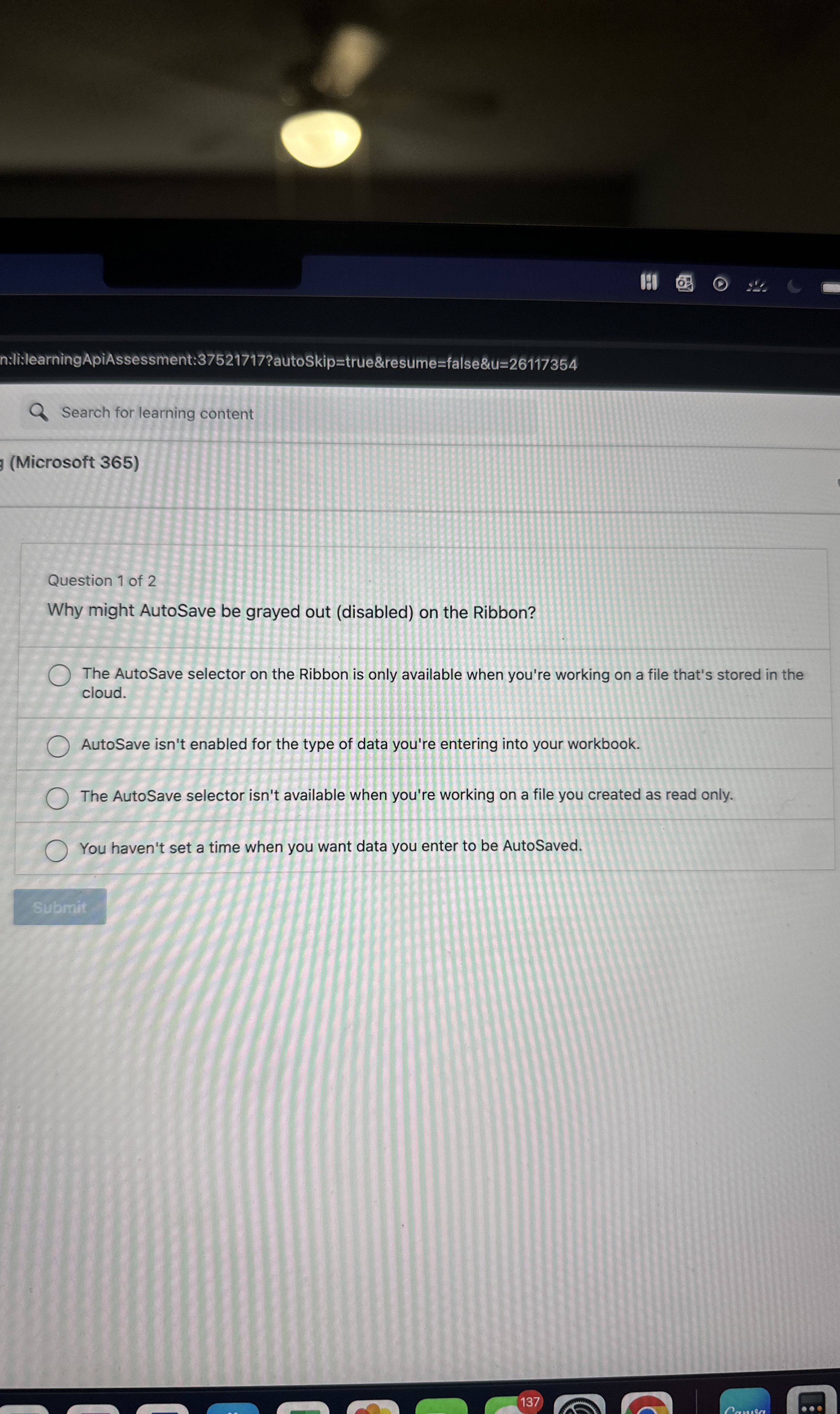
Why might AutoSave be grayed out disabled on the Ribbon?
The AutoSave selector on the Ribbon is only available when you're working on a file that's stored in the cloud.
AutoSave isn't enabled for the type of data you're entering into your workbook.
The AutoSave selector isn't available when you're working on a file you created as read only.
You haven't set a time when you want data you enter to be AutoSaved.
Step by Step Solution
There are 3 Steps involved in it
1 Expert Approved Answer
Step: 1 Unlock

Question Has Been Solved by an Expert!
Get step-by-step solutions from verified subject matter experts
Step: 2 Unlock
Step: 3 Unlock
 Study Help