







Question: NOTE: PLEASE DO NOT COPY AND PASTE FROM GOOGLE OR CHEGG. SUBJECT: SOFTWARE CONSTRUCTION AND DEVELOPMENT Subject: Software Construction & Development Question#1- Correct the following
NOTE: PLEASE DO NOT COPY AND PASTE FROM GOOGLE OR CHEGG.
SUBJECT: SOFTWARE CONSTRUCTION AND DEVELOPMENT
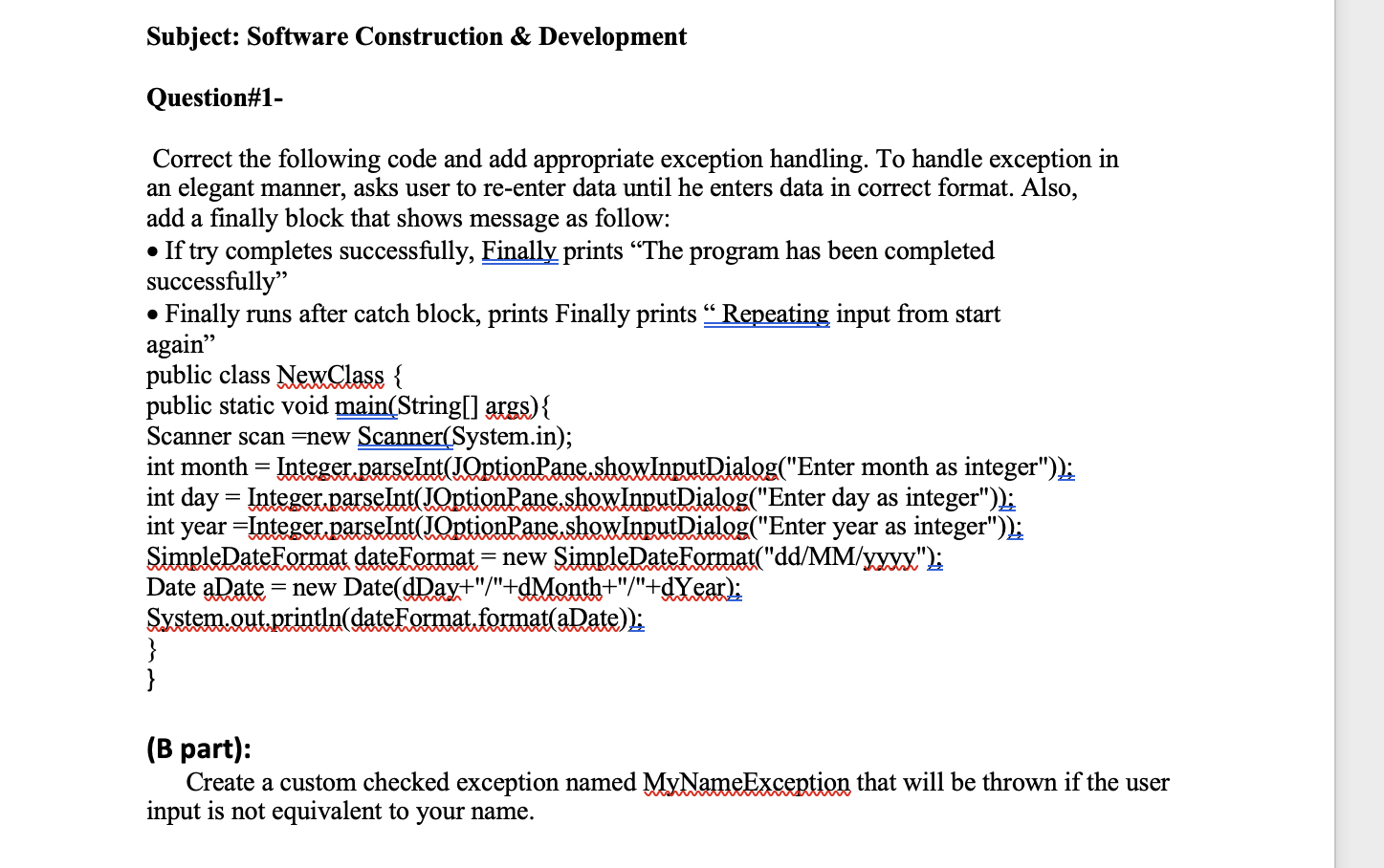
Subject: Software Construction & Development Question#1- Correct the following code and add appropriate exception handling. To handle exception in an elegant manner, asks user to re-enter data until he enters data in correct format. Also, add a finally block that shows message as follow: If try completes successfully, Finally prints The program has been completed successfully" Finally runs after catch block, prints Finally prints Repeating input from start again public class NewClass { public static void main(String[] args) { Scanner scan =new Scanner(System.in); int month = Integer.parseInt(JOptionPane.showInputDialog("Enter month as integer")); int day = Integer.parseInt(JOptionPane.showInputDialog("Enter day as integer")); int year=Integer.parseInt(JOptionPane.showInputDialog("Enter year as integer")); SimpleDateFormat dateFormat= new SimpleDateFormat("dd/MM/yxxx"); Date a Date = new Date(dDay+"/"+dMonth+"/"+dYear); System.out.println(dateFormat.format(aDate)); } } = (B part): Create a custom checked exception named MyNameException that will be thrown if the user input is not equivalent to your name
Step by Step Solution
There are 3 Steps involved in it

Get step-by-step solutions from verified subject matter experts
 Study Help