







Question: NOTE: Unix commands Part II: Creating a Database from your struct (11 marks) 0. Before starting up vim and editing your code, create an environment
NOTE: Unix commands
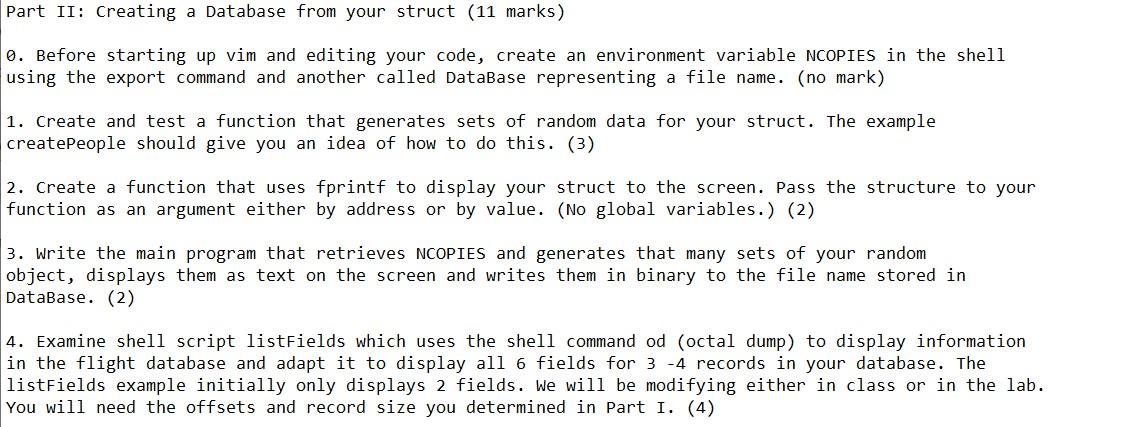
Part II: Creating a Database from your struct (11 marks) 0. Before starting up vim and editing your code, create an environment variable NCOPIES in the shell using the export command and another called DataBase representing a file name. (no mark) 1. Create and test a function that generates sets of random data for your struct. The example createPeople should give you an idea of how to do this. (3) 2. Create a function that uses fprintf to display your struct to the screen. Pass the structure to your function as an argument either by address or by value. (No global variables.) (2) 3. Write the main program that retrieves NCOPIES and generates that many sets of your random object, displays them as text on the screen and writes them in binary to the file name stored in DataBase. (2) 4. Examine shell script listFields which uses the shell command od (octal dump) to display information in the flight database and adapt it to display all 6 fields for 3-4 records in your database. The listFields example initially only displays 2 fields. We will be modifying either in class or in the lab. You will need the offsets and record size you determined in Part 1. (4) Part II: Creating a Database from your struct (11 marks) 0. Before starting up vim and editing your code, create an environment variable NCOPIES in the shell using the export command and another called DataBase representing a file name. (no mark) 1. Create and test a function that generates sets of random data for your struct. The example createPeople should give you an idea of how to do this. (3) 2. Create a function that uses fprintf to display your struct to the screen. Pass the structure to your function as an argument either by address or by value. (No global variables.) (2) 3. Write the main program that retrieves NCOPIES and generates that many sets of your random object, displays them as text on the screen and writes them in binary to the file name stored in DataBase. (2) 4. Examine shell script listFields which uses the shell command od (octal dump) to display information in the flight database and adapt it to display all 6 fields for 3-4 records in your database. The listFields example initially only displays 2 fields. We will be modifying either in class or in the lab. You will need the offsets and record size you determined in Part 1. (4)
Step by Step Solution
There are 3 Steps involved in it

Get step-by-step solutions from verified subject matter experts
 Study Help