







Question: Now you are ready to format the data and set a print area to print only a select portion of the worksheet Format the average
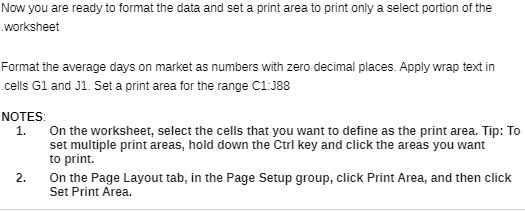
Now you are ready to format the data and set a print area to print only a select portion of the worksheet Format the average days on market as numbers with zero decimal places. Apply wrap text in cells G1 and J1. Set a print area for the range C1:188 NOTES: 1. On the worksheet, select the cells that you want to define as the print area. Tip: To set multiple print areas, hold down the Curl key and click the areas you want to print. 2. On the Page Layout tab, in the Page Setup group, click Print Area, and then click Set Print Area
Step by Step Solution
There are 3 Steps involved in it
1 Expert Approved Answer
Step: 1 Unlock

Question Has Been Solved by an Expert!
Get step-by-step solutions from verified subject matter experts
Step: 2 Unlock
Step: 3 Unlock
 Study Help