



Question: NT 1450 Homework Lab 3 Fa 0 960-24TT PC-FT PCo 192.168.12 192.168 1.1 255.255.255.0 255.255.255.0 Using the same packet tracer from lab 2, complete the
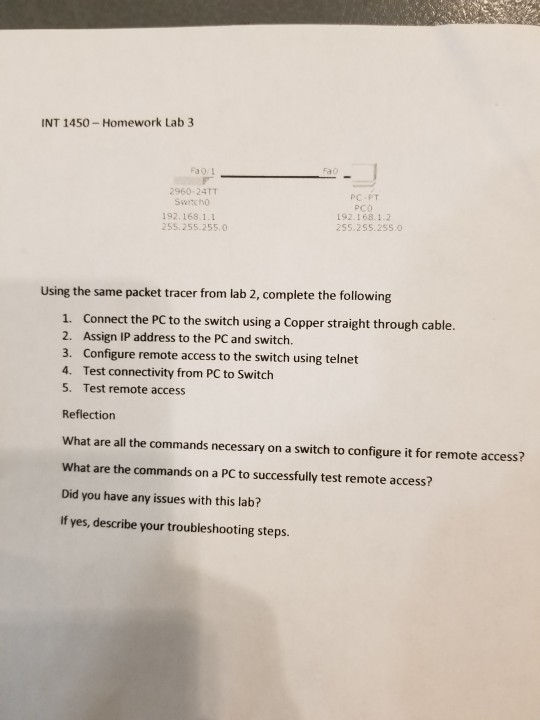
NT 1450 Homework Lab 3 Fa 0 960-24TT PC-FT PCo 192.168.12 192.168 1.1 255.255.255.0 255.255.255.0 Using the same packet tracer from lab 2, complete the following Connect the PC to the switch using a Copper straight through cable. 2. 1. Assign IP address to the PC and switch. 3. Configure remote access to the switch using telnet 4. Test connectivity from PC to Switch Test remote access 5. Reflectiorn What are all the commands necessary on a switch to configure it for remote access? What are the commands on a PC to successfully test remote access? Did you have any issues with this lab? If yes, describe your troubleshooting steps
Step by Step Solution
There are 3 Steps involved in it

Get step-by-step solutions from verified subject matter experts