







Question: number 2 Terminal Session Before starting your first terminal session, spend a few minutes to determine the lowing information about your system: Find out your
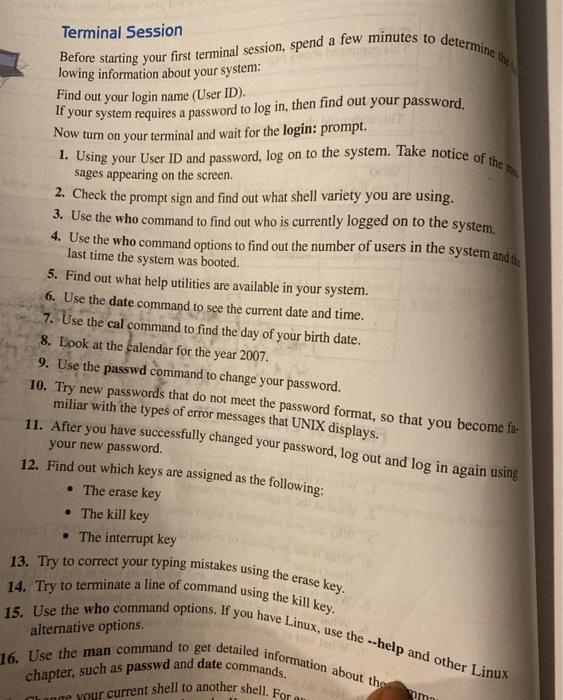
Terminal Session Before starting your first terminal session, spend a few minutes to determine the lowing information about your system: Find out your login name (User ID). If your system requires a password to log in, then find out your password. Now turn on your terminal and wait for the login: prompt. 1. Using your User ID and password, log on to the system. Take notice of the sages appearing on the screen. 2. Check the prompt sign and find out what shell variety you are using. 3. Use the who command to find out who is currently logged on to the system, 4. Use the who command options to find out the number of users in the system ands, last time the system was booted. 5. Find out what help utilities are available in your system. 6. Use the date command to see the current date and time. 7. Use the cal command to find the day of your birth date. 8. Look at the calendar for the year 2007. 9. Use the passwd command to change your password. 10. Try new passwords that do not meet the password format, so that you become fa- miliar with the types of error messages that UNIX displays. 11. After you have successfully changed your password, log out and log in again using your new password. 12. Find out which keys are assigned as the following: The erase key The kill key The interrupt key 13. Try to correct your typing mistakes using the erase key. 14. Try to terminate a line of command using the kill key. 15. Use the who command options. If you have Linux, use the --help and other Linux alternative options. 16. Use the man command to get detailed information about the chapter, such as passwd and date commands. Change your current shell to another shell. For ou om
Step by Step Solution
There are 3 Steps involved in it

Get step-by-step solutions from verified subject matter experts
 Study Help