







Question: O https://chaffey.instructure.com/courses/2991/assignments/46709 You will learn about the purpose of TinyURL and demonstrate its application Instructions Create a Word or WordPad document. Save the document with
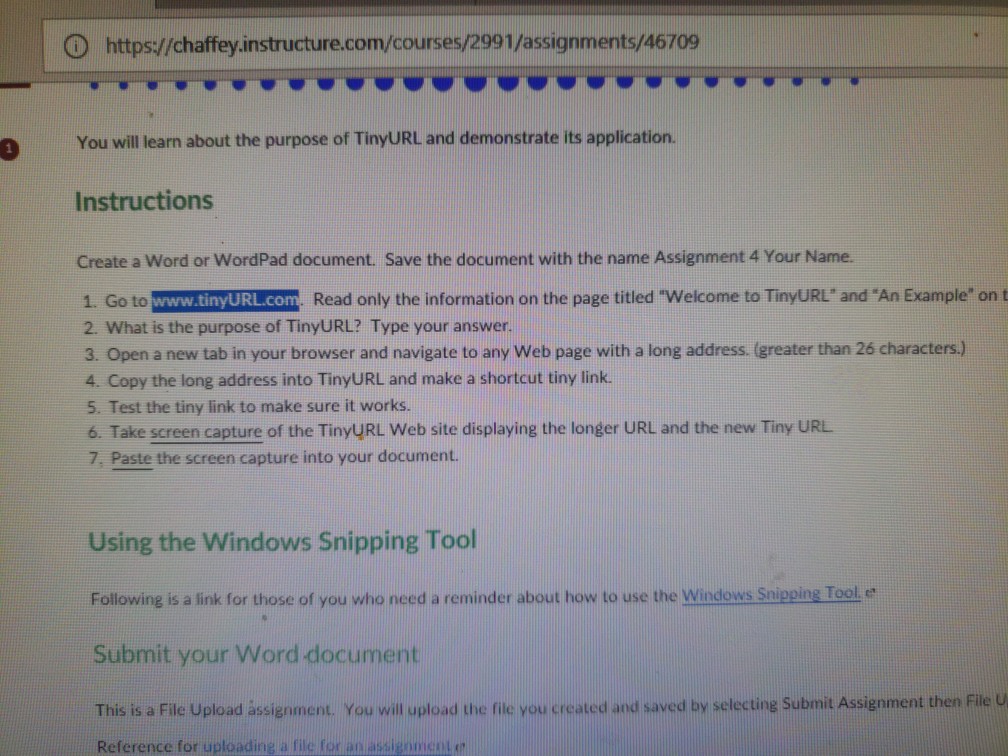
O https://chaffey.instructure.com/courses/2991/assignments/46709 You will learn about the purpose of TinyURL and demonstrate its application Instructions Create a Word or WordPad document. Save the document with the name Assignment 4 Your Name. URL.com Read only the information on the page titled "Welcome to TinyURL' and "An Example* on t 1. Go to www.tiny 2. What is the purpose of TinyURL? Type your answer. 3. Open a new tab in your browser and navigate to any Web page with a long address. (greater than 26 characters.) 4. Copy the long address into TinyURL and make a shortcut tiny link 5. Test the tiny link to make sure it works. 6. Take screen capture of the TinyURL Web site displaying the longer URL and the new Tiny URL 7, Paste the screen capture into your document. Using the Windows Snipping Tool Following is a link for those of you who need a reminder about how to use the Windows Snipping Tool e Submit your Word document This is a File Upload assignment. You will plolad the file you created and saved by selecting Submit Assieniment then File Reference for uploading a file tor an assigomcot en
Step by Step Solution
There are 3 Steps involved in it

Get step-by-step solutions from verified subject matter experts
 Study Help